
MoaMolin - Minecraft Skins & Skin History
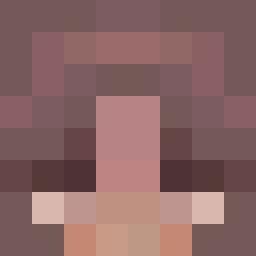
Current Minecraft skin of the player MoaMolin, loaded from the official Mojang API. Rotate the 3D model with your mouse or finger, then download the skin as a PNG file and use it in Minecraft: Bedrock Edition or Java Edition for free. When MoaMolin changes their skin, this page updates automatically and the old skin stays in the history below.
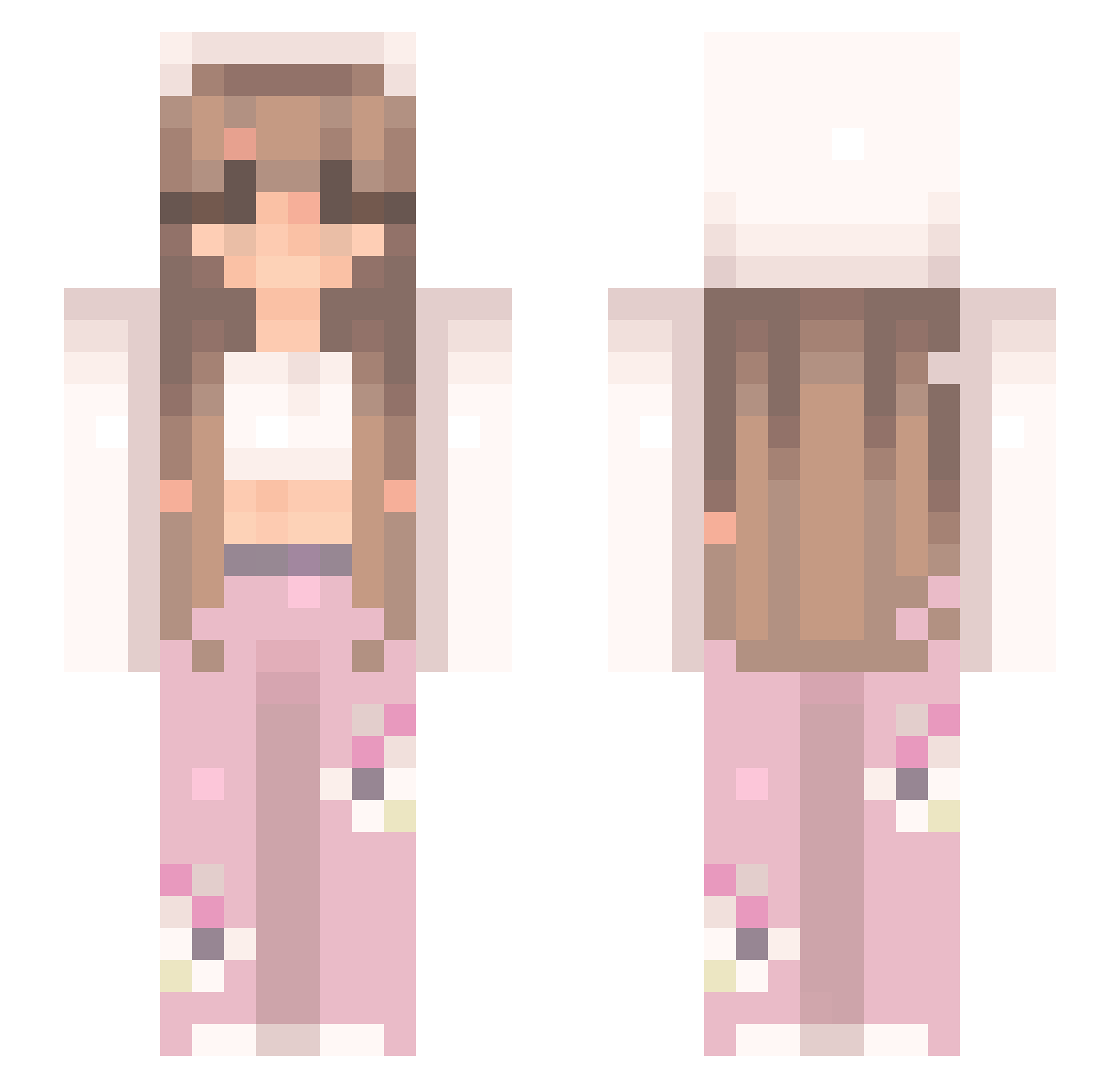
Other players with this skin (544)
MoaMolin was the 49th player we have seen with this skin, first spotted on 05.08.2026. The same skin was seen on these players. Open a nickname to see their current skin and skin history.
 GlitteryAngel13
 cailynnb Isma_S meowsmallows __Tonx__ AiChanseey PRINCESS_110 BryCur19 VaVa2011 zozo9145 NouhaKuromi caaassie Sourapplezz xykatie PumpkinBat13 Dimos79 billybob_the3d Buggaboo97 Nicolas13o princesscla Rev3rie18 ner1um0 MARKER_MURDERER prim_rose0 Outstanding Sandra2439 0conini0 gmunchkinite finnolee vmseoul King_Soraa beelzeb00 alieyshia unforgettwbl3 Hanns29 genbunny2001 PinkChocobo21 Olivia1506422 Keyzdevil Loftycore
 fefeyy sophiemeow123 Kooikertje Raven_Em joslyn22 saaulee Mckezz27 adelli1 Sinaa_123 Majya weedfairy7 ada2007 RBYANA2 krystalinaa KimHyunWoo42 Madzix033
 kochammojababcie pinksparkleslove MeliMartel Shay_Shay4
More Flowers Minecraft skins
How to install the MoaMolin skin
- Press the Download button above to save the skin as a PNG file.
- Minecraft: Bedrock Edition (PE): open the Dressing Room from the main menu (or tap your character → Edit Character), go to Classic Skins → Owned, press the + (new skin) button, choose the downloaded PNG and pick the Slim (Alex) model. Works on PC and mobile; consoles cannot import custom skins.
- Minecraft: Java Edition: open the Minecraft Launcher, go to the Skins tab, click New Skin, load the PNG, pick the Slim (Alex) model and press Save & Use. You can also upload it at minecraft.net → Profile → Change Skin.
The skin does not show up after import - what should I do?
Restart Minecraft and open the Dressing Room again - imported skins sometimes appear only after a restart. Also make sure you selected the imported skin and picked the Slim (Alex) model.
Which model should I choose, Classic or Slim?
This skin is designed for the Slim (Alex) model. If you pick the wrong model, the arms of the skin will look stretched or squeezed.
Is the skin of MoaMolin free to download?
Yes. Press Download, save the PNG file and use it in Minecraft: Bedrock Edition or Java Edition - no payment or registration needed. The skin also works on multiplayer servers and Realms.
More skins
Looking for more? Go back to all Minecraft skins and check the top skins of the week, month and all time, or find any player's skin by nickname.