
Misty77 - Minecraft Skins & Skin History
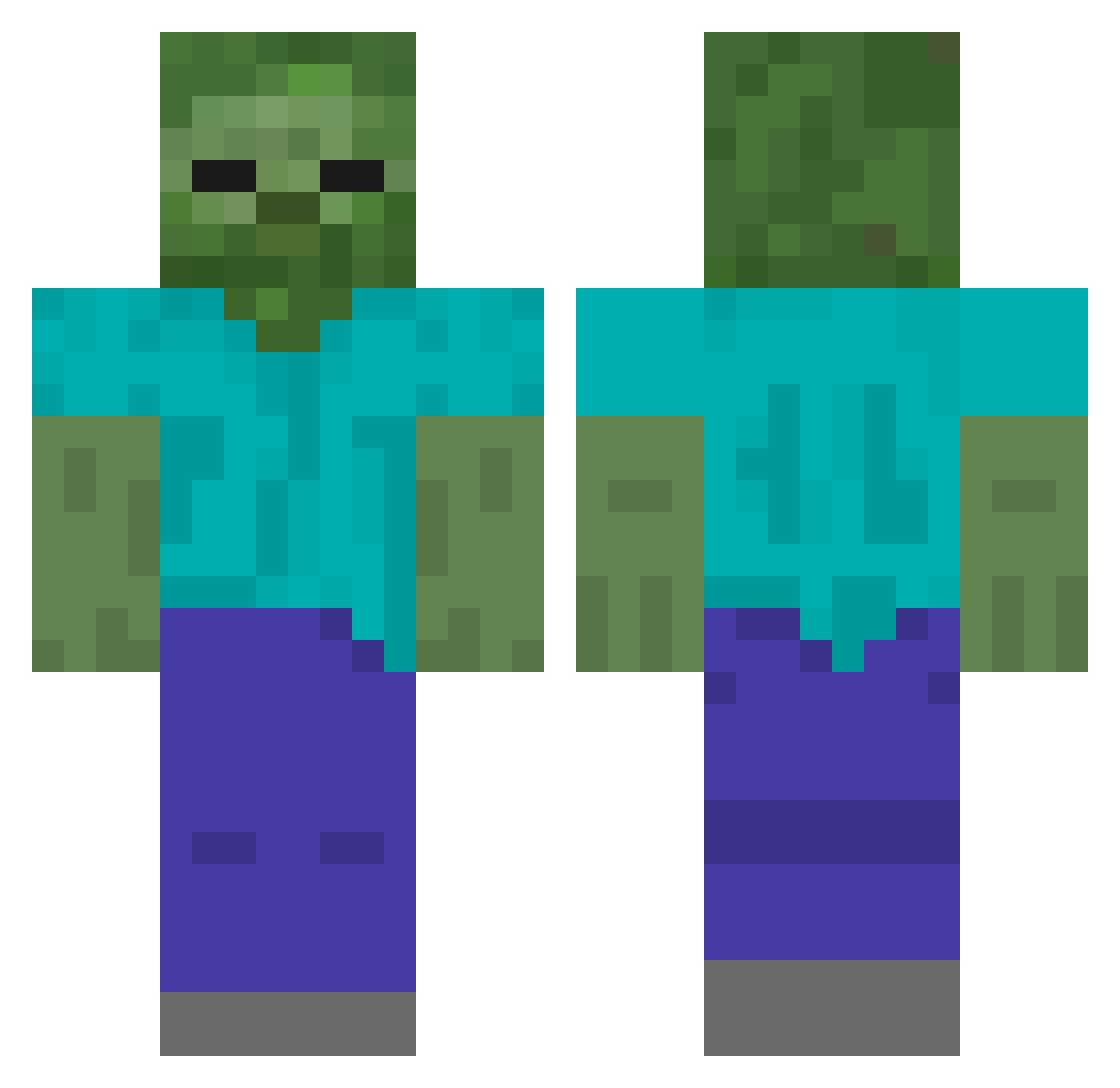
Current Minecraft skin of the player Misty77, loaded from the official Mojang API. Rotate the 3D model with your mouse or finger, then download the skin as a PNG file and use it in Minecraft: Bedrock Edition or Java Edition for free. When Misty77 changes their skin, this page updates automatically and the old skin stays in the history below.
Other players with this skin (211)
Misty77 was the 38th player we have seen with this skin, first spotted on 17.08.2026. The same skin was seen on these players. Open a nickname to see their current skin and skin history.
 timo1701 mocnyka UNKOBomber foresk132 coolpezo hide1977 Costrutto_ Th30m3n91 JMODZ_YT coolrnt XN_SPLEEN Carspotter_Jerry CaspaMALU Nicky0303 X_l0w FatGoats101 LiveSand NCArchimedes MR03WLF HESUSS zhuren52 joshuacurry Noak35y tadanodebu blade260 Yamininja Izzeking MrSqueek713 Lloyd346 Rkdwjd1 jrice215 morten122 timebirds MSerafim 77jeff edd1erey Psytherea Klimpik Nifty_Niall llamasinparis slyslayer95 ratmilbo kayi 66383 nmulfinger eugkhoo ZomBumpkin VAN9206 fulacse TyGuy6808 SmirkyAntEater Fluffy_Pumpkin nepo12 Shea_Johnston xaprox bcm505 Xaviok bibaskus takisx Teirua_
More Undead Minecraft skins
How to install the Misty77 skin
- Press the Download button above to save the skin as a PNG file.
- Minecraft: Bedrock Edition (PE): open the Dressing Room from the main menu (or tap your character → Edit Character), go to Classic Skins → Owned, press the + (new skin) button, choose the downloaded PNG and pick the Classic (Steve) model. Works on PC and mobile; consoles cannot import custom skins.
- Minecraft: Java Edition: open the Minecraft Launcher, go to the Skins tab, click New Skin, load the PNG, pick the Classic (Steve) model and press Save & Use. You can also upload it at minecraft.net → Profile → Change Skin.
The skin does not show up after import - what should I do?
Restart Minecraft and open the Dressing Room again - imported skins sometimes appear only after a restart. Also make sure you selected the imported skin and picked the Classic (Steve) model.
Which model should I choose, Classic or Slim?
This skin is designed for the Classic (Steve) model. If you pick the wrong model, the arms of the skin will look stretched or squeezed.
Is the skin of Misty77 free to download?
Yes. Press Download, save the PNG file and use it in Minecraft: Bedrock Edition or Java Edition - no payment or registration needed. The skin also works on multiplayer servers and Realms.
More skins
Looking for more? Go back to all Minecraft skins and check the top skins of the week, month and all time, or find any player's skin by nickname.