
MiodaIbukiii - Minecraft Skins & Skin History
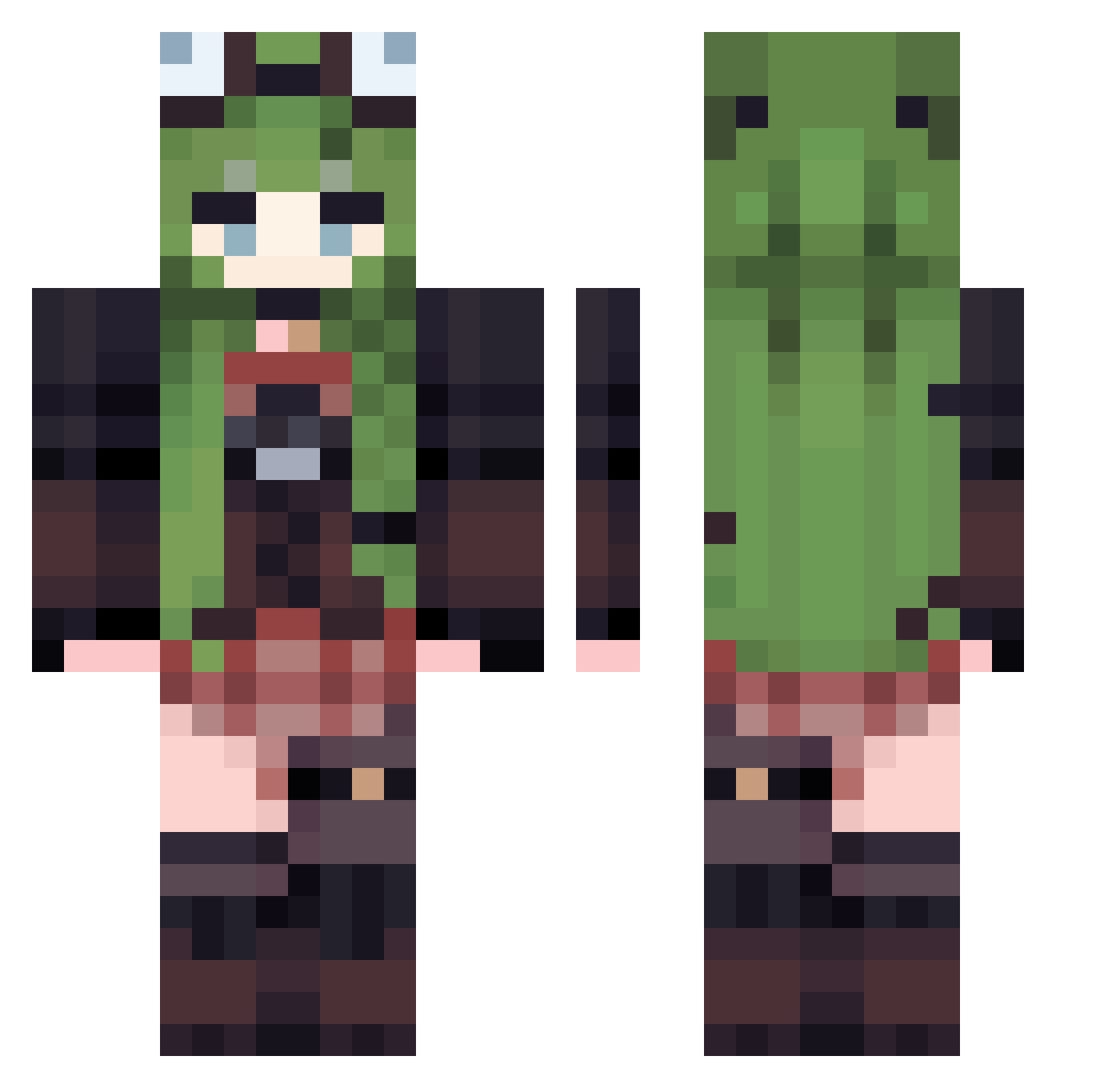
Current Minecraft skin of the player MiodaIbukiii, loaded from the official Mojang API. Rotate the 3D model with your mouse or finger, then download the skin as a PNG file and use it in Minecraft: Bedrock Edition or Java Edition for free. When MiodaIbukiii changes their skin, this page updates automatically and the old skin stays in the history below.
Other players with this skin (529)
MiodaIbukiii was the 383rd player we have seen with this skin, first spotted on 11.10.2026. The same skin was seen on these players. Open a nickname to see their current skin and skin history.
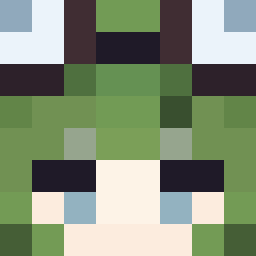 Meerecia lime556 SuperBigG0d ghazalia amaimone Svetlcry norakurage2121 Allacks zAnnaRo Renfe_Cercanias hykwcom AJU_qwq BigGayyu MPALE hnzz01 IXY0412 younstar chai13 MOQWQMO plaaague DualKV1609 Kay_91 428to kioiskiiii Aaliyah0503 17456 Loceroo tomolove Re_Alone MrQatar FerWeiss Longlivelily dod3301 takuya117 Aeo026 lochiban x6c6 wangchunyu13 tunosan bryndzovepyrohy b4nebee MaYbe686 kair_1 1Athus11 Sttephixx Moaru embermist cqdbbg zundo_first YAYALEx0 phantomh4rt violetzy Ayukiiii Chocobean22 taiyaki39 Rommeal dandelioncrayon SarinhaBjo Med0lie whyranoooooo
More Frog Hat Minecraft skins
How to install the MiodaIbukiii skin
- Press the Download button above to save the skin as a PNG file.
- Minecraft: Bedrock Edition (PE): open the Dressing Room from the main menu (or tap your character → Edit Character), go to Classic Skins → Owned, press the + (new skin) button, choose the downloaded PNG and pick the Classic (Steve) model. Works on PC and mobile; consoles cannot import custom skins.
- Minecraft: Java Edition: open the Minecraft Launcher, go to the Skins tab, click New Skin, load the PNG, pick the Classic (Steve) model and press Save & Use. You can also upload it at minecraft.net → Profile → Change Skin.
The skin does not show up after import - what should I do?
Restart Minecraft and open the Dressing Room again - imported skins sometimes appear only after a restart. Also make sure you selected the imported skin and picked the Classic (Steve) model.
Which model should I choose, Classic or Slim?
This skin is designed for the Classic (Steve) model. If you pick the wrong model, the arms of the skin will look stretched or squeezed.
Is the skin of MiodaIbukiii free to download?
Yes. Press Download, save the PNG file and use it in Minecraft: Bedrock Edition or Java Edition - no payment or registration needed. The skin also works on multiplayer servers and Realms.
More skins
Looking for more? Go back to all Minecraft skins and check the top skins of the week, month and all time, or find any player's skin by nickname.