
Mini_Monster2015 - Minecraft Skins & Skin History
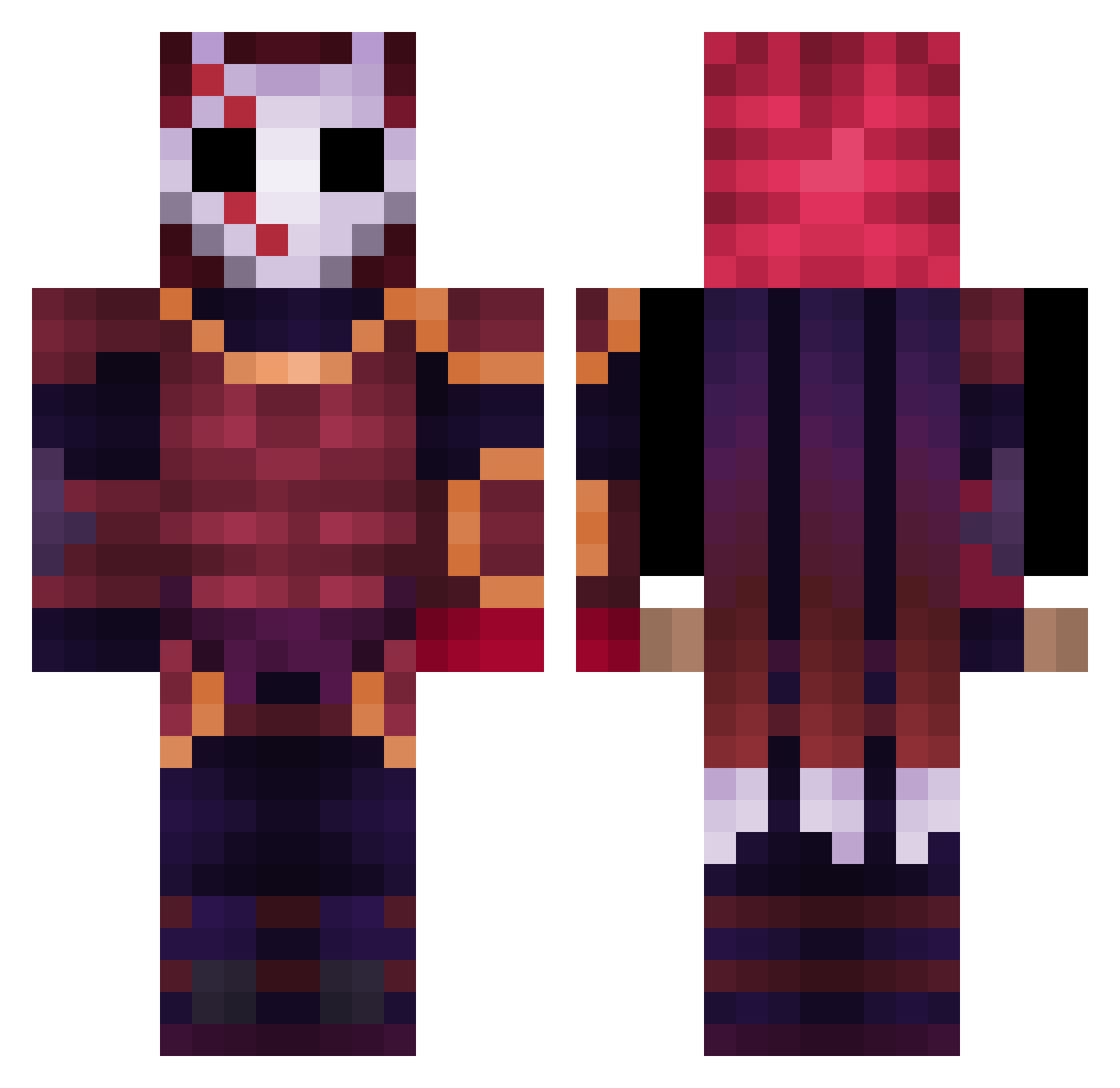
Current Minecraft skin of the player Mini_Monster2015, loaded from the official Mojang API. Rotate the 3D model with your mouse or finger, then download the skin as a PNG file and use it in Minecraft: Bedrock Edition or Java Edition for free. When Mini_Monster2015 changes their skin, this page updates automatically and the old skin stays in the history below.
Other players with this skin (407)
Mini_Monster2015 was the 17th player we have seen with this skin, first spotted on 28.07.2026. The same skin was seen on these players. Open a nickname to see their current skin and skin history.
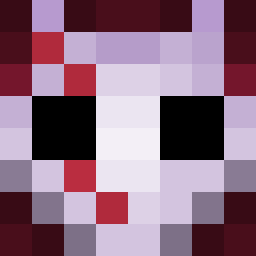 Pokerfacexx UM_TWISTEIRO mukyio AleDarck11 GBUFFALOES_ MrBarryc Koltax Imbadd321 HellaboveHeaven toquinho66 FIRAMANNNN46 Zantiago_ E76uc JhonSV BadKarma5832 Choma0 GioTheBeast1837 SCU12 Daschner Lazer22 yalose123 WetNuudles 1NAB1 aspark2020 NottPaull salehmdf
 Traviboy8 inter7331 Cyphenix elijaaaH1 Reksiovsky UnStiepe99 Pain_334 Draytznn 23Blockss MagicRanger1779 LeeSid kenjuriii Crusberker305 pyke3 Aspeedrunner Pelfns deigo7481 rio_0314 kstat Justacasual33 TheCrazyCabo LactonaL Domino1357 Ucallese BakugoBoi Lxcrs_ b0ras LohrahZ Cylixxx Netrolord Kraschii Mewottid Cheburekki SKORPION1ONE
More Warrior Minecraft skins
How to install the Mini_Monster2015 skin
- Press the Download button above to save the skin as a PNG file.
- Minecraft: Bedrock Edition (PE): open the Dressing Room from the main menu (or tap your character → Edit Character), go to Classic Skins → Owned, press the + (new skin) button, choose the downloaded PNG and pick the Classic (Steve) model. Works on PC and mobile; consoles cannot import custom skins.
- Minecraft: Java Edition: open the Minecraft Launcher, go to the Skins tab, click New Skin, load the PNG, pick the Classic (Steve) model and press Save & Use. You can also upload it at minecraft.net → Profile → Change Skin.
The skin does not show up after import - what should I do?
Restart Minecraft and open the Dressing Room again - imported skins sometimes appear only after a restart. Also make sure you selected the imported skin and picked the Classic (Steve) model.
Which model should I choose, Classic or Slim?
This skin is designed for the Classic (Steve) model. If you pick the wrong model, the arms of the skin will look stretched or squeezed.
Is the skin of Mini_Monster2015 free to download?
Yes. Press Download, save the PNG file and use it in Minecraft: Bedrock Edition or Java Edition - no payment or registration needed. The skin also works on multiplayer servers and Realms.
More skins
Looking for more? Go back to all Minecraft skins and check the top skins of the week, month and all time, or find any player's skin by nickname.