
Migueleq - Minecraft Skins & Skin History
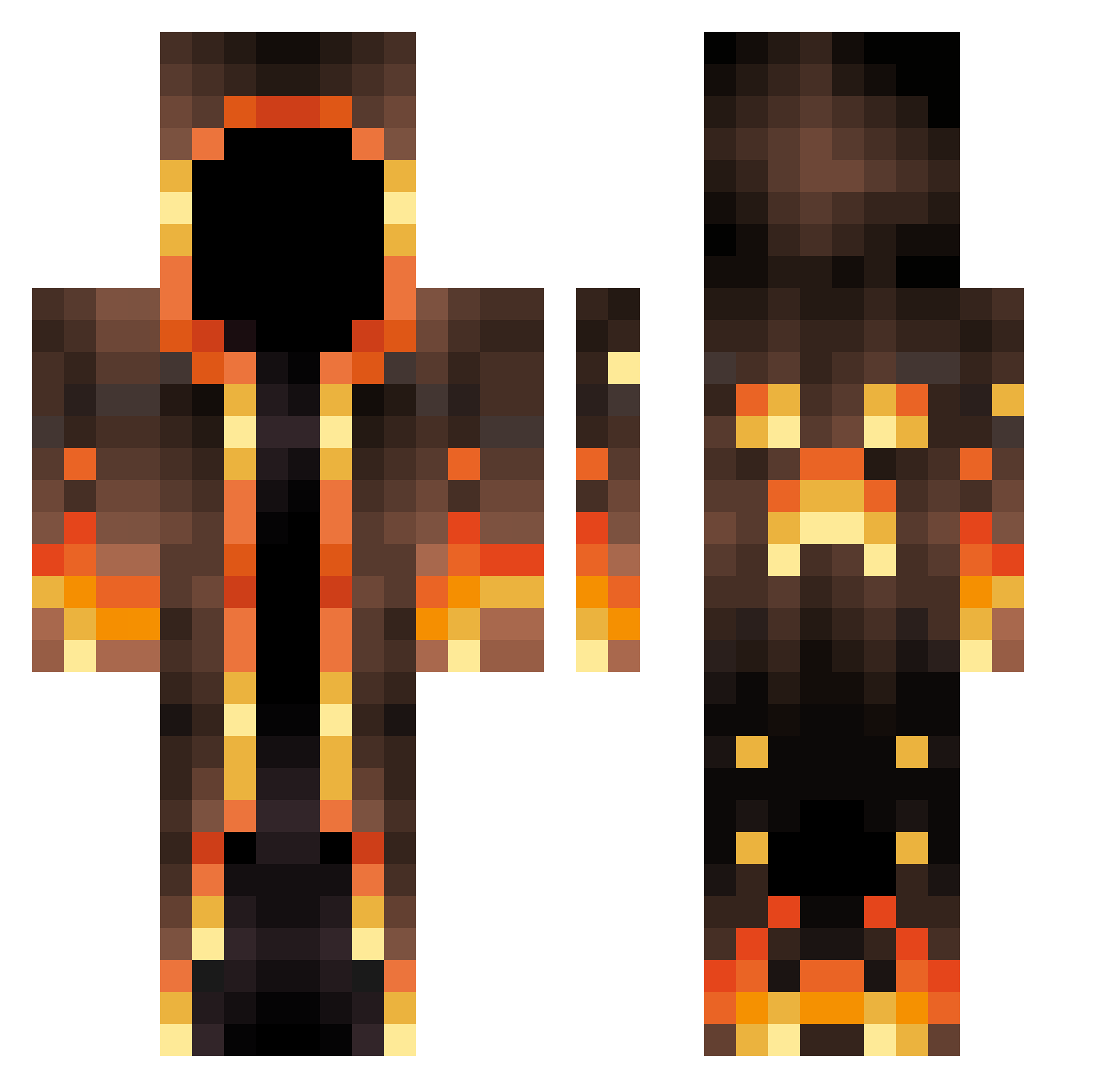
Current Minecraft skin of the player Migueleq, loaded from the official Mojang API. Rotate the 3D model with your mouse or finger, then download the skin as a PNG file and use it in Minecraft: Bedrock Edition or Java Edition for free. When Migueleq changes their skin, this page updates automatically and the old skin stays in the history below.
Other players with this skin (547)
Migueleq was the 496th player we have seen with this skin, first spotted on 13.10.2026. The same skin was seen on these players. Open a nickname to see their current skin and skin history.
 black__ben Pablo11234 BayLeeToe Froggindutch 0mega_craft Marriland1693 Memory1010 outofbounds2005 CriticalError92 Coolleey JustCallMeLucas RubberTucky69 Manii16_xD Dodie_al3 Sodiumwater baldy21 Tubzii6969 Iaery_ KushyyMonsta Stichale2007 ashw11476 Vinke420 Tuhxy16 InsarMage Shaynik1 drasticwise jakubob9 xPewPewLaserGun ArruzZ Jxvenomm asura9029RK gusqls isauriem jarvsgamer Barkela XstarrkX StormedArrow ElLinguini jubbal Inspider theXcption zain572 DangerousThor Loghora Silberschmied acrab77 FTCShredded Reap3r117 Captain_Shadow10 Zeus1221 Philomat95 WizardBzh Mayor_Mayo_ welxito Waggical Louis_AX ImMangooo VazeinaBraquiara yvolora DrySaltMine
More Magma Minecraft skins
How to install the Migueleq skin
- Press the Download button above to save the skin as a PNG file.
- Minecraft: Bedrock Edition (PE): open the Dressing Room from the main menu (or tap your character → Edit Character), go to Classic Skins → Owned, press the + (new skin) button, choose the downloaded PNG and pick the Classic (Steve) model. Works on PC and mobile; consoles cannot import custom skins.
- Minecraft: Java Edition: open the Minecraft Launcher, go to the Skins tab, click New Skin, load the PNG, pick the Classic (Steve) model and press Save & Use. You can also upload it at minecraft.net → Profile → Change Skin.
The skin does not show up after import - what should I do?
Restart Minecraft and open the Dressing Room again - imported skins sometimes appear only after a restart. Also make sure you selected the imported skin and picked the Classic (Steve) model.
Which model should I choose, Classic or Slim?
This skin is designed for the Classic (Steve) model. If you pick the wrong model, the arms of the skin will look stretched or squeezed.
Is the skin of Migueleq free to download?
Yes. Press Download, save the PNG file and use it in Minecraft: Bedrock Edition or Java Edition - no payment or registration needed. The skin also works on multiplayer servers and Realms.
More skins
Looking for more? Go back to all Minecraft skins and check the top skins of the week, month and all time, or find any player's skin by nickname.