
Micaela7w7 - Minecraft Skins & Skin History
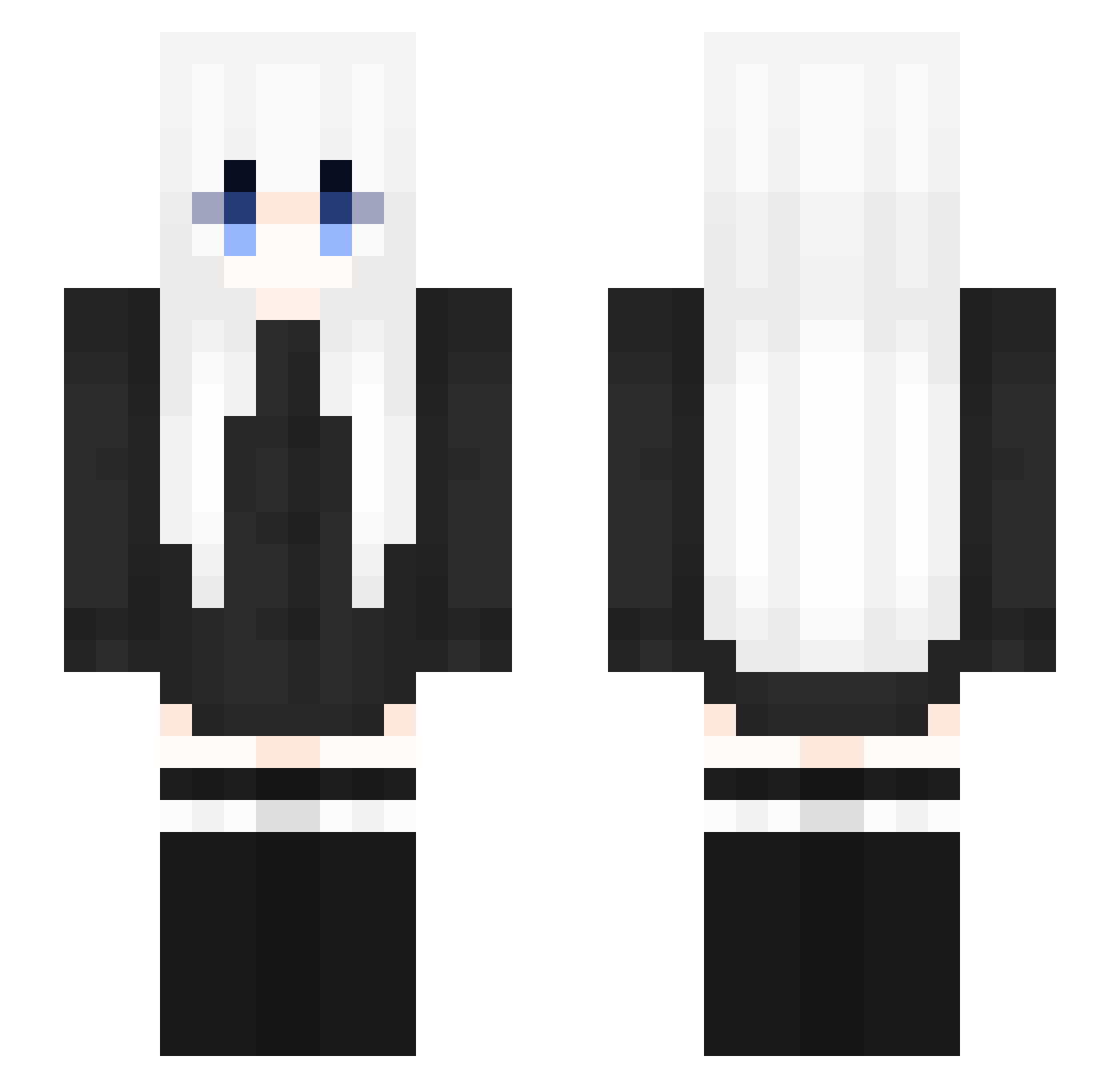
Current Minecraft skin of the player Micaela7w7, loaded from the official Mojang API. Rotate the 3D model with your mouse or finger, then download the skin as a PNG file and use it in Minecraft: Bedrock Edition or Java Edition for free. When Micaela7w7 changes their skin, this page updates automatically and the old skin stays in the history below.
Other players with this skin (353)
Micaela7w7 was the 140th player we have seen with this skin, first spotted on 16.09.2026. The same skin was seen on these players. Open a nickname to see their current skin and skin history.
 XxEchoxX yjh01 Aggie7707 akitsuiri tietie_ Lm4rte zerotwo015 JJTnT Tufano karqad then963247 Quan7530 xinkule_ Seiunsky_cat givemerice Sakurua404 kimarie AgatkaaV AbbieDabbieDoo22 Daniel1593 _Daozhang Reasong Silentgirl_ AnXiQAQ SugarLife2 RIPs96 eunalli Huan_huan123 UDKVanh Patchvolt Magikarp0822 PlacidoChan zigmaballs jb2051 KELE_KOKO BenKao0207 Karoal FkuGG Dusty_030 Connor_20 valeeeesh Azbal Raclip 3bdWasTaken WaityyVFX MIOOC Fuzzy_Iron space1252 NamelessWM207 wvvwvvvww NekomaruNo3 jikl Syshiiii Untouchable Tscyf Evlo9 Gwaelyn MxxMike mvtich Chai_Fan
More Anime Girl Minecraft skins
See all 13731 Anime Girl skins
How to install the Micaela7w7 skin
- Press the Download button above to save the skin as a PNG file.
- Minecraft: Bedrock Edition (PE): open the Dressing Room from the main menu (or tap your character → Edit Character), go to Classic Skins → Owned, press the + (new skin) button, choose the downloaded PNG and pick the Slim (Alex) model. Works on PC and mobile; consoles cannot import custom skins.
- Minecraft: Java Edition: open the Minecraft Launcher, go to the Skins tab, click New Skin, load the PNG, pick the Slim (Alex) model and press Save & Use. You can also upload it at minecraft.net → Profile → Change Skin.
The skin does not show up after import - what should I do?
Restart Minecraft and open the Dressing Room again - imported skins sometimes appear only after a restart. Also make sure you selected the imported skin and picked the Slim (Alex) model.
Which model should I choose, Classic or Slim?
This skin is designed for the Slim (Alex) model. If you pick the wrong model, the arms of the skin will look stretched or squeezed.
Is the skin of Micaela7w7 free to download?
Yes. Press Download, save the PNG file and use it in Minecraft: Bedrock Edition or Java Edition - no payment or registration needed. The skin also works on multiplayer servers and Realms.
More skins
Looking for more? Go back to all Minecraft skins and check the top skins of the week, month and all time, or find any player's skin by nickname.