
McLovinn20 - Minecraft Skins & Skin History
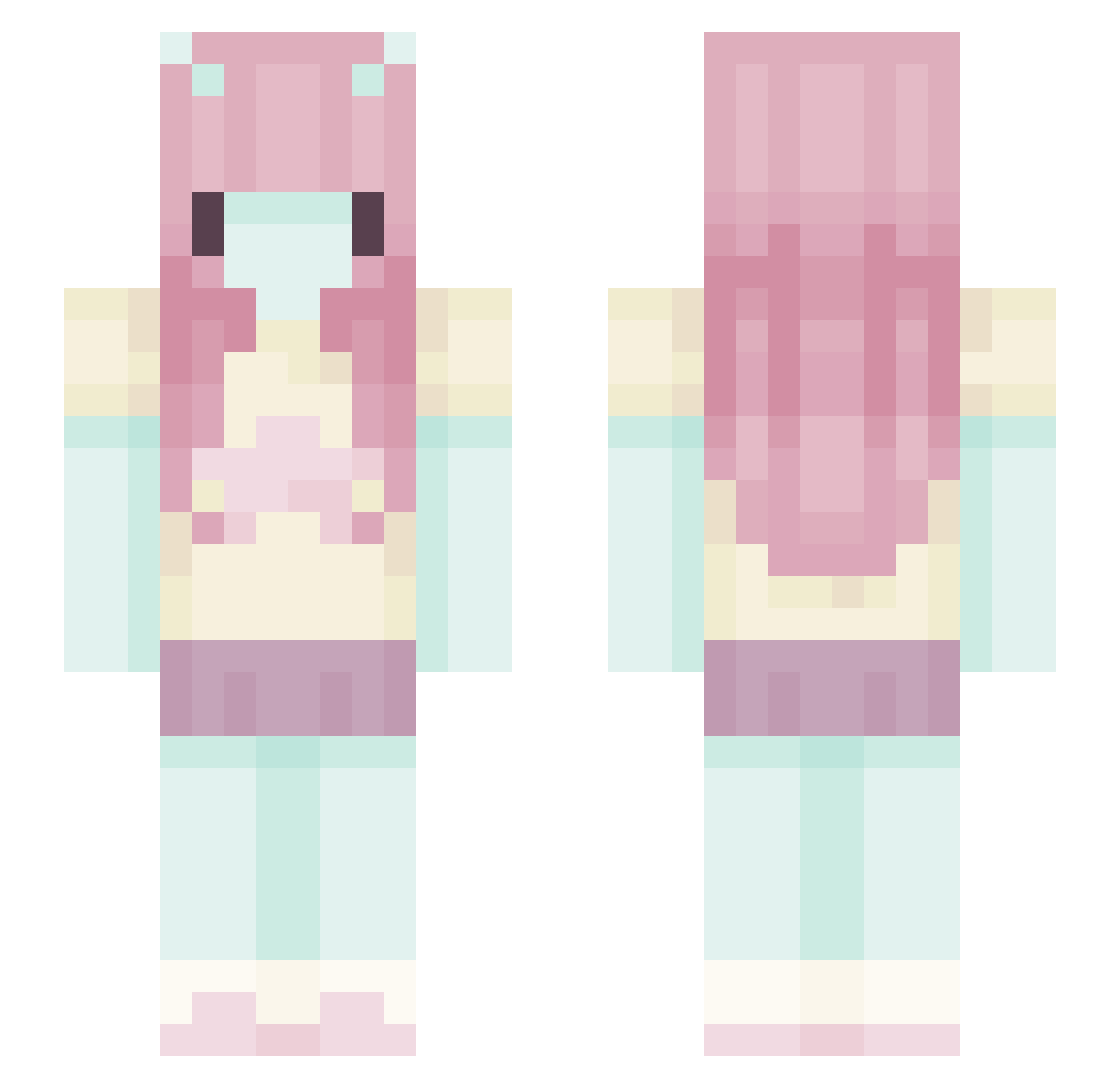
Current Minecraft skin of the player McLovinn20, loaded from the official Mojang API. Rotate the 3D model with your mouse or finger, then download the skin as a PNG file and use it in Minecraft: Bedrock Edition or Java Edition for free. When McLovinn20 changes their skin, this page updates automatically and the old skin stays in the history below.
Other players with this skin (699)
McLovinn20 was the 661st player we have seen with this skin, first spotted on 14.11.2026. The same skin was seen on these players. Open a nickname to see their current skin and skin history.
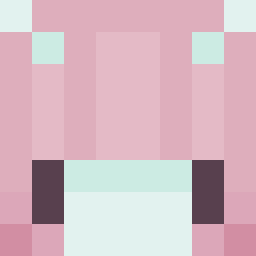 shrimpl0rd Its_Fanty rainyfaery Amelia220 soIxtude fallensngelsa wickedstargrl Pochoir mothgirI Schokodrink69 kaitlingg guppygrl_gilljob Marypeko LiHwaYohan ttotm19 bbymoochi AngelzinhaUwu NINI9329 Th3Ch0senOne t00ry mxtoos GuineaDuke222 EmssssS444 chanel4ng3l veahiscool Temji meowxi011 dupeoi sympathetyc cesiii Ozzycell liwliwa_ arquuo EQiE PrincesssBAB ghostymc00 Chevesik Tr1sKiet gabxvs Vahlaria23 SimpleJoana1 FerchoAB123 Oatbea _tinytomato_ Alumare nureligion jia_scrunkle Eirychia Delulume vKiwiis Jazuca bit94 rmzjul3s_ xzciiia shrktus Kianzs k3psi Alexsharkzz WillowSage34 daphneti
More Zero Two Minecraft skins
How to install the McLovinn20 skin
- Press the Download button above to save the skin as a PNG file.
- Minecraft: Bedrock Edition (PE): open the Dressing Room from the main menu (or tap your character → Edit Character), go to Classic Skins → Owned, press the + (new skin) button, choose the downloaded PNG and pick the Slim (Alex) model. Works on PC and mobile; consoles cannot import custom skins.
- Minecraft: Java Edition: open the Minecraft Launcher, go to the Skins tab, click New Skin, load the PNG, pick the Slim (Alex) model and press Save & Use. You can also upload it at minecraft.net → Profile → Change Skin.
The skin does not show up after import - what should I do?
Restart Minecraft and open the Dressing Room again - imported skins sometimes appear only after a restart. Also make sure you selected the imported skin and picked the Slim (Alex) model.
Which model should I choose, Classic or Slim?
This skin is designed for the Slim (Alex) model. If you pick the wrong model, the arms of the skin will look stretched or squeezed.
Is the skin of McLovinn20 free to download?
Yes. Press Download, save the PNG file and use it in Minecraft: Bedrock Edition or Java Edition - no payment or registration needed. The skin also works on multiplayer servers and Realms.
More skins
Looking for more? Go back to all Minecraft skins and check the top skins of the week, month and all time, or find any player's skin by nickname.