
Maxibugs - Minecraft Skins & Skin History
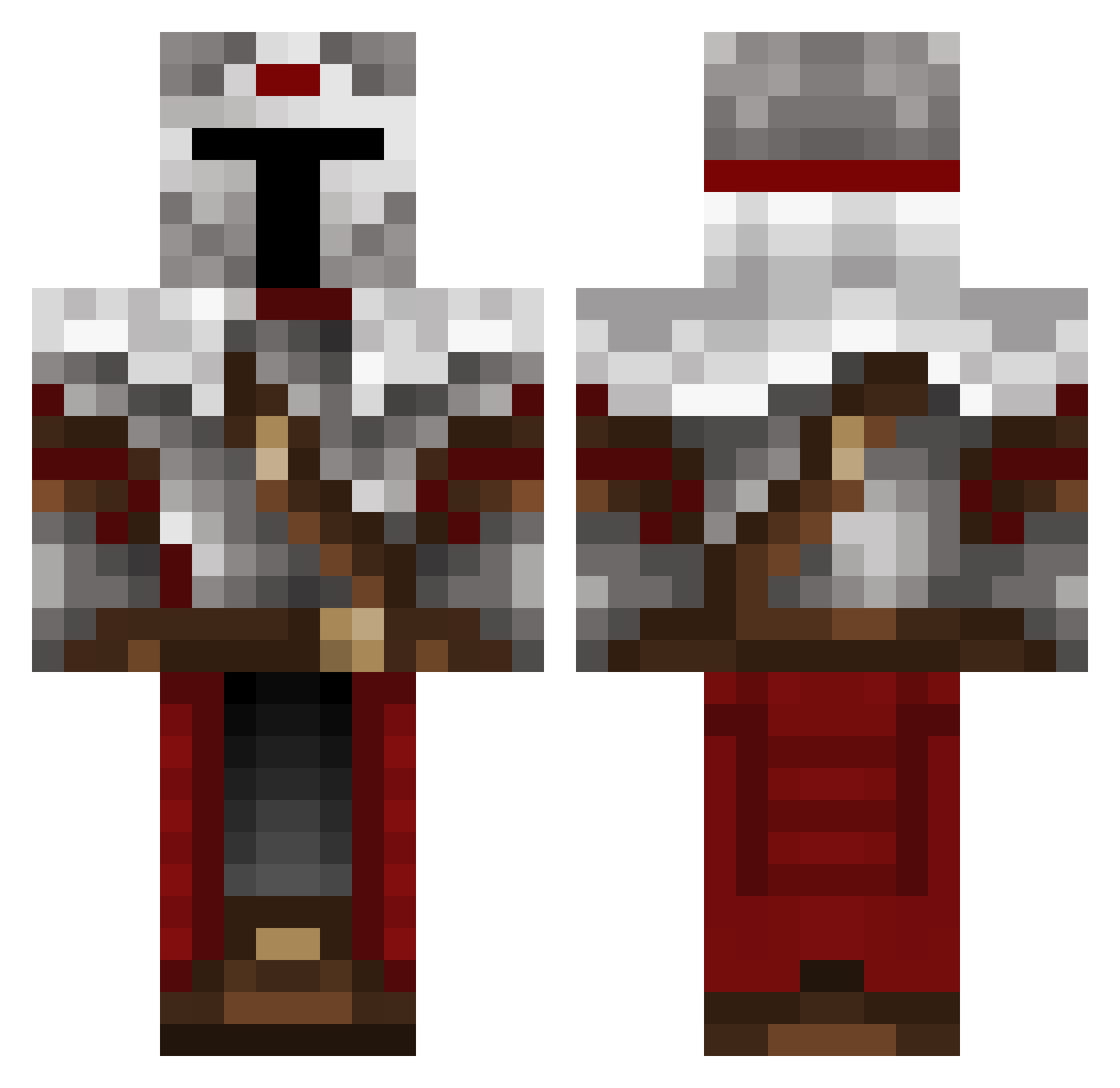
Current Minecraft skin of the player Maxibugs, loaded from the official Mojang API. Rotate the 3D model with your mouse or finger, then download the skin as a PNG file and use it in Minecraft: Bedrock Edition or Java Edition for free. When Maxibugs changes their skin, this page updates automatically and the old skin stays in the history below.
Other players with this skin (489)
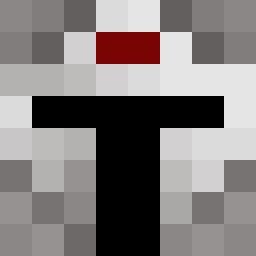
Maxibugs was the 293rd player we have seen with this skin, first spotted on 27.09.2026. The same skin was seen on these players. Open a nickname to see their current skin and skin history.
 Vahux Bro543210 Water_Ewe Brunelli_ greenninja3556 Titanium69 Broddah CapitaineYayo SpectreActual SirBob2099 lSyntaxl uSalts Grevonoc Evereast1 Kozohh SoullessGingerTV IamTheCarry Domnce_cool GeranimoXL DontJinxMe_ Ama_fAHmDa_ranth Cobalt_Comet Fabian13623 inbalpha KurahutoZ toby_CZ MaritimeBog2059 SmokeyLNL Iterativo Ouroboros241 BlazingRam64 HEYIMBG luki2409 Sciencemaniac245 SolisekPL MayorVantana The_King_Isover TheLegionuW Holy_Trees _DeathBySnuSnu Furighteous LOGAN1454 killerbaba_TV Legendpc Pepperjack888 RaphaFi7 TimelineZero09 fantasma2049 Drydoxx Qartas Jaremasta _RNG_Kirito44 Romodotexe Clover1776 Rhaigon LeanID kayserguitton darkCrescent13 ReIncidence Prochet12
More Mandalorian Minecraft skins
How to install the Maxibugs skin
- Press the Download button above to save the skin as a PNG file.
- Minecraft: Bedrock Edition (PE): open the Dressing Room from the main menu (or tap your character → Edit Character), go to Classic Skins → Owned, press the + (new skin) button, choose the downloaded PNG and pick the Classic (Steve) model. Works on PC and mobile; consoles cannot import custom skins.
- Minecraft: Java Edition: open the Minecraft Launcher, go to the Skins tab, click New Skin, load the PNG, pick the Classic (Steve) model and press Save & Use. You can also upload it at minecraft.net → Profile → Change Skin.
The skin does not show up after import - what should I do?
Restart Minecraft and open the Dressing Room again - imported skins sometimes appear only after a restart. Also make sure you selected the imported skin and picked the Classic (Steve) model.
Which model should I choose, Classic or Slim?
This skin is designed for the Classic (Steve) model. If you pick the wrong model, the arms of the skin will look stretched or squeezed.
Is the skin of Maxibugs free to download?
Yes. Press Download, save the PNG file and use it in Minecraft: Bedrock Edition or Java Edition - no payment or registration needed. The skin also works on multiplayer servers and Realms.
More skins
Looking for more? Go back to all Minecraft skins and check the top skins of the week, month and all time, or find any player's skin by nickname.