
Maxence59133 - Minecraft Skins & Skin History
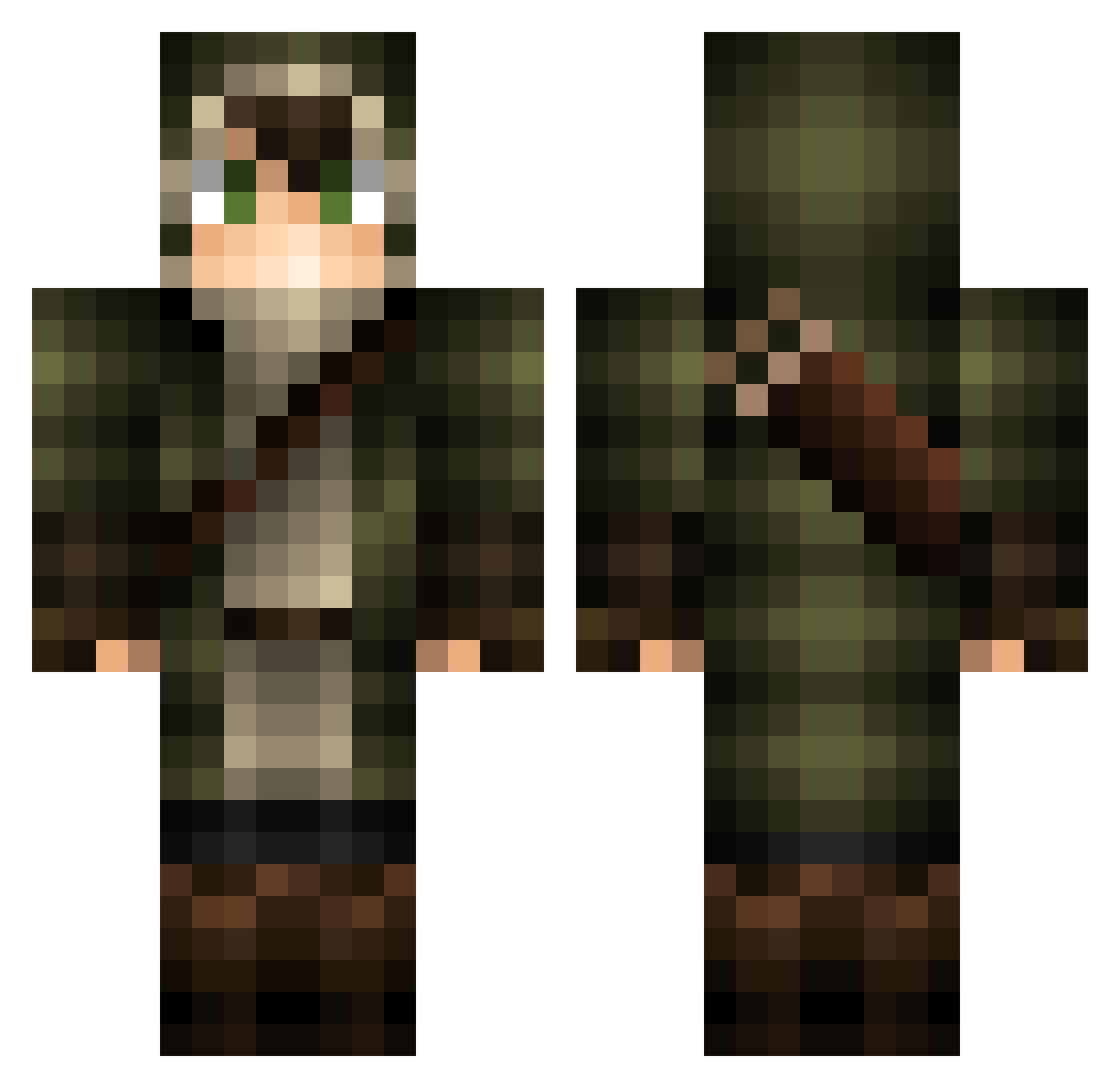
Current Minecraft skin of the player Maxence59133, loaded from the official Mojang API. Rotate the 3D model with your mouse or finger, then download the skin as a PNG file and use it in Minecraft: Bedrock Edition or Java Edition for free. When Maxence59133 changes their skin, this page updates automatically and the old skin stays in the history below.
Other players with this skin (157)
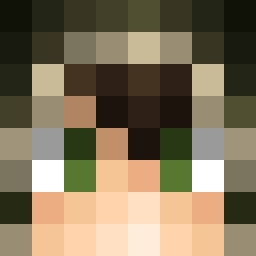
Maxence59133 was the 96th player we have seen with this skin, first spotted on 03.10.2026. The same skin was seen on these players. Open a nickname to see their current skin and skin history.
 Sparky78480 Draukanian sh0ttgun Quan175 MarginArcher OUTBALL metro2100 Arcariusz DegreMacaron479 IsoSano NewTube Shieeldsiren loSt2free Chaospreader StepTeR velbal ImBedran yoonmori CURLYTP Helionking167 MysticFlare Aedariel Zach_Anders Zloebizm Chemist_1982 Acidwalk Ahkefah Gabrias0001 Chic0sunami Chegaf Ampherion acj040405 Jud6 Assaan matzepilot JohnBarlow Castow GPro_X laKalaKa_ Jaszko 123anonyme13 SeeMee90 ShinobiRequiem TurtleBooster1 Thelendir_ IsePhoenix Bg50012 07Spirit Beart714 orangesparkling theisax7 Jaytowaste Magano Lukibuki1 BadMan05 TheOnlyJak SETO63 martimor34 JBUZZKILL MrWrighty
More Archer Minecraft skins
How to install the Maxence59133 skin
- Press the Download button above to save the skin as a PNG file.
- Minecraft: Bedrock Edition (PE): open the Dressing Room from the main menu (or tap your character → Edit Character), go to Classic Skins → Owned, press the + (new skin) button, choose the downloaded PNG and pick the Classic (Steve) model. Works on PC and mobile; consoles cannot import custom skins.
- Minecraft: Java Edition: open the Minecraft Launcher, go to the Skins tab, click New Skin, load the PNG, pick the Classic (Steve) model and press Save & Use. You can also upload it at minecraft.net → Profile → Change Skin.
The skin does not show up after import - what should I do?
Restart Minecraft and open the Dressing Room again - imported skins sometimes appear only after a restart. Also make sure you selected the imported skin and picked the Classic (Steve) model.
Which model should I choose, Classic or Slim?
This skin is designed for the Classic (Steve) model. If you pick the wrong model, the arms of the skin will look stretched or squeezed.
Is the skin of Maxence59133 free to download?
Yes. Press Download, save the PNG file and use it in Minecraft: Bedrock Edition or Java Edition - no payment or registration needed. The skin also works on multiplayer servers and Realms.
More skins
Looking for more? Go back to all Minecraft skins and check the top skins of the week, month and all time, or find any player's skin by nickname.