
Mastertone3 - Minecraft Skins & Skin History
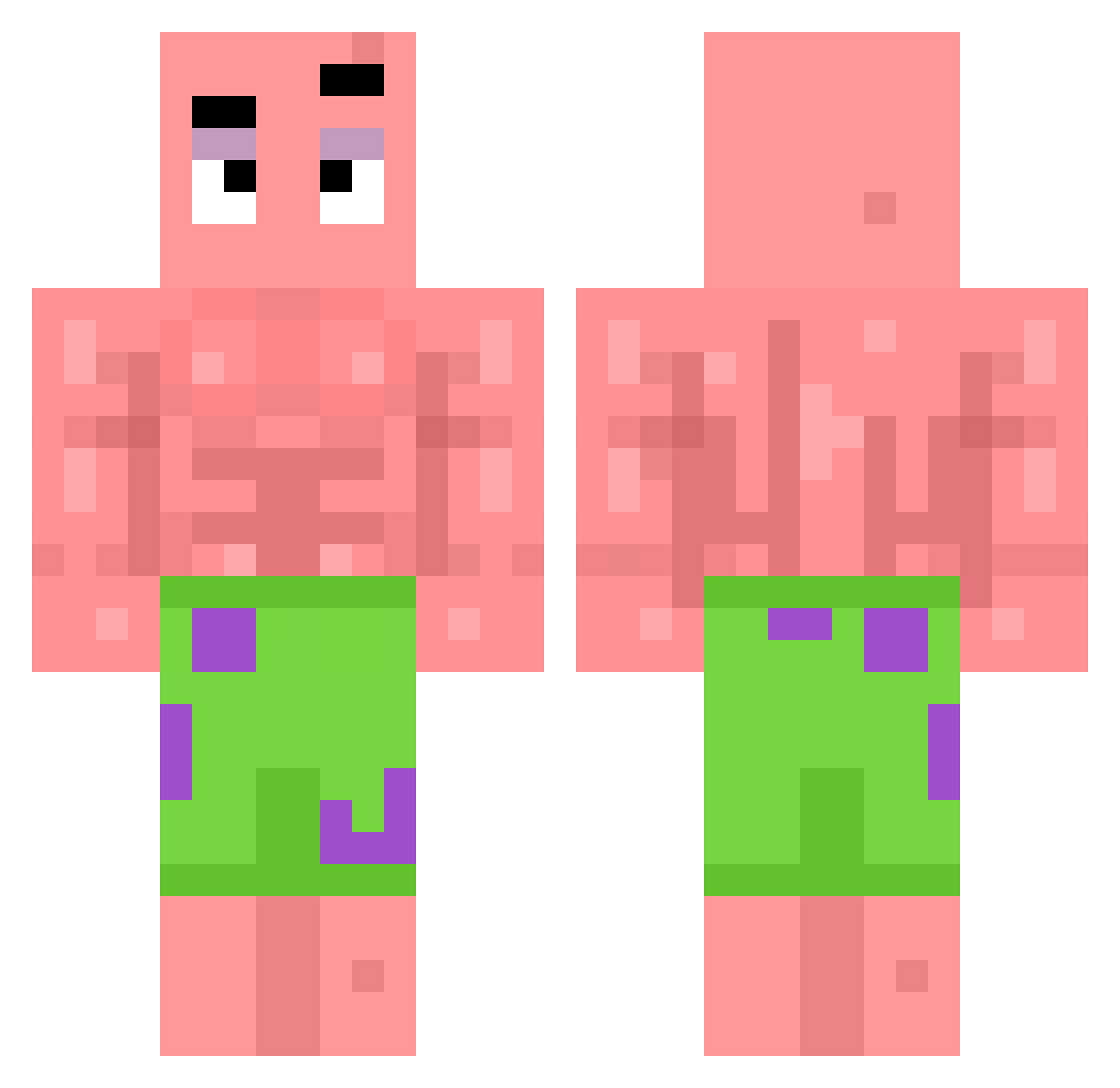
Current Minecraft skin of the player Mastertone3, loaded from the official Mojang API. Rotate the 3D model with your mouse or finger, then download the skin as a PNG file and use it in Minecraft: Bedrock Edition or Java Edition for free. When Mastertone3 changes their skin, this page updates automatically and the old skin stays in the history below.
Other players with this skin (40)
Mastertone3 was the 13th player we have seen with this skin, first spotted on 30.08.2026. The same skin was seen on these players. Open a nickname to see their current skin and skin history.
 Semasi zhouhaolong ACARAJEDERODAS IcemanConnor s_q1us iNoah_x Kancair yummycookieshihi matrixll GainfulRhino326 IserKing cuxx_ Aya_Hen24 Sun_Seto Nega__
 Ketchup131 GotUTheKid
 Buff_Patrick ScatLover8500 Trollz_Ya_Baby rudisfrosch Variflex death_player00 Ponczol Kassafrass8 AdamSalam111 dinm0rsa JAVA_XZI OptinexHD ILOVETIFFANY dd00ng najetykure cocacola24618 wistious Lavlav2 Tanne_11 PainAuChocoLat2b Giulii2525 Coolie_fear RomulusDZ
More Patrick Star Minecraft skins
See all 643 Patrick Star skins
How to install the Mastertone3 skin
- Press the Download button above to save the skin as a PNG file.
- Minecraft: Bedrock Edition (PE): open the Dressing Room from the main menu (or tap your character → Edit Character), go to Classic Skins → Owned, press the + (new skin) button, choose the downloaded PNG and pick the Classic (Steve) model. Works on PC and mobile; consoles cannot import custom skins.
- Minecraft: Java Edition: open the Minecraft Launcher, go to the Skins tab, click New Skin, load the PNG, pick the Classic (Steve) model and press Save & Use. You can also upload it at minecraft.net → Profile → Change Skin.
The skin does not show up after import - what should I do?
Restart Minecraft and open the Dressing Room again - imported skins sometimes appear only after a restart. Also make sure you selected the imported skin and picked the Classic (Steve) model.
Which model should I choose, Classic or Slim?
This skin is designed for the Classic (Steve) model. If you pick the wrong model, the arms of the skin will look stretched or squeezed.
Is the skin of Mastertone3 free to download?
Yes. Press Download, save the PNG file and use it in Minecraft: Bedrock Edition or Java Edition - no payment or registration needed. The skin also works on multiplayer servers and Realms.
More skins
Looking for more? Go back to all Minecraft skins and check the top skins of the week, month and all time, or find any player's skin by nickname.