
Master_Ard - Minecraft Skins & Skin History
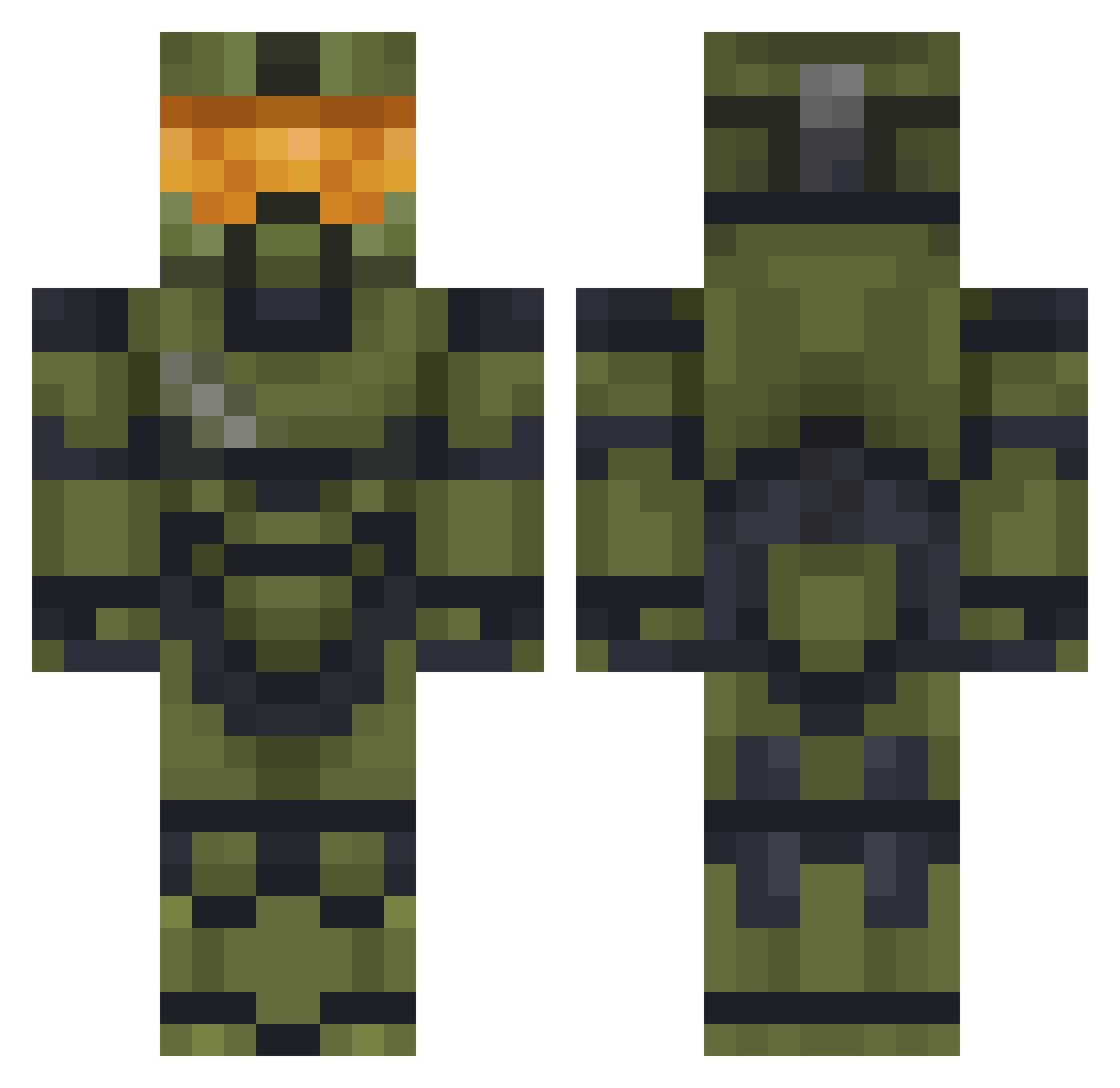
Current Minecraft skin of the player Master_Ard, loaded from the official Mojang API. Rotate the 3D model with your mouse or finger, then download the skin as a PNG file and use it in Minecraft: Bedrock Edition or Java Edition for free. When Master_Ard changes their skin, this page updates automatically and the old skin stays in the history below.
Other players with this skin (573)
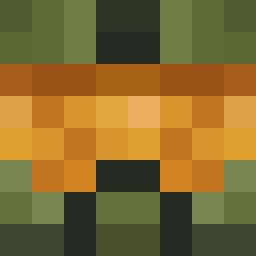
Master_Ard was the 488th player we have seen with this skin, first spotted on 03.11.2026. The same skin was seen on these players. Open a nickname to see their current skin and skin history.
 pfiziks Dave_117_ phantomsdead Premixedcdude Somlal bolokun Jota2552 Theboy44 halolover42069 LittleMrBig Batista13505 MJR_Chief117 StrategyStutz24 Lennoshffs _minileon_ Brighthammer2614 SuperGertrud bootsters FirstWolfPlus MCspr3 The_Apocalypse8 XiaoWu0727 jokezjo Gelix11x MasterChief0307 Worldeater2004 Shepherd55 toyfreddy0977 Diego1Garza Jorge989898 Mskelaj imaPlaceMan GammaHansen armbreak sendzo_ TheDevilIsSix FacePlantUK Mininodani BigChoblin Theblind420 Bucktacular peregg HamrTime Alex_theking01 Rogue_the_killer Kaesebroetchen36 Viccubman6 Ekam_Aneja jimothy_183 Scottix65 AntoineW33 Artrysfly Firecharge7 DeJosse ElCamuflado_ Morgwalker fix1969 CiccioBit2007 V2element danielmirand
More Master Chief Minecraft skins
See all 588 Master Chief skins
How to install the Master_Ard skin
- Press the Download button above to save the skin as a PNG file.
- Minecraft: Bedrock Edition (PE): open the Dressing Room from the main menu (or tap your character → Edit Character), go to Classic Skins → Owned, press the + (new skin) button, choose the downloaded PNG and pick the Classic (Steve) model. Works on PC and mobile; consoles cannot import custom skins.
- Minecraft: Java Edition: open the Minecraft Launcher, go to the Skins tab, click New Skin, load the PNG, pick the Classic (Steve) model and press Save & Use. You can also upload it at minecraft.net → Profile → Change Skin.
The skin does not show up after import - what should I do?
Restart Minecraft and open the Dressing Room again - imported skins sometimes appear only after a restart. Also make sure you selected the imported skin and picked the Classic (Steve) model.
Which model should I choose, Classic or Slim?
This skin is designed for the Classic (Steve) model. If you pick the wrong model, the arms of the skin will look stretched or squeezed.
Is the skin of Master_Ard free to download?
Yes. Press Download, save the PNG file and use it in Minecraft: Bedrock Edition or Java Edition - no payment or registration needed. The skin also works on multiplayer servers and Realms.
More skins
Looking for more? Go back to all Minecraft skins and check the top skins of the week, month and all time, or find any player's skin by nickname.