
LuisFonsi0609 - Minecraft Skins & Skin History
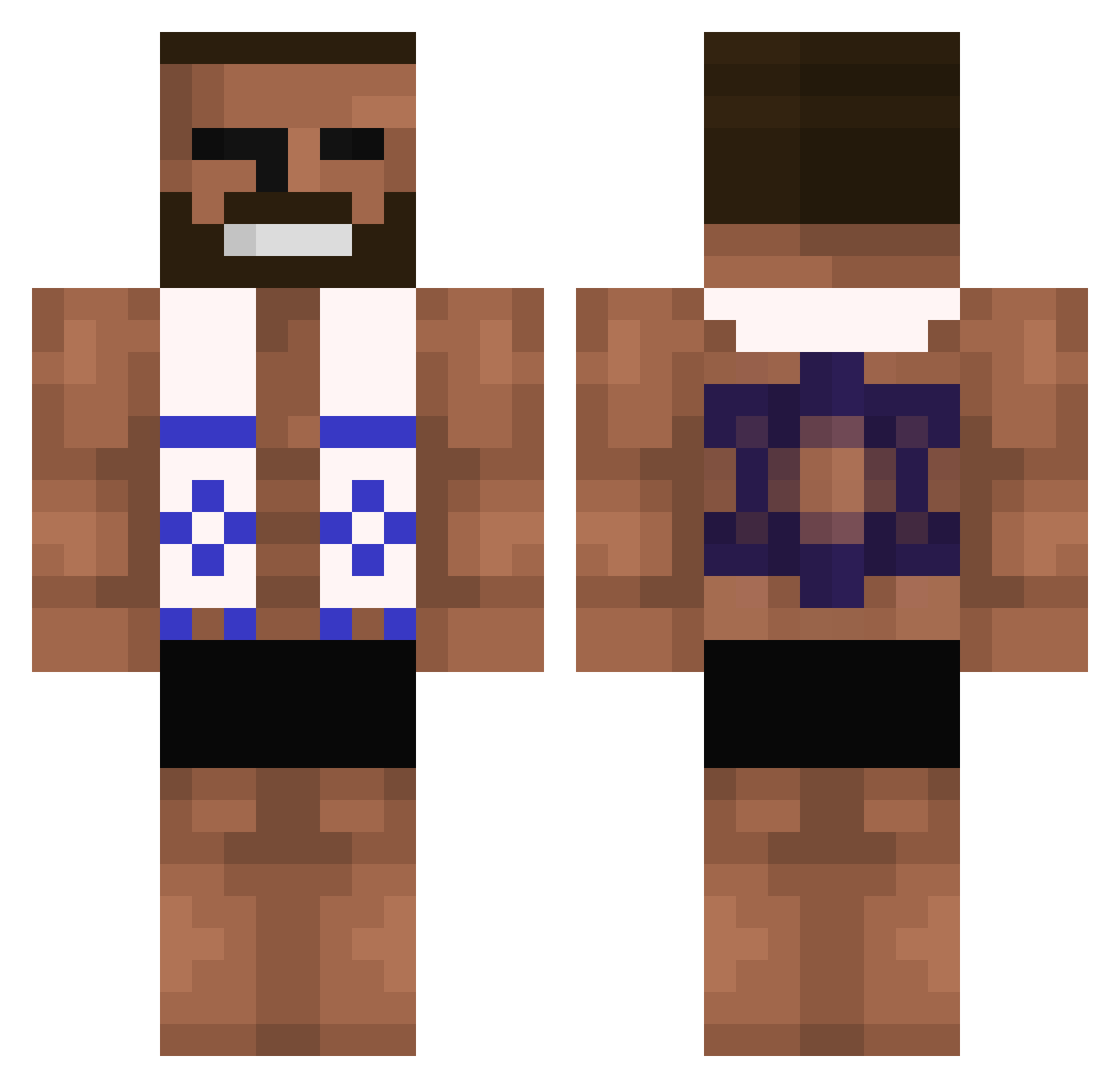
Current Minecraft skin of the player LuisFonsi0609, loaded from the official Mojang API. Rotate the 3D model with your mouse or finger, then download the skin as a PNG file and use it in Minecraft: Bedrock Edition or Java Edition for free. When LuisFonsi0609 changes their skin, this page updates automatically and the old skin stays in the history below.
Other players with this skin (46)
LuisFonsi0609 was the 44th player we have seen with this skin, first spotted on 16.11.2026. The same skin was seen on these players. Open a nickname to see their current skin and skin history.
 SuffPVP kafeczka OFIR123 franiu_mc JoseLuisTorrente Jan_Bawelna V8Fusion Cantlope_Shaves Snakematt BGAMER0 Baseball4E Buildjamin KneeMan Kuma1a1a nikola3781 kaninwza Ronais Juluuuuus13 Gisit xBrxnnx zxc_dead_inside_ stinkypoo3 Btxcrasher ForceCreeper122
 F17W Lawtryy mori3l MipMipDeLord pootpootmcstufin Demetroxx J3ffrey_Epst3in Storee Birdychirdy AgentMossad MossadUSA Beidlein TTDrAyri XimaFR Romvnn Twitax NivHaGever LengfyLeprechaun TralaleroKirkala ImAzionis Georges6077 TWITCH_LAIO
More Fighter Minecraft skins
How to install the LuisFonsi0609 skin
- Press the Download button above to save the skin as a PNG file.
- Minecraft: Bedrock Edition (PE): open the Dressing Room from the main menu (or tap your character → Edit Character), go to Classic Skins → Owned, press the + (new skin) button, choose the downloaded PNG and pick the Classic (Steve) model. Works on PC and mobile; consoles cannot import custom skins.
- Minecraft: Java Edition: open the Minecraft Launcher, go to the Skins tab, click New Skin, load the PNG, pick the Classic (Steve) model and press Save & Use. You can also upload it at minecraft.net → Profile → Change Skin.
The skin does not show up after import - what should I do?
Restart Minecraft and open the Dressing Room again - imported skins sometimes appear only after a restart. Also make sure you selected the imported skin and picked the Classic (Steve) model.
Which model should I choose, Classic or Slim?
This skin is designed for the Classic (Steve) model. If you pick the wrong model, the arms of the skin will look stretched or squeezed.
Is the skin of LuisFonsi0609 free to download?
Yes. Press Download, save the PNG file and use it in Minecraft: Bedrock Edition or Java Edition - no payment or registration needed. The skin also works on multiplayer servers and Realms.
More skins
Looking for more? Go back to all Minecraft skins and check the top skins of the week, month and all time, or find any player's skin by nickname.