
 Daniel3011 OkapiSoul Kruzer_0 HogRider003 Cosm1c_Waffle Woofjay2 bemn21 carmelsauce maxitookmytaxi nigooh KingBapi Gelehmte Geckothehecko B0MK munkey05 tally22 Jolley5000 4Fir Odezz_ jalmari0411 CtwelveK stoklexy Boissel Anthony29427 meatswings McChickenss _Melox_ STHKOREAN Rubiksmasta11 noahblark Arvabril WnyxieW billow28 maxmine1701 IMMO91208 SyniN38 187Scott420 YeatLuvfrostflak Gamekillerwave bigmen1234567 wavie97 XtendoClip KromDaddy jbo765 usualseeker Kyurem8439 Early01 KillerDietmar KarlosRodriguez Mobiletto RoyalZephyr Hubexs1 Hally642 Badhawg66 Framene Donkey_Hass croodv2 chikabi Nilvet Glabason
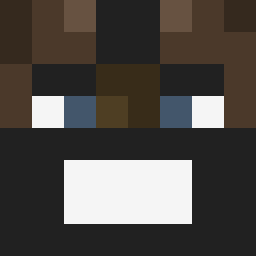
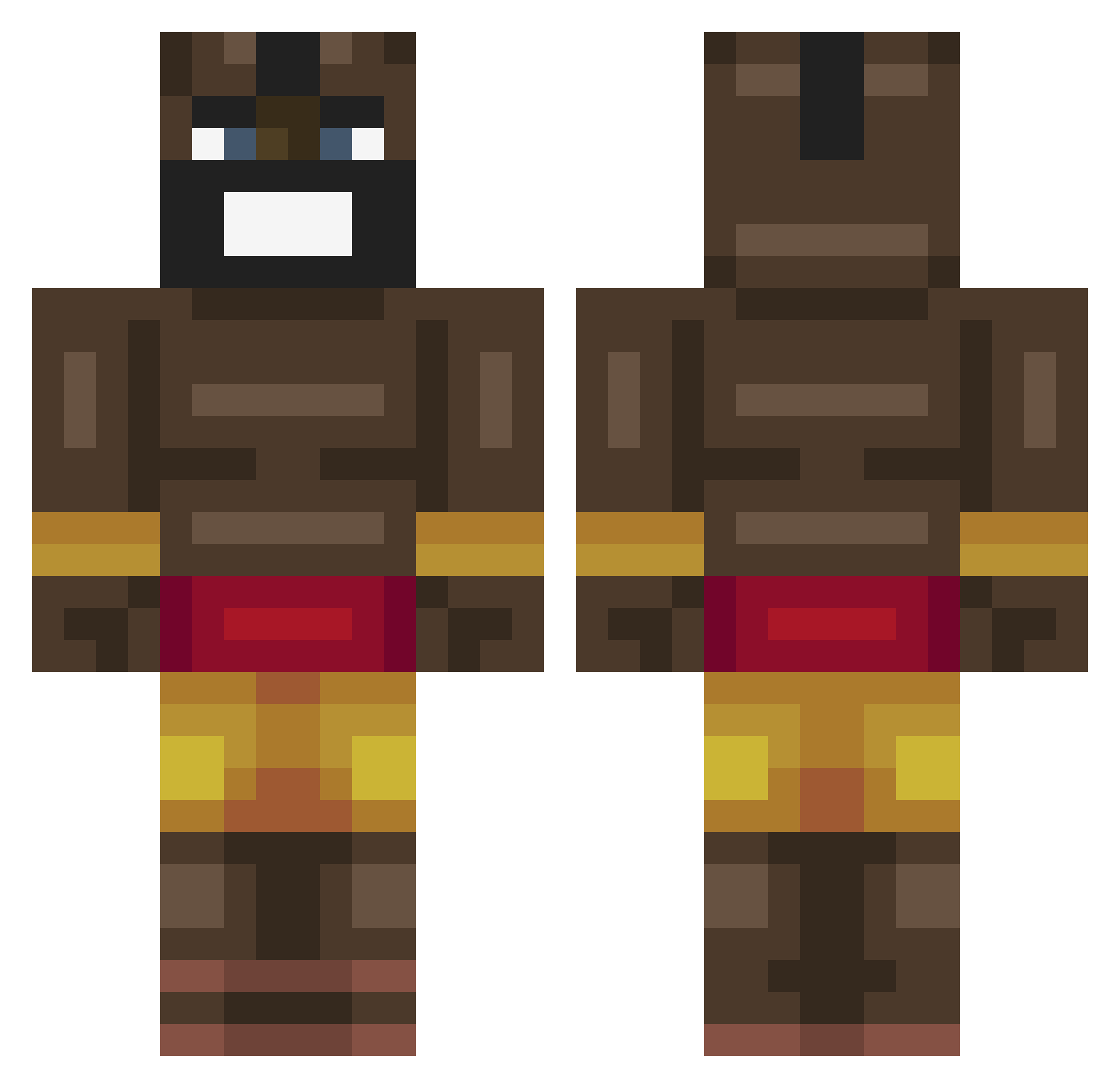
Minecraft skin of K1ngEnVy. Rotate the 3D model with your mouse or finger to view the skin from every angle, then download it as a PNG file and use it in Minecraft: Bedrock Edition or Java Edition for free. Rate the skin with stars to help other players find the best skins in our collection.
How to install the K1ngEnVy skin
- Press the Download button above to save the skin as a PNG file.
- Minecraft: Bedrock Edition (PE): open the Dressing Room from the main menu (or tap your character → Edit Character), go to Classic Skins → Owned, press the + (new skin) button, choose the downloaded PNG and pick the Classic (Steve) model. Works on PC and mobile; consoles cannot import custom skins.
- Minecraft: Java Edition: open the Minecraft Launcher, go to the Skins tab, click New Skin, load the PNG, pick the Classic (Steve) model and press Save & Use. You can also upload it at minecraft.net → Profile → Change Skin.
The skin does not show up after import - what should I do?
Restart Minecraft and open the Dressing Room again - imported skins sometimes appear only after a restart. Also make sure you selected the imported skin and picked the Classic (Steve) model.
Which model should I choose, Classic or Slim?
This skin is designed for the Classic (Steve) model. If you pick the wrong model, the arms of the skin will look stretched or squeezed.
Is this skin free to use?
Yes. Press Download, save the PNG file and use it in Minecraft: Bedrock Edition or Java Edition - no payment or registration needed. The skin also works on multiplayer servers and Realms.
More Celebrity Minecraft skins
More skins
Looking for more? Go back to all Minecraft skins and check the top skins of the week, month and all time, or find any player's skin by nickname.