
Lucapanda15 - Minecraft Skins & Skin History
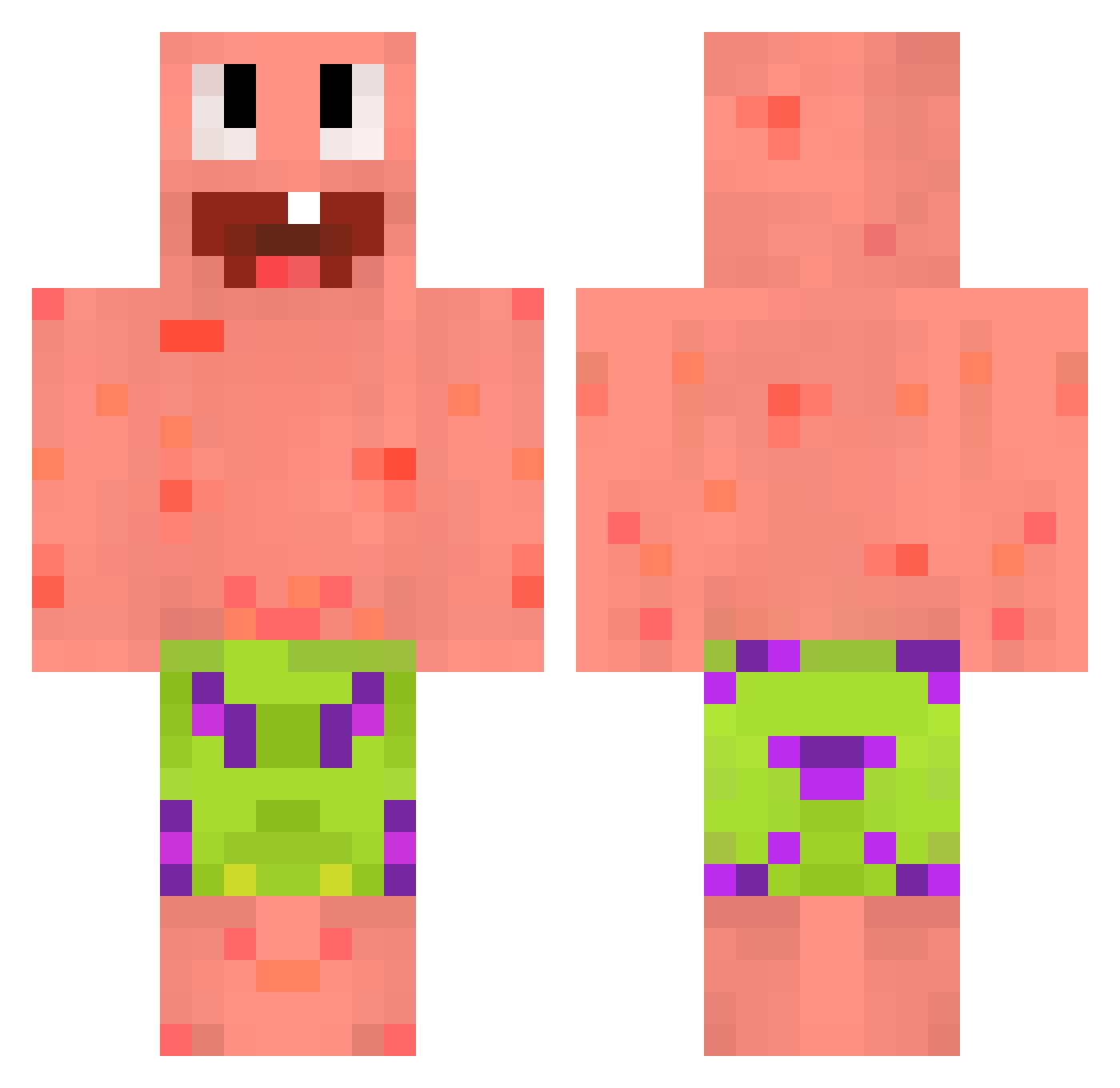
Current Minecraft skin of the player Lucapanda15, loaded from the official Mojang API. Rotate the 3D model with your mouse or finger, then download the skin as a PNG file and use it in Minecraft: Bedrock Edition or Java Edition for free. When Lucapanda15 changes their skin, this page updates automatically and the old skin stays in the history below.
Other players with this skin (59)
Lucapanda15 was the 23rd player we have seen with this skin, first spotted on 01.09.2026. The same skin was seen on these players. Open a nickname to see their current skin and skin history.
 RicardMan_ Warmburrito AroiMak FinaTerminator Nomphys
 czernuszek Htzei
 e1iias pzrm gjukov T1mmyLoL CiastekLOL JustBriel Jxma04 2483 CORBACHO Pedrolz10 2kkk Fiuzzza Kaliban1 SimpleCactus645 AtunEnUnaLata FunkyFizzle2022 McDoKu_ HadesIsTaken Maksgucci mikusieeek CR_Plays n1kT2t miguelitogamer66 Ariissita BoguetteVerte Osikowylas _Bo0z1 suspiciousbug 10000KG raress000 Swonqwe saturn009
 OHIOJOEL dxcg Demeiota Alpine_battery _Lukitaa truFX lemoneqe motordu3 PrivateGames Ivektrasni SOKACU_SA yuegushuishui crakolandia3D penhal Jaeri iFacuuu JorKdab Holiyyxx lux2040 Megaknight307010
More Patrick Star Minecraft skins
See all 643 Patrick Star skins
How to install the Lucapanda15 skin
- Press the Download button above to save the skin as a PNG file.
- Minecraft: Bedrock Edition (PE): open the Dressing Room from the main menu (or tap your character → Edit Character), go to Classic Skins → Owned, press the + (new skin) button, choose the downloaded PNG and pick the Classic (Steve) model. Works on PC and mobile; consoles cannot import custom skins.
- Minecraft: Java Edition: open the Minecraft Launcher, go to the Skins tab, click New Skin, load the PNG, pick the Classic (Steve) model and press Save & Use. You can also upload it at minecraft.net → Profile → Change Skin.
The skin does not show up after import - what should I do?
Restart Minecraft and open the Dressing Room again - imported skins sometimes appear only after a restart. Also make sure you selected the imported skin and picked the Classic (Steve) model.
Which model should I choose, Classic or Slim?
This skin is designed for the Classic (Steve) model. If you pick the wrong model, the arms of the skin will look stretched or squeezed.
Is the skin of Lucapanda15 free to download?
Yes. Press Download, save the PNG file and use it in Minecraft: Bedrock Edition or Java Edition - no payment or registration needed. The skin also works on multiplayer servers and Realms.
More skins
Looking for more? Go back to all Minecraft skins and check the top skins of the week, month and all time, or find any player's skin by nickname.