
LouiseBanxi - Minecraft Skins & Skin History
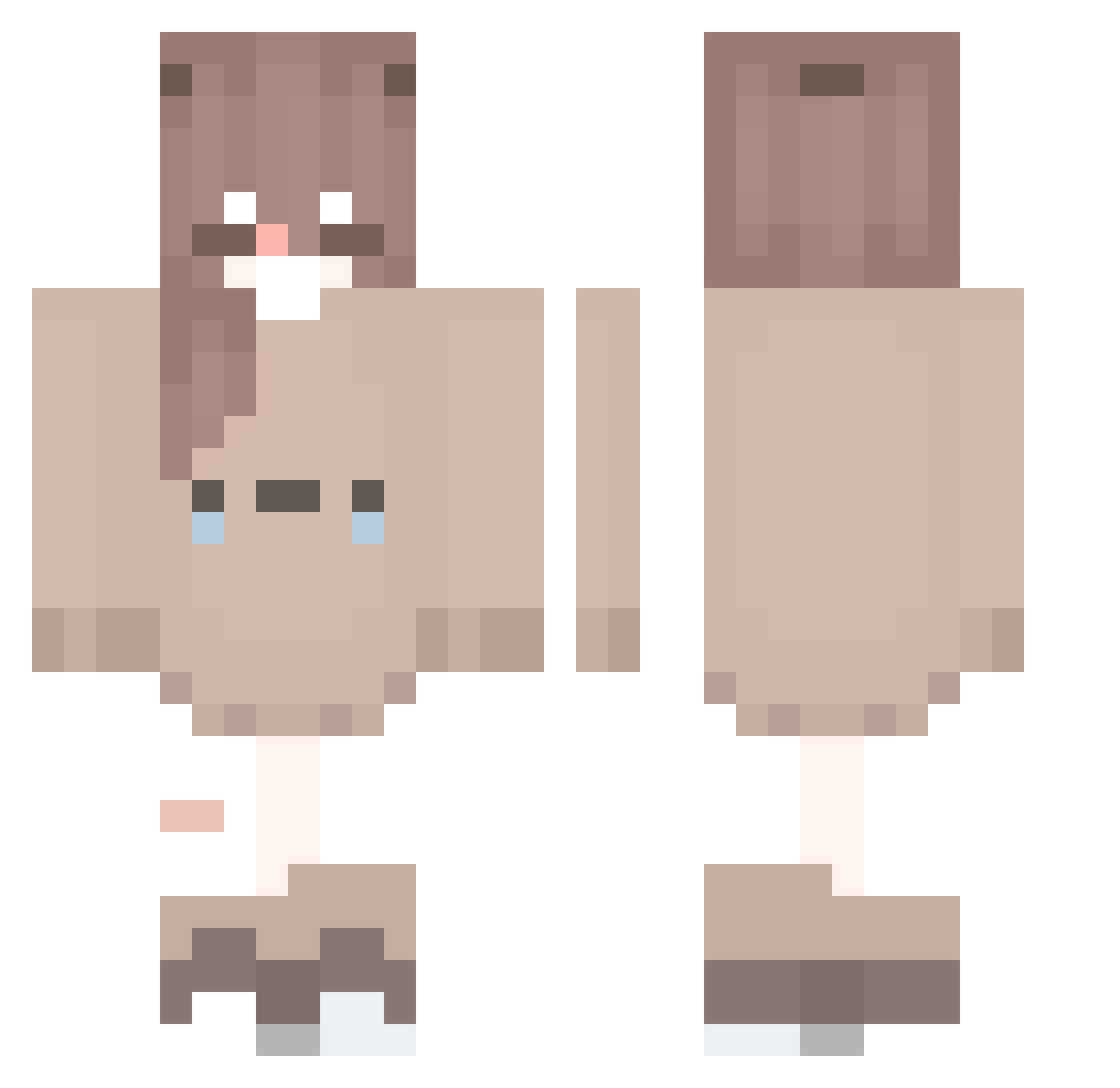
Current Minecraft skin of the player LouiseBanxi, loaded from the official Mojang API. Rotate the 3D model with your mouse or finger, then download the skin as a PNG file and use it in Minecraft: Bedrock Edition or Java Edition for free. When LouiseBanxi changes their skin, this page updates automatically and the old skin stays in the history below.
Other players with this skin (174)
LouiseBanxi was the 76th player we have seen with this skin, first spotted on 21.09.2026. The same skin was seen on these players. Open a nickname to see their current skin and skin history.
 CupcakeCat7869 bgf__ LazyPannda The0swift_Fox TATAKAE201 Nazuzinha soap0_ Foxii22e _Firecookie_ yvraz niyannkobanana ByJubs ManiraAe pookietookiebear MonacoPlayer7 CaraBear28 Softii_Bee xNatsuux deea_chan Xladvas pancake_plop anyui2012 Adel20 Lissihere Shaanbaddie69 AnnaTMC MashroomWofy cagsaR January1011 lem0njuice__ JosephineMC Qian0319 yisxyxh MauLingz rinreitachi moko00o0 Kamiya_Ai FemboySamUwU CleaLee jingyo_o3o L0tus_V Aerohx KronoArg sasa016016 SulthanRafli missmichan vighter7322 AliceGirl1129 Jurubebaa Catrina2 Athos9 Ktsumi JuliaLuna0 mqfuyu_ MissDrama MIiH8 5kyl4rkq MrLarpp Miyu002 _Llara_
More Bear Ears Minecraft skins
How to install the LouiseBanxi skin
- Press the Download button above to save the skin as a PNG file.
- Minecraft: Bedrock Edition (PE): open the Dressing Room from the main menu (or tap your character → Edit Character), go to Classic Skins → Owned, press the + (new skin) button, choose the downloaded PNG and pick the Classic (Steve) model. Works on PC and mobile; consoles cannot import custom skins.
- Minecraft: Java Edition: open the Minecraft Launcher, go to the Skins tab, click New Skin, load the PNG, pick the Classic (Steve) model and press Save & Use. You can also upload it at minecraft.net → Profile → Change Skin.
The skin does not show up after import - what should I do?
Restart Minecraft and open the Dressing Room again - imported skins sometimes appear only after a restart. Also make sure you selected the imported skin and picked the Classic (Steve) model.
Which model should I choose, Classic or Slim?
This skin is designed for the Classic (Steve) model. If you pick the wrong model, the arms of the skin will look stretched or squeezed.
Is the skin of LouiseBanxi free to download?
Yes. Press Download, save the PNG file and use it in Minecraft: Bedrock Edition or Java Edition - no payment or registration needed. The skin also works on multiplayer servers and Realms.
More skins
Looking for more? Go back to all Minecraft skins and check the top skins of the week, month and all time, or find any player's skin by nickname.