
LotusKillz - Minecraft Skins & Skin History
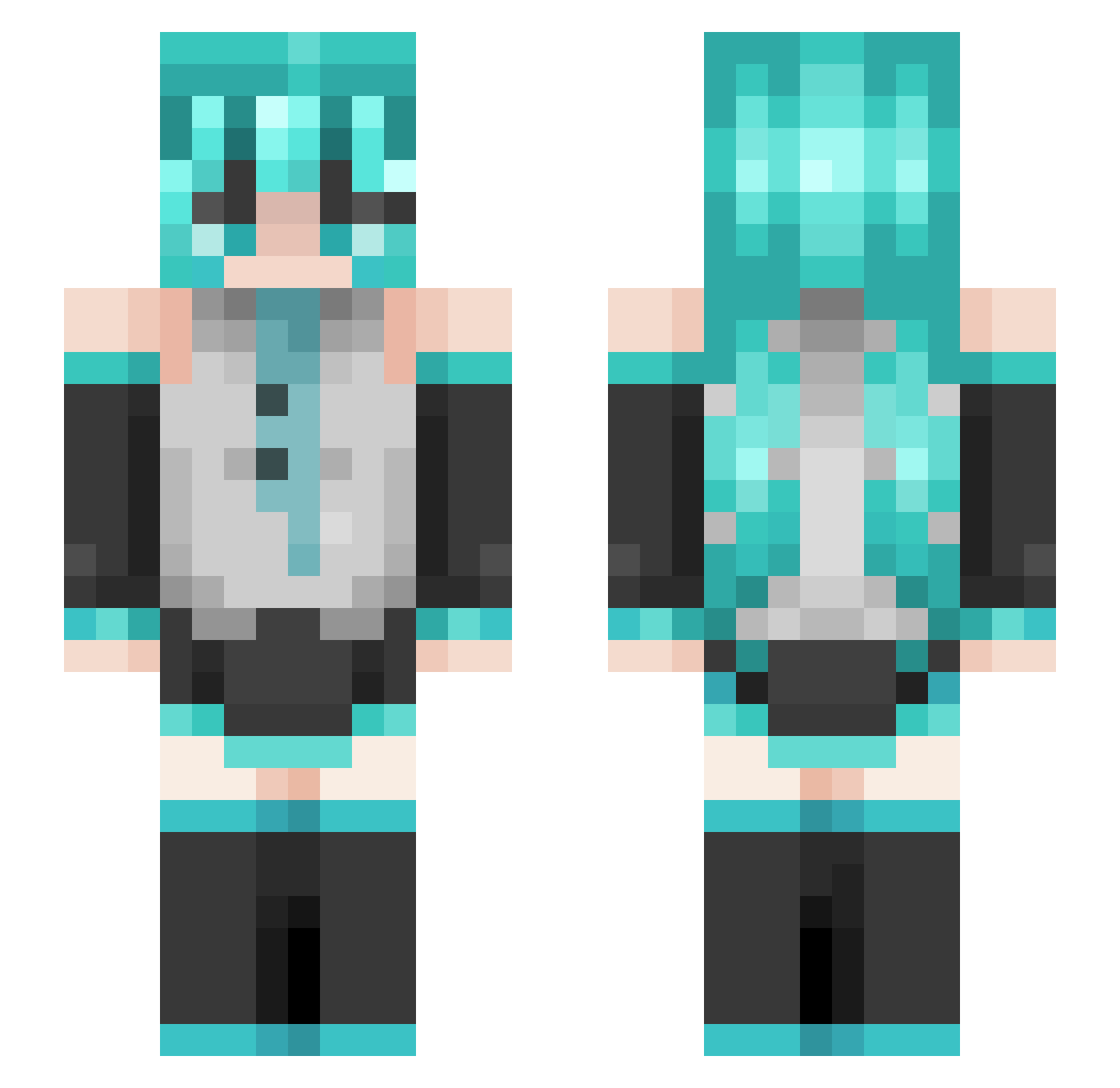
Current Minecraft skin of the player LotusKillz, loaded from the official Mojang API. Rotate the 3D model with your mouse or finger, then download the skin as a PNG file and use it in Minecraft: Bedrock Edition or Java Edition for free. When LotusKillz changes their skin, this page updates automatically and the old skin stays in the history below.
Other players with this skin (74)
LotusKillz was the 12th player we have seen with this skin, first spotted on 13.08.2026. The same skin was seen on these players. Open a nickname to see their current skin and skin history.
 PanConPure
 danielvsr Superelf2233 Yoichiru SmokeyLogs alepecausa Aubree_DSB Rongo_da_bomb BlG_MOlST Curd_Cobain Karoousel Gyeomi39 decoysobased Rompang pancakefiend ShyyBel ___arjun___ miroo9 Pumpkin12308 jackie918 IGITTAFD benitez_mji kanciak12345 PolarBear8247 Montzuu axellrrss Dm_Neko Ganon3009 Herobrian5107 Nuka_Cola_Addict Jogeus h4tethonkhuGYs volcano0 Yyuuki_ illuminatixy SoySebas17 NoOptionsLeft GothicCactus475 SpeedDial20 ANNAVNNV YouKnowWhoYT Twins9632 Zyun1_ Lwotakuu Crymonica slateermine2049 TramaD0ll Tylingo Il_Faraone sacco338 AuntJemima27 SrGhostMP oroka1 Slynax HappyDanny hellos0708 Greedy_Lawyer koloterorita2009 Miki_ii HooperSan
More Hatsune Miku Minecraft skins
See all 898 Hatsune Miku skins
How to install the LotusKillz skin
- Press the Download button above to save the skin as a PNG file.
- Minecraft: Bedrock Edition (PE): open the Dressing Room from the main menu (or tap your character → Edit Character), go to Classic Skins → Owned, press the + (new skin) button, choose the downloaded PNG and pick the Slim (Alex) model. Works on PC and mobile; consoles cannot import custom skins.
- Minecraft: Java Edition: open the Minecraft Launcher, go to the Skins tab, click New Skin, load the PNG, pick the Slim (Alex) model and press Save & Use. You can also upload it at minecraft.net → Profile → Change Skin.
The skin does not show up after import - what should I do?
Restart Minecraft and open the Dressing Room again - imported skins sometimes appear only after a restart. Also make sure you selected the imported skin and picked the Slim (Alex) model.
Which model should I choose, Classic or Slim?
This skin is designed for the Slim (Alex) model. If you pick the wrong model, the arms of the skin will look stretched or squeezed.
Is the skin of LotusKillz free to download?
Yes. Press Download, save the PNG file and use it in Minecraft: Bedrock Edition or Java Edition - no payment or registration needed. The skin also works on multiplayer servers and Realms.
More skins
Looking for more? Go back to all Minecraft skins and check the top skins of the week, month and all time, or find any player's skin by nickname.