
Livsar - Minecraft Skins & Skin History
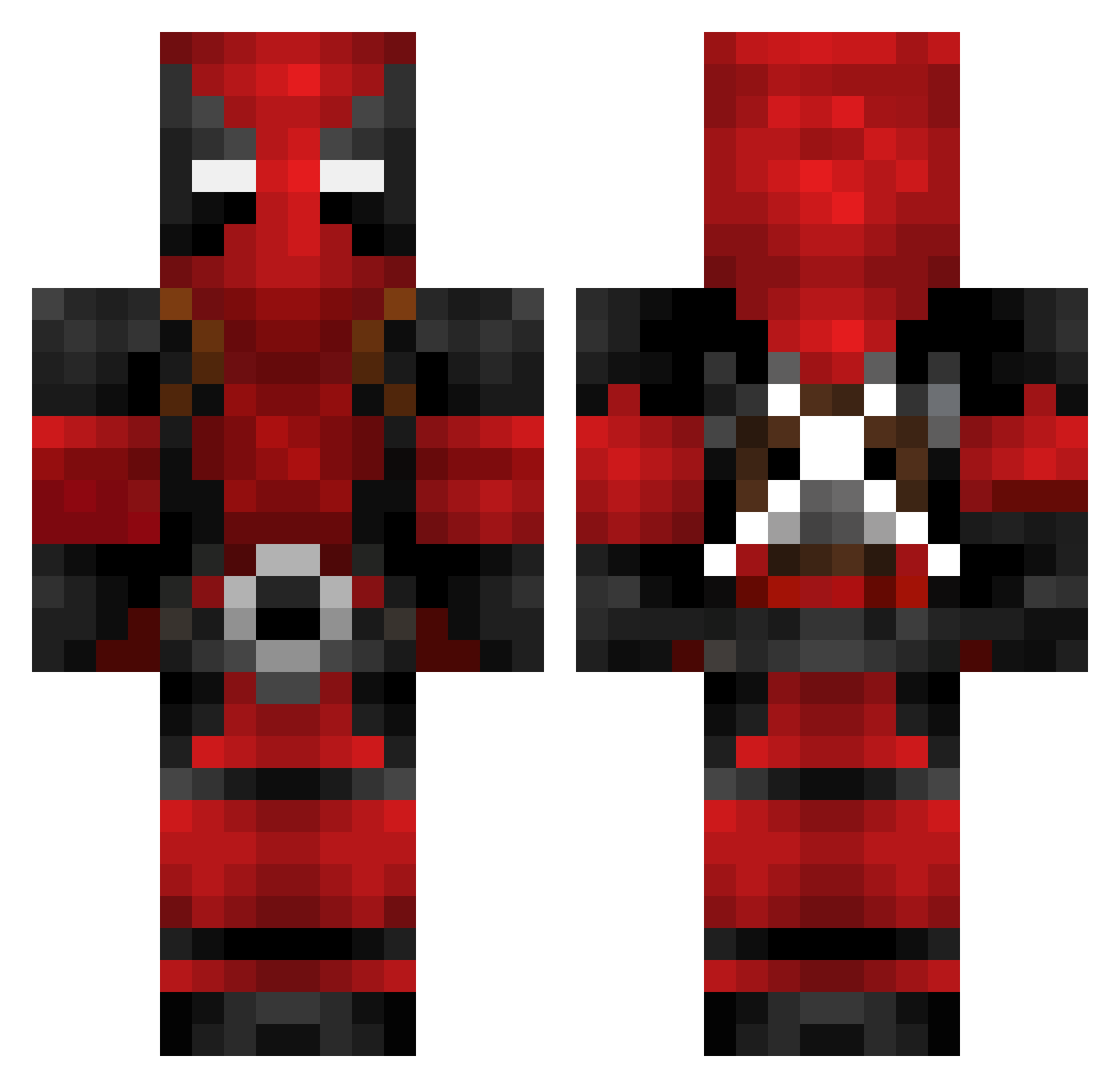
Current Minecraft skin of the player Livsar, loaded from the official Mojang API. Rotate the 3D model with your mouse or finger, then download the skin as a PNG file and use it in Minecraft: Bedrock Edition or Java Edition for free. When Livsar changes their skin, this page updates automatically and the old skin stays in the history below.
Other players with this skin (602)
Livsar was the 547th player we have seen with this skin, first spotted on 12.10.2026. The same skin was seen on these players. Open a nickname to see their current skin and skin history.
 Kaneda84 okapiTIE2 jusloy22 La_Fripouille15 LCheaY02 Krabsbooty mewtwo60 Gavin101hg Tjurian1 Dimitri12V alro1996 zephyyr_ super_dinges Chaos0815 asorenn Silverind Ragner15 PARAMEDIC991 Ian_Nathaniel Treyas18 parkyss chademolotov Lozeman Madne KanonFoda RhysesPeices929 Kekrrrrrr jerryxen Gryns_ halbmatt beppboop Jkreegs23 WillGB98 ZAY_WITH_THE_LAY ViperzFam BobaMilkTeas bp9320 Raytz xTheCptn Fantastics04 SlightlyRPY TheMadDoctor_ RAYMOF Sir__Lunchalot ZenithXQ noversoft Aklipp LittleSquish D0UBLExA2 Mecherito_ Blightning Demiizing SerjaoBandoleiro TR0N1N Zar_J Pater_Rick NuggleTheKelpie kotikame777 1_Szymix_1 xxDYS
More Deadpool Minecraft skins
How to install the Livsar skin
- Press the Download button above to save the skin as a PNG file.
- Minecraft: Bedrock Edition (PE): open the Dressing Room from the main menu (or tap your character → Edit Character), go to Classic Skins → Owned, press the + (new skin) button, choose the downloaded PNG and pick the Classic (Steve) model. Works on PC and mobile; consoles cannot import custom skins.
- Minecraft: Java Edition: open the Minecraft Launcher, go to the Skins tab, click New Skin, load the PNG, pick the Classic (Steve) model and press Save & Use. You can also upload it at minecraft.net → Profile → Change Skin.
The skin does not show up after import - what should I do?
Restart Minecraft and open the Dressing Room again - imported skins sometimes appear only after a restart. Also make sure you selected the imported skin and picked the Classic (Steve) model.
Which model should I choose, Classic or Slim?
This skin is designed for the Classic (Steve) model. If you pick the wrong model, the arms of the skin will look stretched or squeezed.
Is the skin of Livsar free to download?
Yes. Press Download, save the PNG file and use it in Minecraft: Bedrock Edition or Java Edition - no payment or registration needed. The skin also works on multiplayer servers and Realms.
More skins
Looking for more? Go back to all Minecraft skins and check the top skins of the week, month and all time, or find any player's skin by nickname.