
LeonisdaVinci - Minecraft Skins & Skin History
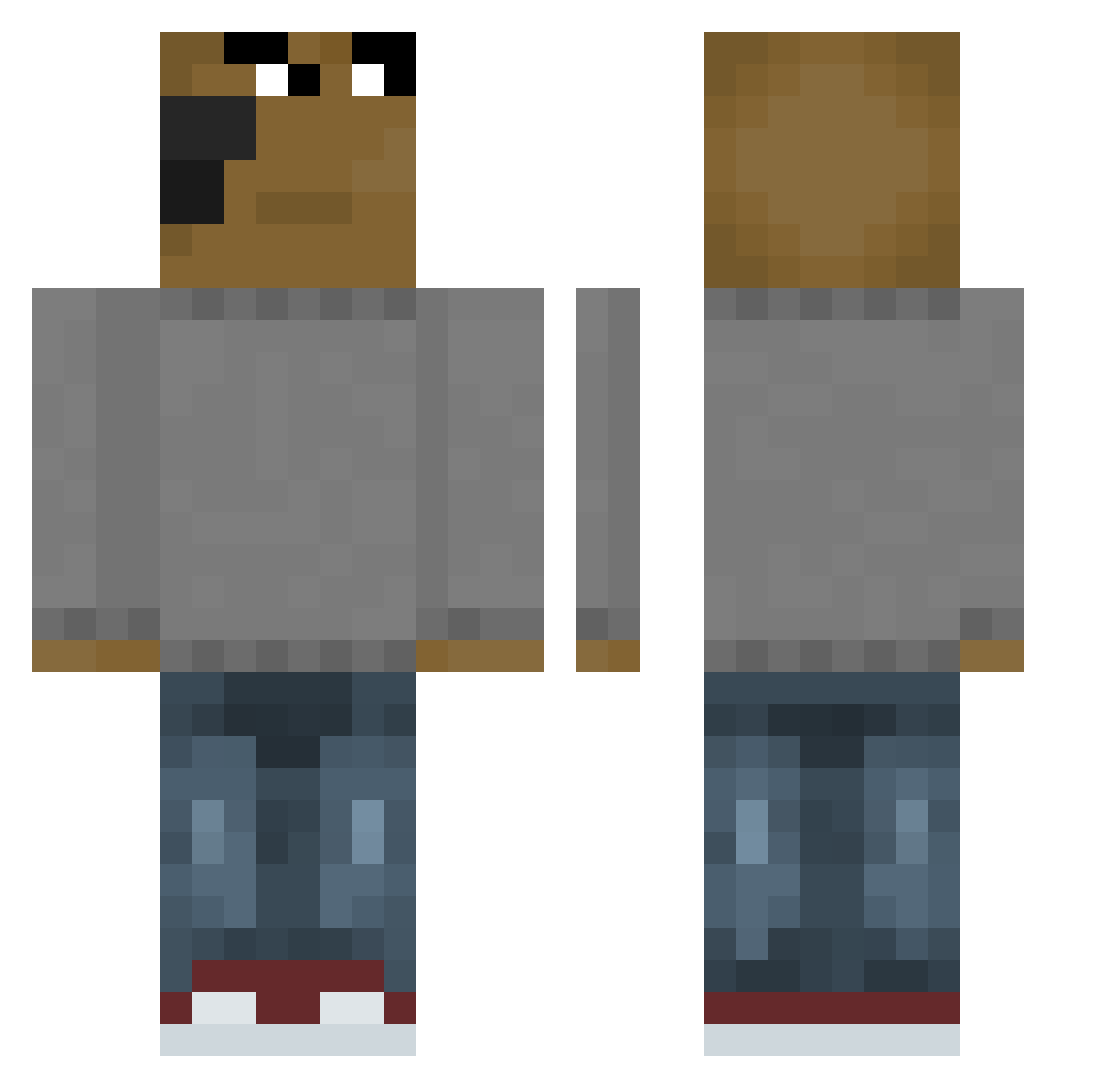
Current Minecraft skin of the player LeonisdaVinci, loaded from the official Mojang API. Rotate the 3D model with your mouse or finger, then download the skin as a PNG file and use it in Minecraft: Bedrock Edition or Java Edition for free. When LeonisdaVinci changes their skin, this page updates automatically and the old skin stays in the history below.
Other players with this skin (655)
LeonisdaVinci was the 208th player we have seen with this skin, first spotted on 29.08.2026. The same skin was seen on these players. Open a nickname to see their current skin and skin history.
 iluvmoneyz wilsiai _nizKK istorya Baenchpress DABaconReal WilsonHsu nirvsc Dimee62 CNlimao JayDaFlex ThroughTheWire snafupedia chill______guy GrechkaTop228 kacper_567 yeexuanwei10171 SquareYard jigeondesu aaron1up SCAPPODALLASESE Prodigy1496 MutadoPermanente ANUEL_A_A mr_tickle_ WOOYOUNG11 oogway9x Lukreci0 headrock69 RayanC5 NilsxD_ SkibidiGyat0hio Sharshofe PepsiMaxMax Herobacka0 Faux321 oeuz Tronb94 Ultra_Corgi77 famp123 Wangnima7 Saulie agreatchaos29 _Mxrksy jeffreyanto CoronaSlayer2 Kamonballs FlixS_
 GranatenOpa zelqq vaz1k gbnw easuhyuck MrTupco AaronGeelen Itz_SuhailOG Yael_On24 HODAM171 Marfiux99 Henzinko
How to install the LeonisdaVinci skin
- Press the Download button above to save the skin as a PNG file.
- Minecraft: Bedrock Edition (PE): open the Dressing Room from the main menu (or tap your character → Edit Character), go to Classic Skins → Owned, press the + (new skin) button, choose the downloaded PNG and pick the Classic (Steve) model. Works on PC and mobile; consoles cannot import custom skins.
- Minecraft: Java Edition: open the Minecraft Launcher, go to the Skins tab, click New Skin, load the PNG, pick the Classic (Steve) model and press Save & Use. You can also upload it at minecraft.net → Profile → Change Skin.
The skin does not show up after import - what should I do?
Restart Minecraft and open the Dressing Room again - imported skins sometimes appear only after a restart. Also make sure you selected the imported skin and picked the Classic (Steve) model.
Which model should I choose, Classic or Slim?
This skin is designed for the Classic (Steve) model. If you pick the wrong model, the arms of the skin will look stretched or squeezed.
Is the skin of LeonisdaVinci free to download?
Yes. Press Download, save the PNG file and use it in Minecraft: Bedrock Edition or Java Edition - no payment or registration needed. The skin also works on multiplayer servers and Realms.
More skins
Looking for more? Go back to all Minecraft skins and check the top skins of the week, month and all time, or find any player's skin by nickname.