
 BOSSBRYAN101 Svxnvrp INtreous Dxncrxcz HHDEGG Tholuky schweinerei88 Pbaj007 PelotaCuadrada Bobixon69 LAMALAESTGANGX87 fermon2 Xavri adriqwwx Janek8936yt apEXzc ReinDrop123 fraan_kb Titan321_H fall3n_0ne ElColombianoo meteor572 fulmineblu10 valmirzinho Mu_yuuu PeepeePoopoo5 Mrrburns OogaBooga661 rayane_212 BlissfulBear93 SamSlays1234 nexary5 musicmanoliver_ flumbar725 xRamitaUwU kuba478 xstrw orgazmbomja yetimdovucu Leizyi ismeliprox JonTheOne14 Ship_jun Krubba Flat_Six TatayMo 6xin coolguy0927 0xwz LySy_77 de_gamerboy14 ARTUR_zxz BigNutNiqquer Batopoulet hippolyte15 WortMallow Nidsuo prekrati octopus0214 iiilillii
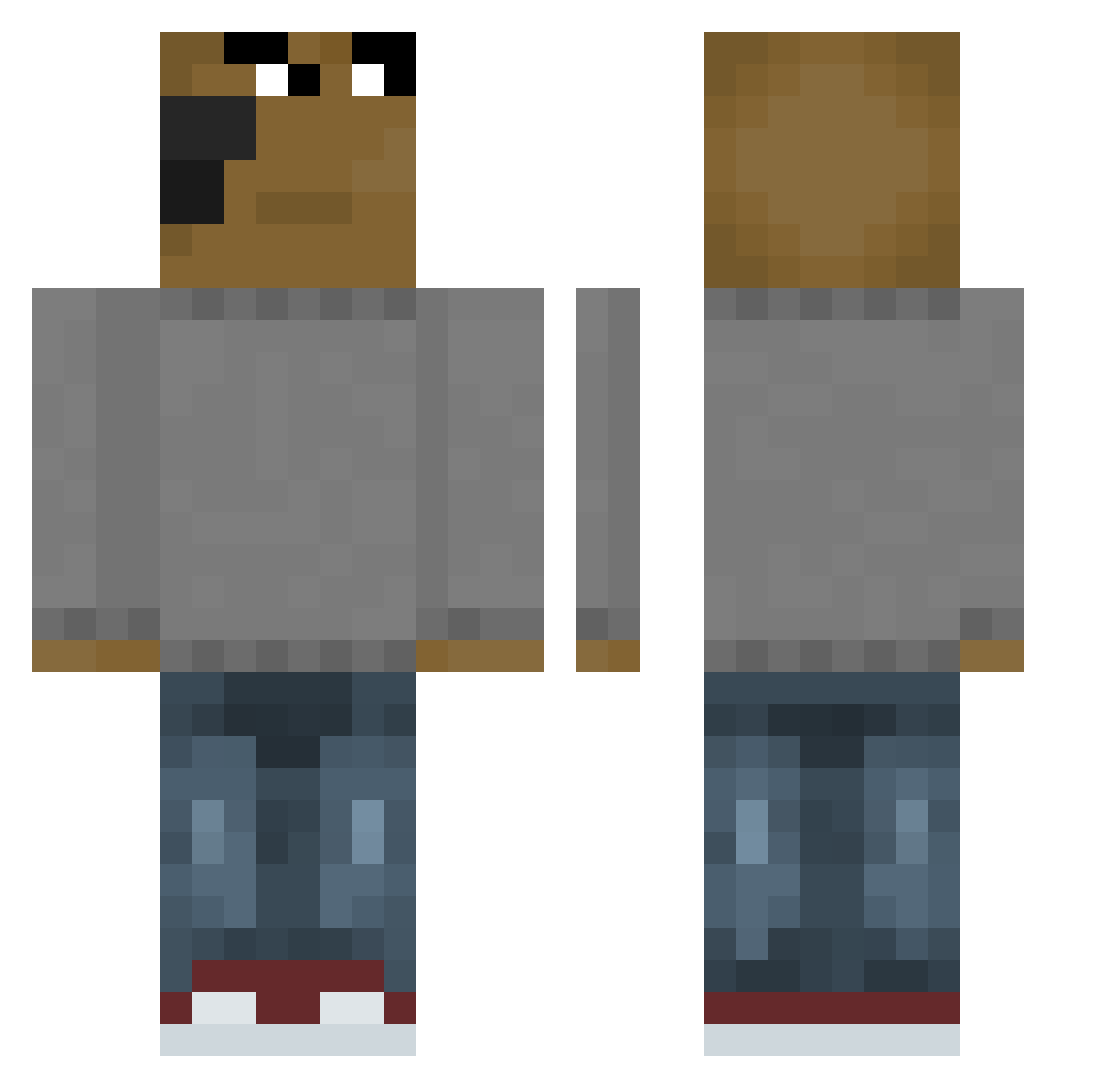
Minecraft skin of TioC15. Rotate the 3D model with your mouse or finger to view the skin from every angle, then download it as a PNG file and use it in Minecraft: Bedrock Edition or Java Edition for free. Rate the skin with stars to help other players find the best skins in our collection.
How to install the TioC15 skin
- Press the Download button above to save the skin as a PNG file.
- Minecraft: Bedrock Edition (PE): open the Dressing Room from the main menu (or tap your character → Edit Character), go to Classic Skins → Owned, press the + (new skin) button, choose the downloaded PNG and pick the Classic (Steve) model. Works on PC and mobile; consoles cannot import custom skins.
- Minecraft: Java Edition: open the Minecraft Launcher, go to the Skins tab, click New Skin, load the PNG, pick the Classic (Steve) model and press Save & Use. You can also upload it at minecraft.net → Profile → Change Skin.
The skin does not show up after import - what should I do?
Restart Minecraft and open the Dressing Room again - imported skins sometimes appear only after a restart. Also make sure you selected the imported skin and picked the Classic (Steve) model.
Which model should I choose, Classic or Slim?
This skin is designed for the Classic (Steve) model. If you pick the wrong model, the arms of the skin will look stretched or squeezed.
Is this skin free to use?
Yes. Press Download, save the PNG file and use it in Minecraft: Bedrock Edition or Java Edition - no payment or registration needed. The skin also works on multiplayer servers and Realms.
More skins
Looking for more? Go back to all Minecraft skins and check the top skins of the week, month and all time, or find any player's skin by nickname.