
Leogg551 - Minecraft Skins & Skin History
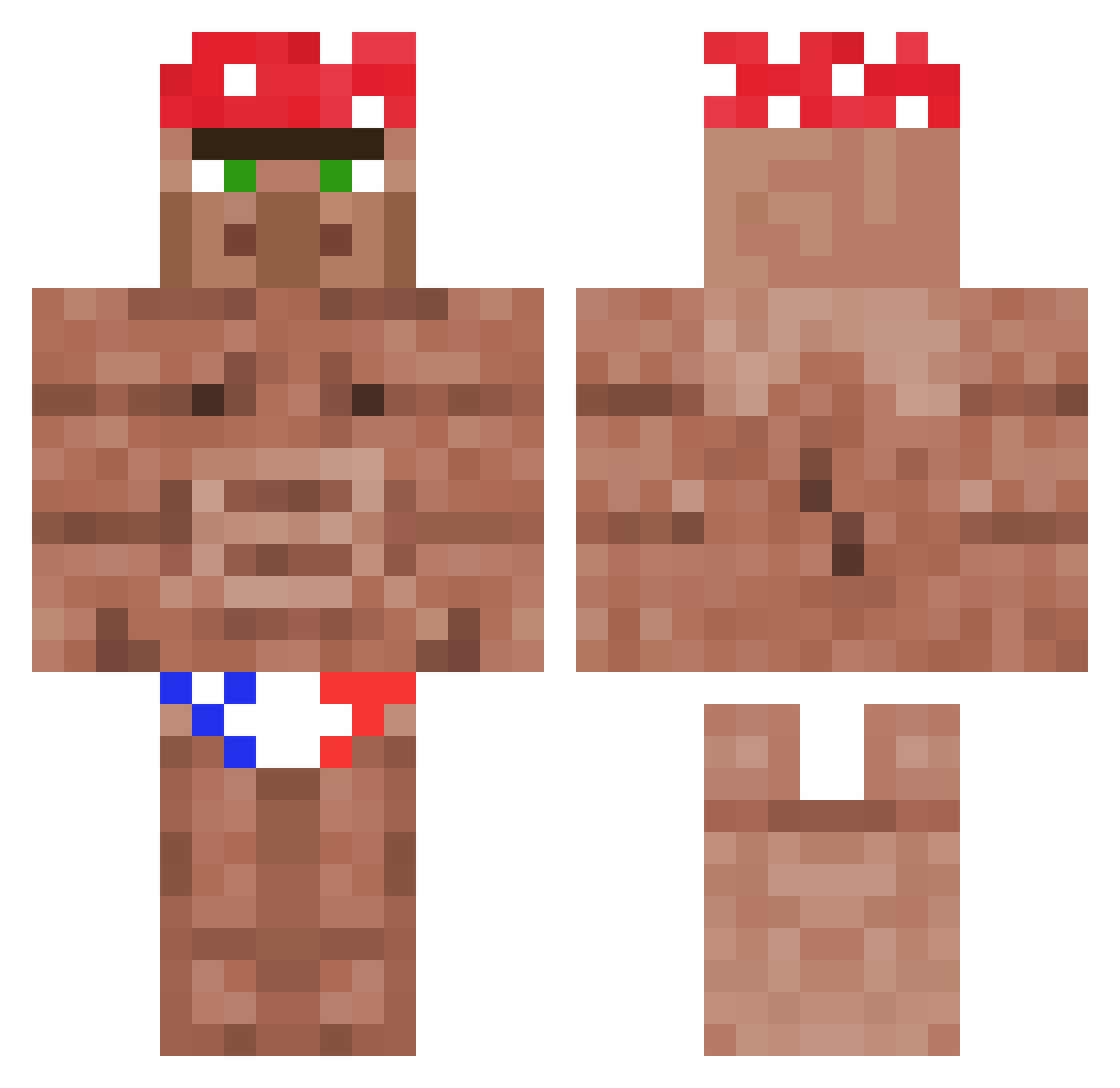
Current Minecraft skin of the player Leogg551, loaded from the official Mojang API. Rotate the 3D model with your mouse or finger, then download the skin as a PNG file and use it in Minecraft: Bedrock Edition or Java Edition for free. When Leogg551 changes their skin, this page updates automatically and the old skin stays in the history below.
Other players with this skin (1178)
Leogg551 was the 233rd player we have seen with this skin, first spotted on 16.08.2026. The same skin was seen on these players. Open a nickname to see their current skin and skin history.
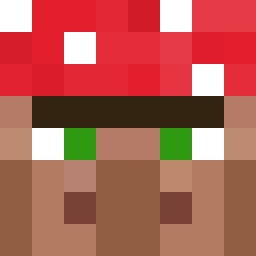 Felipessz Eigot acomplekt Nijinsky4X _Alistair Schieeb AlBajarMamas1982 Mollijames tahubulatdigoreg dongli11 SpoicyTacos oriidg Error2499 Yongtek IAmSquiffy saturnoZz killercroc097 EcstazzyTheGreat EoRbonny GeorgeH7 KillerG942 Ryunoku BobLoblaw99 Drewbawcca 2andOnly Hongrois22cm Deivid890 JohanStrasni Paddington301 NineBarks Daddytrina Memesanity _Emilka_ MassaCrispy azeta01111 wadomorek lo_cie_panie M00sh3__ wllr17 Hope_Skipz NinjaLooT2077 Mukivei Schni77y rapato HerpDerpzzz Orginer janmrog YuRkI_ Aethorr Shaftacy l_K_l CRACKEDXD Name_Less121
 Viezas ZULA_IL Hobo_Joe6411 PEDER04 oishi1x chestersone eddiemin
More Ricardo Milos Minecraft skins
See all 100 Ricardo Milos skins
How to install the Leogg551 skin
- Press the Download button above to save the skin as a PNG file.
- Minecraft: Bedrock Edition (PE): open the Dressing Room from the main menu (or tap your character → Edit Character), go to Classic Skins → Owned, press the + (new skin) button, choose the downloaded PNG and pick the Classic (Steve) model. Works on PC and mobile; consoles cannot import custom skins.
- Minecraft: Java Edition: open the Minecraft Launcher, go to the Skins tab, click New Skin, load the PNG, pick the Classic (Steve) model and press Save & Use. You can also upload it at minecraft.net → Profile → Change Skin.
The skin does not show up after import - what should I do?
Restart Minecraft and open the Dressing Room again - imported skins sometimes appear only after a restart. Also make sure you selected the imported skin and picked the Classic (Steve) model.
Which model should I choose, Classic or Slim?
This skin is designed for the Classic (Steve) model. If you pick the wrong model, the arms of the skin will look stretched or squeezed.
Is the skin of Leogg551 free to download?
Yes. Press Download, save the PNG file and use it in Minecraft: Bedrock Edition or Java Edition - no payment or registration needed. The skin also works on multiplayer servers and Realms.
More skins
Looking for more? Go back to all Minecraft skins and check the top skins of the week, month and all time, or find any player's skin by nickname.