
Laketa - Minecraft Skins & Skin History
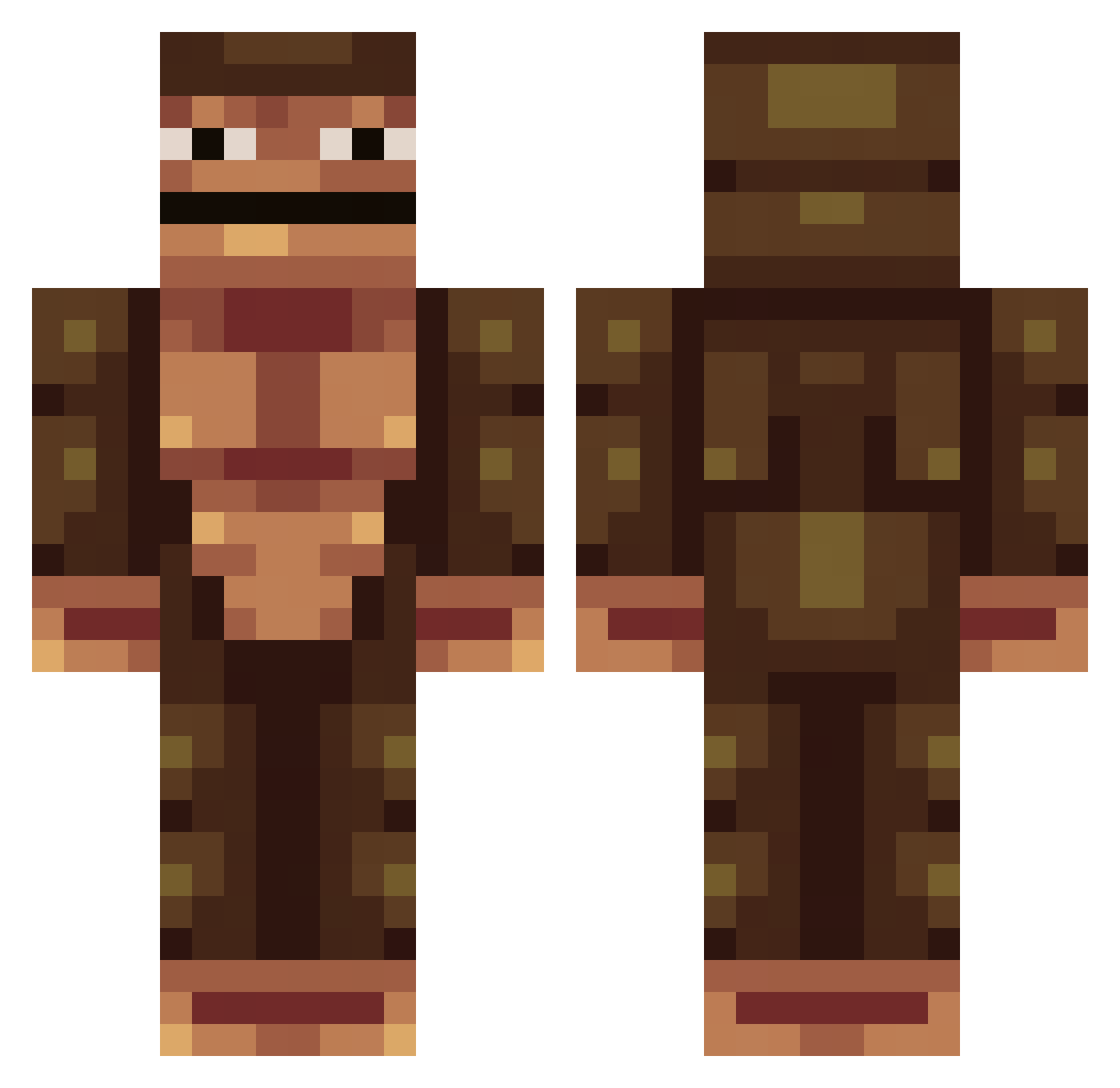
Current Minecraft skin of the player Laketa, loaded from the official Mojang API. Rotate the 3D model with your mouse or finger, then download the skin as a PNG file and use it in Minecraft: Bedrock Edition or Java Edition for free. When Laketa changes their skin, this page updates automatically and the old skin stays in the history below.
Other players with this skin (389)
Laketa was the 235th player we have seen with this skin, first spotted on 05.10.2026. The same skin was seen on these players. Open a nickname to see their current skin and skin history.
 vindron joeyplayz Crucifie VainEcho arribear TheBigSancho Cheemsta igaiga48 Cube_Devil tdawgy1 kasatk geurilla Mxsca Mustaafaali amways 00jsh Pig_SENPAI spoofcaptain Gannao_ Giraffeabs Whofam Tailagi Zoozooloco Moniitto unsatisfactorily cheesesqueeze meisun5k HungryforNuts Tanjant_1 Gord0Combador SHMULORD2 MongMan22503 diqui08 LittleBolaBR HardbeatGames Ciaba03 REDCHURCHBOY Mathcouto SudLeav Hugybi meatwaylod shqreef Laxatives8008 Jessee03 seokyunho ogusyou Bloody232 SaltyTvGuy Smellman980 Rekkuden houooin Jefferson_Samuel UDru_ Prevideli_zx Bobzin353 EpickiSzczur69 MeTaLh1 GewoonN1ck Polk1lo HydraNgea0531
How to install the Laketa skin
- Press the Download button above to save the skin as a PNG file.
- Minecraft: Bedrock Edition (PE): open the Dressing Room from the main menu (or tap your character → Edit Character), go to Classic Skins → Owned, press the + (new skin) button, choose the downloaded PNG and pick the Classic (Steve) model. Works on PC and mobile; consoles cannot import custom skins.
- Minecraft: Java Edition: open the Minecraft Launcher, go to the Skins tab, click New Skin, load the PNG, pick the Classic (Steve) model and press Save & Use. You can also upload it at minecraft.net → Profile → Change Skin.
The skin does not show up after import - what should I do?
Restart Minecraft and open the Dressing Room again - imported skins sometimes appear only after a restart. Also make sure you selected the imported skin and picked the Classic (Steve) model.
Which model should I choose, Classic or Slim?
This skin is designed for the Classic (Steve) model. If you pick the wrong model, the arms of the skin will look stretched or squeezed.
Is the skin of Laketa free to download?
Yes. Press Download, save the PNG file and use it in Minecraft: Bedrock Edition or Java Edition - no payment or registration needed. The skin also works on multiplayer servers and Realms.
More skins
Looking for more? Go back to all Minecraft skins and check the top skins of the week, month and all time, or find any player's skin by nickname.