
 LucaxFernandes Intrinsic_zyx max143 Prim_Slim PPPHAN onedanielthe apenbil Nebulonus Grostetedu60 DonkeyDonnie VolcanoRoll piggiewiggie51 DEDOFT121 _SoyDrako_ JackyBoy HI_C GorillaZbozo _seggy yorsi03 xxhusber WispyKestrel BlackLove_Z Secarropa leeshee Dwikeul SnousS fasdsappsfdsa tmmyhntn __Acrylic Oroxyz RedRex312 MatheusPeter25 k0c9k pusero2009 ashoboi2210 r27734 Gummieshot Mazinoh tinybalsonya Luizz085 RSGBOBER FastBoyd NmanAS25 Maxiimus7 ZiadYaser reshorg TKCHERO JoshumDW KingHertz JRFlamingo Truffleoil popstarfrog The_Bubble_Boy gyuudon RoosterRage d3lcior Noirvin eliasablom makopako469 _travis_crout_
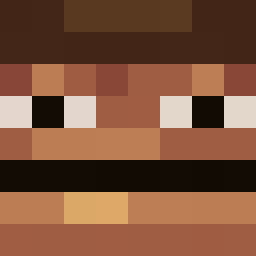
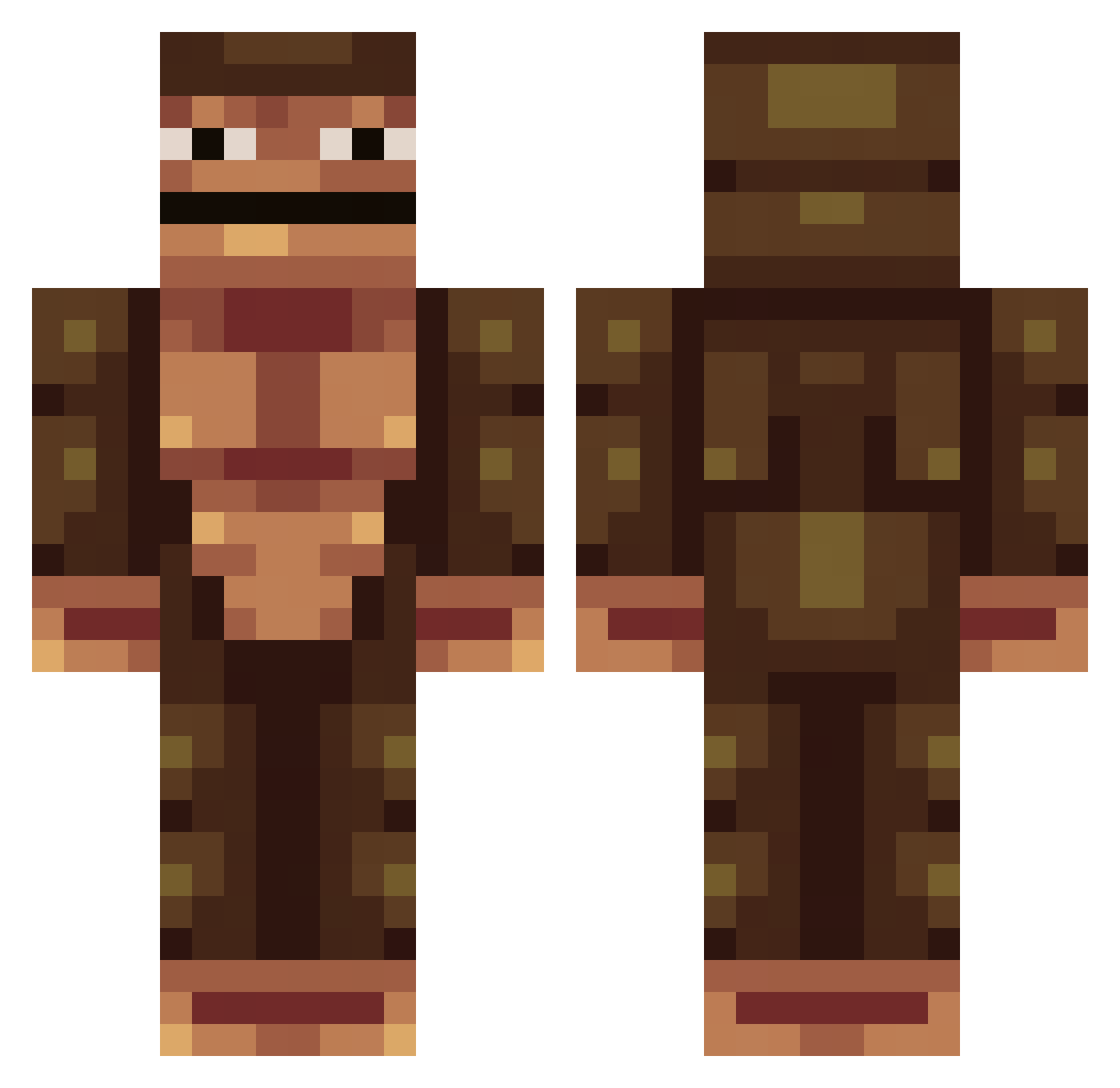
Minecraft skin of ajixdude. Rotate the 3D model with your mouse or finger to view the skin from every angle, then download it as a PNG file and use it in Minecraft: Bedrock Edition or Java Edition for free. Rate the skin with stars to help other players find the best skins in our collection.
How to install the ajixdude skin
- Press the Download button above to save the skin as a PNG file.
- Minecraft: Bedrock Edition (PE): open the Dressing Room from the main menu (or tap your character → Edit Character), go to Classic Skins → Owned, press the + (new skin) button, choose the downloaded PNG and pick the Classic (Steve) model. Works on PC and mobile; consoles cannot import custom skins.
- Minecraft: Java Edition: open the Minecraft Launcher, go to the Skins tab, click New Skin, load the PNG, pick the Classic (Steve) model and press Save & Use. You can also upload it at minecraft.net → Profile → Change Skin.
The skin does not show up after import - what should I do?
Restart Minecraft and open the Dressing Room again - imported skins sometimes appear only after a restart. Also make sure you selected the imported skin and picked the Classic (Steve) model.
Which model should I choose, Classic or Slim?
This skin is designed for the Classic (Steve) model. If you pick the wrong model, the arms of the skin will look stretched or squeezed.
Is this skin free to use?
Yes. Press Download, save the PNG file and use it in Minecraft: Bedrock Edition or Java Edition - no payment or registration needed. The skin also works on multiplayer servers and Realms.
More skins
Looking for more? Go back to all Minecraft skins and check the top skins of the week, month and all time, or find any player's skin by nickname.