
Ladiaw - Minecraft Skins & Skin History
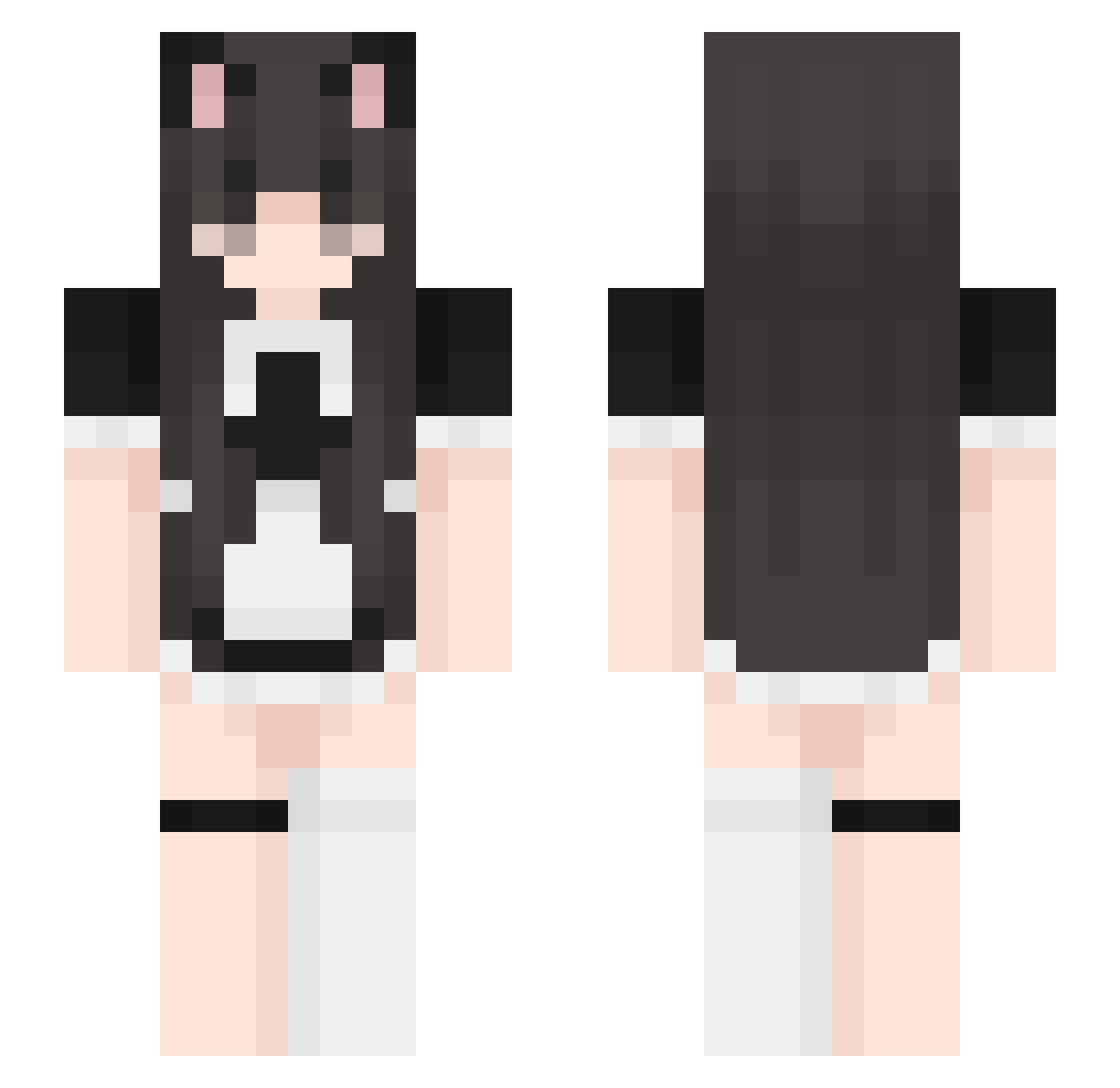
Current Minecraft skin of the player Ladiaw, loaded from the official Mojang API. Rotate the 3D model with your mouse or finger, then download the skin as a PNG file and use it in Minecraft: Bedrock Edition or Java Edition for free. When Ladiaw changes their skin, this page updates automatically and the old skin stays in the history below.
Other players with this skin (459)
Ladiaw was the 47th player we have seen with this skin, first spotted on 06.08.2026. The same skin was seen on these players. Open a nickname to see their current skin and skin history.
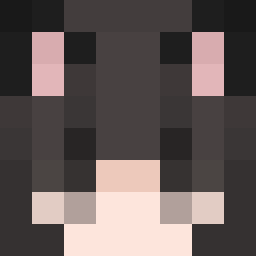 Smtjin TheTimeWalrus QiaoBiLuo xiongKUMA MaoMoYun9142 Mostima_1415 qing516 catgirldom GeileKatze FENGYE2002 impiki isy_chiese PoXiaoYi Evil_Valk Jdrissy ufolian ashley6s Meiwaku96 Darkih_ cakealyna Speeb04 dianalouisa Wazame vlaxna kittenpurrs oxoyumeko TetraMax_ xMia1905 Bunny_Lila hibiscus6338 Emma_onminecraft sleens RompeCatre23 NonXen FrootLoops1201 MommyTooTight Lynumu YuzuCatto k0shu0 Loherxe iisafraid 69shawty MaidGirl2392 LovinqTina Ea577 Cutie_PIGGI DerkitoIT rani_j GGAMTWI favkacpi Moypa Maid18 Swagadactyl69 Nalesniorek Yes_Its_6_Inches Sunnyii easy7744 LuizEduardo1008 MoR_lEaf
 Lurvq
LurvqMore Maid Minecraft skins
How to install the Ladiaw skin
- Press the Download button above to save the skin as a PNG file.
- Minecraft: Bedrock Edition (PE): open the Dressing Room from the main menu (or tap your character → Edit Character), go to Classic Skins → Owned, press the + (new skin) button, choose the downloaded PNG and pick the Slim (Alex) model. Works on PC and mobile; consoles cannot import custom skins.
- Minecraft: Java Edition: open the Minecraft Launcher, go to the Skins tab, click New Skin, load the PNG, pick the Slim (Alex) model and press Save & Use. You can also upload it at minecraft.net → Profile → Change Skin.
The skin does not show up after import - what should I do?
Restart Minecraft and open the Dressing Room again - imported skins sometimes appear only after a restart. Also make sure you selected the imported skin and picked the Slim (Alex) model.
Which model should I choose, Classic or Slim?
This skin is designed for the Slim (Alex) model. If you pick the wrong model, the arms of the skin will look stretched or squeezed.
Is the skin of Ladiaw free to download?
Yes. Press Download, save the PNG file and use it in Minecraft: Bedrock Edition or Java Edition - no payment or registration needed. The skin also works on multiplayer servers and Realms.
More skins
Looking for more? Go back to all Minecraft skins and check the top skins of the week, month and all time, or find any player's skin by nickname.