
LRI3 - Minecraft Skins & Skin History
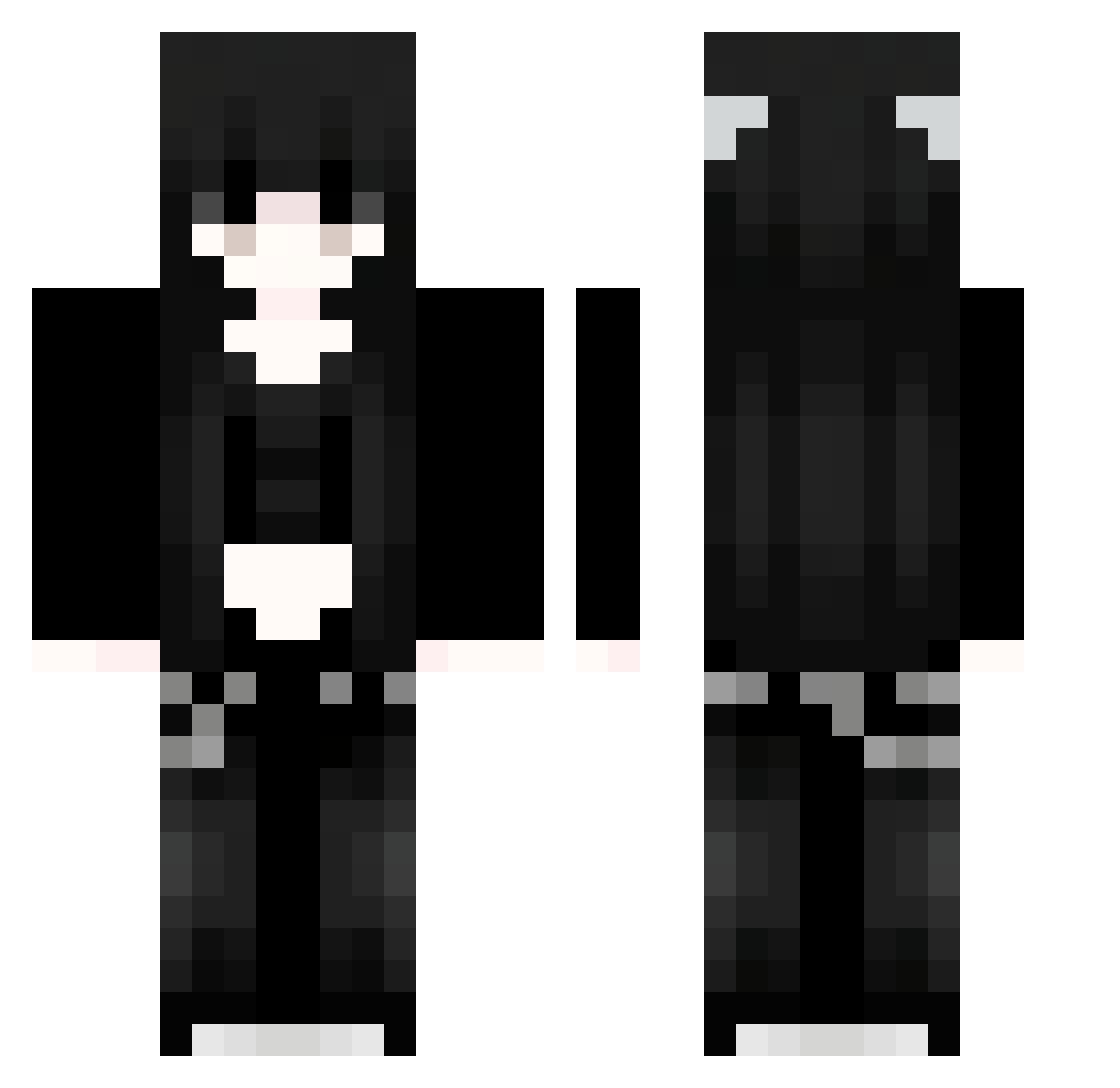
Current Minecraft skin of the player LRI3, loaded from the official Mojang API. Rotate the 3D model with your mouse or finger, then download the skin as a PNG file and use it in Minecraft: Bedrock Edition or Java Edition for free. When LRI3 changes their skin, this page updates automatically and the old skin stays in the history below.
Other players with this skin (963)
LRI3 was the 945th player we have seen with this skin, first spotted on 22.10.2026. The same skin was seen on these players. Open a nickname to see their current skin and skin history.
 LMw55 hIo328 zZr483 Suukoma 0120F Ymv893 91_lqjIVIAnpv210 Sakura_JmxVRM232 TYI379 zKr836 Sakura_VLyvYF893 mzZ324 jUp248 HUg530 stillbestSA RGu781 Jvr931 yiM47 DLF940 Sakura_JIJvry393 aotora9772 Onyx3372 kawinwong TNT_TERY Ayf137 Yem145 xul423 JPV975 91_dQeyabinkM162 91_EbszPzhXlR287 Slg131 oEr258 buq87 LuoingTY Sakura_XVuHFK839 NHr371 Doryzinha Xiane_Risa 91_eGepcUcwwK270 Jvav_SqCvkpGn892 KWv226 GasterSir IEZ360 oGt548 Jvav_XbYPBdqc969 noO103 FHY421 Appar1t1on QsD331 WOo714 WFu370 Darwin4296 nsB981 JmN611 ePt196 WKQ896 tyn428 NessiVessi xtn64 DFB684
More Emo Minecraft skins
How to install the LRI3 skin
- Press the Download button above to save the skin as a PNG file.
- Minecraft: Bedrock Edition (PE): open the Dressing Room from the main menu (or tap your character → Edit Character), go to Classic Skins → Owned, press the + (new skin) button, choose the downloaded PNG and pick the Classic (Steve) model. Works on PC and mobile; consoles cannot import custom skins.
- Minecraft: Java Edition: open the Minecraft Launcher, go to the Skins tab, click New Skin, load the PNG, pick the Classic (Steve) model and press Save & Use. You can also upload it at minecraft.net → Profile → Change Skin.
The skin does not show up after import - what should I do?
Restart Minecraft and open the Dressing Room again - imported skins sometimes appear only after a restart. Also make sure you selected the imported skin and picked the Classic (Steve) model.
Which model should I choose, Classic or Slim?
This skin is designed for the Classic (Steve) model. If you pick the wrong model, the arms of the skin will look stretched or squeezed.
Is the skin of LRI3 free to download?
Yes. Press Download, save the PNG file and use it in Minecraft: Bedrock Edition or Java Edition - no payment or registration needed. The skin also works on multiplayer servers and Realms.
More skins
Looking for more? Go back to all Minecraft skins and check the top skins of the week, month and all time, or find any player's skin by nickname.