
Kurpel - Minecraft Skins & Skin History
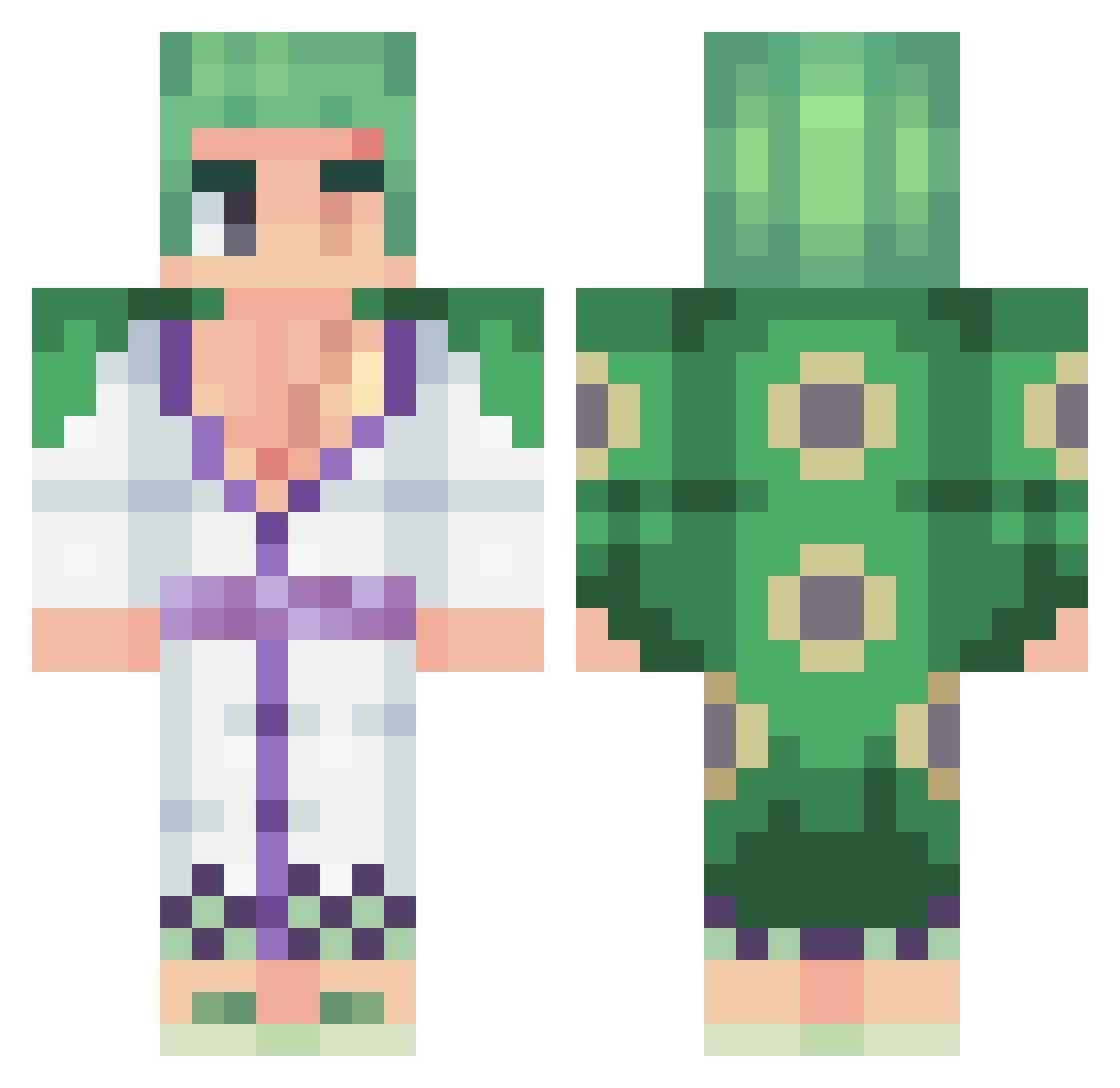
Current Minecraft skin of the player Kurpel, loaded from the official Mojang API. Rotate the 3D model with your mouse or finger, then download the skin as a PNG file and use it in Minecraft: Bedrock Edition or Java Edition for free. When Kurpel changes their skin, this page updates automatically and the old skin stays in the history below.
Other players with this skin (455)
Kurpel was the 62nd player we have seen with this skin, first spotted on 08.08.2026. The same skin was seen on these players. Open a nickname to see their current skin and skin history.
 Srd112 Amakaria Last_Demon196 Tired_Moon _venne timmywu0521 igramay_HD BrowntownLit Fire_Master_Iroh Lex10D ArmedHaki acsangoku OSOoDiogo itoooooooooooo Raider_rex EarthsWrath Sha_Dox_ XGyomeiX bossman0811 f1ndtheway RaHuzaifa chetser1 Melnor AlwayZ_z HACKER181010 Beguni Th3Boiserie snifferlane226 Loukiss__ RonenKings AresFartgo Beyses MyelinSheath69 joacagutx Nav_1 Therealbizzo0 Got_chill Ice_Krem LeanDefii fam_F16 IbanI0 Waner_ Naanor Bacomaty Inqiss KrisW6 Roronoa_Sebs Robshow1337 BlisAbys x2Day youngwinner69
 itzkazzy Wanxing1123 SuffyZR1 Bayron115 MexicanChinatan PhallusApocalyps Sumoiscool qz_s7 r4ff13
More Roronoa Zoro Minecraft skins
See all 340 Roronoa Zoro skins
How to install the Kurpel skin
- Press the Download button above to save the skin as a PNG file.
- Minecraft: Bedrock Edition (PE): open the Dressing Room from the main menu (or tap your character → Edit Character), go to Classic Skins → Owned, press the + (new skin) button, choose the downloaded PNG and pick the Classic (Steve) model. Works on PC and mobile; consoles cannot import custom skins.
- Minecraft: Java Edition: open the Minecraft Launcher, go to the Skins tab, click New Skin, load the PNG, pick the Classic (Steve) model and press Save & Use. You can also upload it at minecraft.net → Profile → Change Skin.
The skin does not show up after import - what should I do?
Restart Minecraft and open the Dressing Room again - imported skins sometimes appear only after a restart. Also make sure you selected the imported skin and picked the Classic (Steve) model.
Which model should I choose, Classic or Slim?
This skin is designed for the Classic (Steve) model. If you pick the wrong model, the arms of the skin will look stretched or squeezed.
Is the skin of Kurpel free to download?
Yes. Press Download, save the PNG file and use it in Minecraft: Bedrock Edition or Java Edition - no payment or registration needed. The skin also works on multiplayer servers and Realms.
More skins
Looking for more? Go back to all Minecraft skins and check the top skins of the week, month and all time, or find any player's skin by nickname.