
Krakadilas_Gena - Minecraft Skins & Skin History
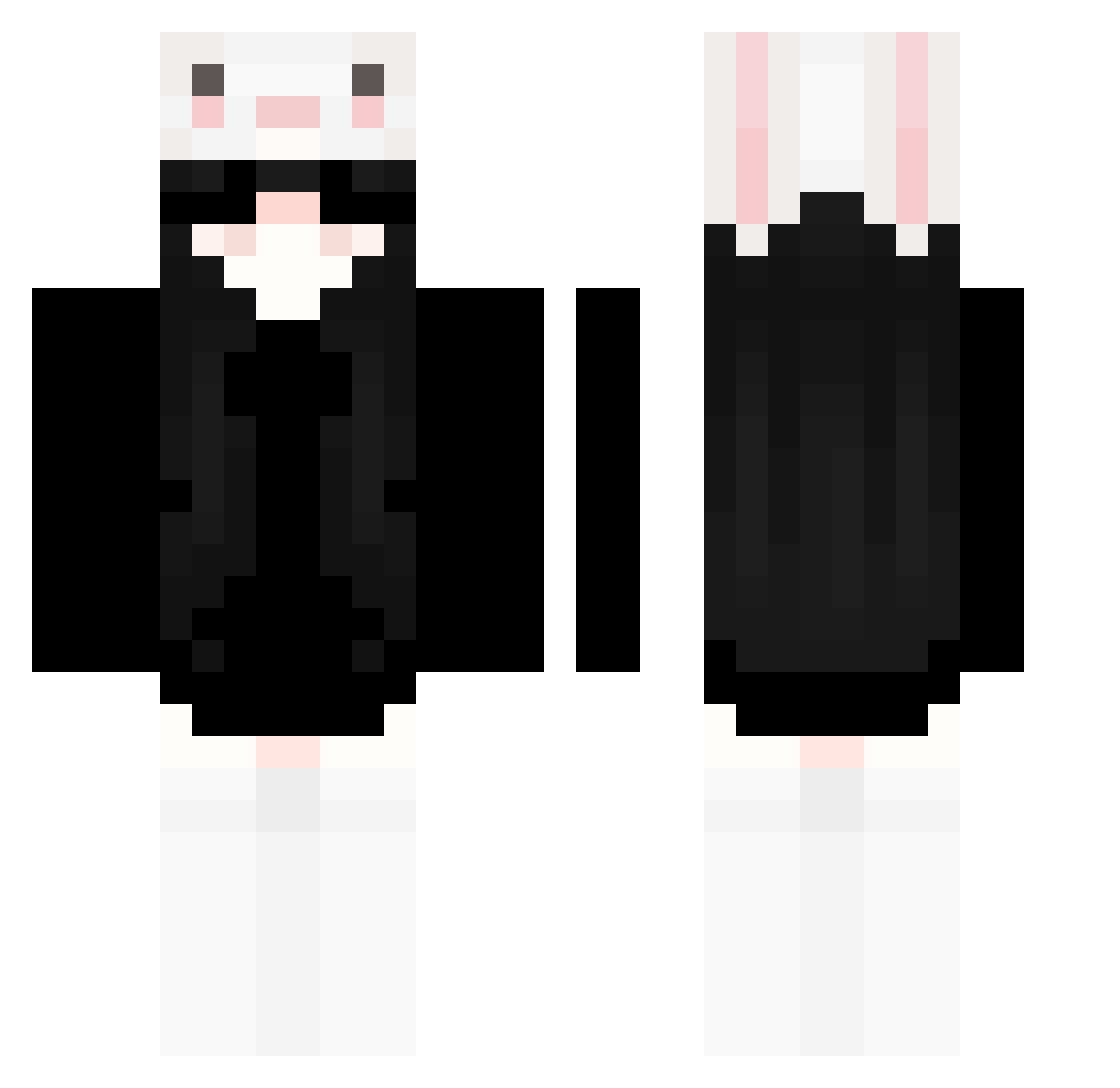
Current Minecraft skin of the player Krakadilas_Gena, loaded from the official Mojang API. Rotate the 3D model with your mouse or finger, then download the skin as a PNG file and use it in Minecraft: Bedrock Edition or Java Edition for free. When Krakadilas_Gena changes their skin, this page updates automatically and the old skin stays in the history below.
Other players with this skin (238)
Krakadilas_Gena was the 166th player we have seen with this skin, first spotted on 02.10.2026. The same skin was seen on these players. Open a nickname to see their current skin and skin history.
 Goongangster Emma_61034 Lucky_SMW _Angelicz XiaoYu169 vd_ka anan0714 Senmono tatatata_969 NikoliskaX justlikesomebody createit RAN_DA ikd333 nessuuhhhh banxn halallettuce MaluEstela lilith666420 Kh4nhDu0nq_ Buckwheat_Soda akeires Akennaa Souallen Lily366 Leikeyao telessz Ahu_ang xinaauwu EuDani_ Nidy_zh Bokonrbw Fiischl meowcatlol YYDS205 AD_mao Kuraudo666 emiiiqqb ywen98 _Dark_Angel_3389 therumbling zhuzhyu thxliac murcixuwu Exonik_ Xuan_Ci AcheronBMei Troubadixl JJKSON Lulibuu lemon363 dollynho24 SaBR1 summerxselena carolinaame Trw_Spaw hhh9z Mykrxzz HenryLuo2020 kitsune486
More Face Mask Minecraft skins
How to install the Krakadilas_Gena skin
- Press the Download button above to save the skin as a PNG file.
- Minecraft: Bedrock Edition (PE): open the Dressing Room from the main menu (or tap your character → Edit Character), go to Classic Skins → Owned, press the + (new skin) button, choose the downloaded PNG and pick the Classic (Steve) model. Works on PC and mobile; consoles cannot import custom skins.
- Minecraft: Java Edition: open the Minecraft Launcher, go to the Skins tab, click New Skin, load the PNG, pick the Classic (Steve) model and press Save & Use. You can also upload it at minecraft.net → Profile → Change Skin.
The skin does not show up after import - what should I do?
Restart Minecraft and open the Dressing Room again - imported skins sometimes appear only after a restart. Also make sure you selected the imported skin and picked the Classic (Steve) model.
Which model should I choose, Classic or Slim?
This skin is designed for the Classic (Steve) model. If you pick the wrong model, the arms of the skin will look stretched or squeezed.
Is the skin of Krakadilas_Gena free to download?
Yes. Press Download, save the PNG file and use it in Minecraft: Bedrock Edition or Java Edition - no payment or registration needed. The skin also works on multiplayer servers and Realms.
More skins
Looking for more? Go back to all Minecraft skins and check the top skins of the week, month and all time, or find any player's skin by nickname.