
KonyaliBrook - Minecraft Skins & Skin History
Current Minecraft skin of the player KonyaliBrook, loaded from the official Mojang API. Rotate the 3D model with your mouse or finger, then download the skin as a PNG file and use it in Minecraft: Bedrock Edition or Java Edition for free. When KonyaliBrook changes their skin, this page updates automatically and the old skin stays in the history below.
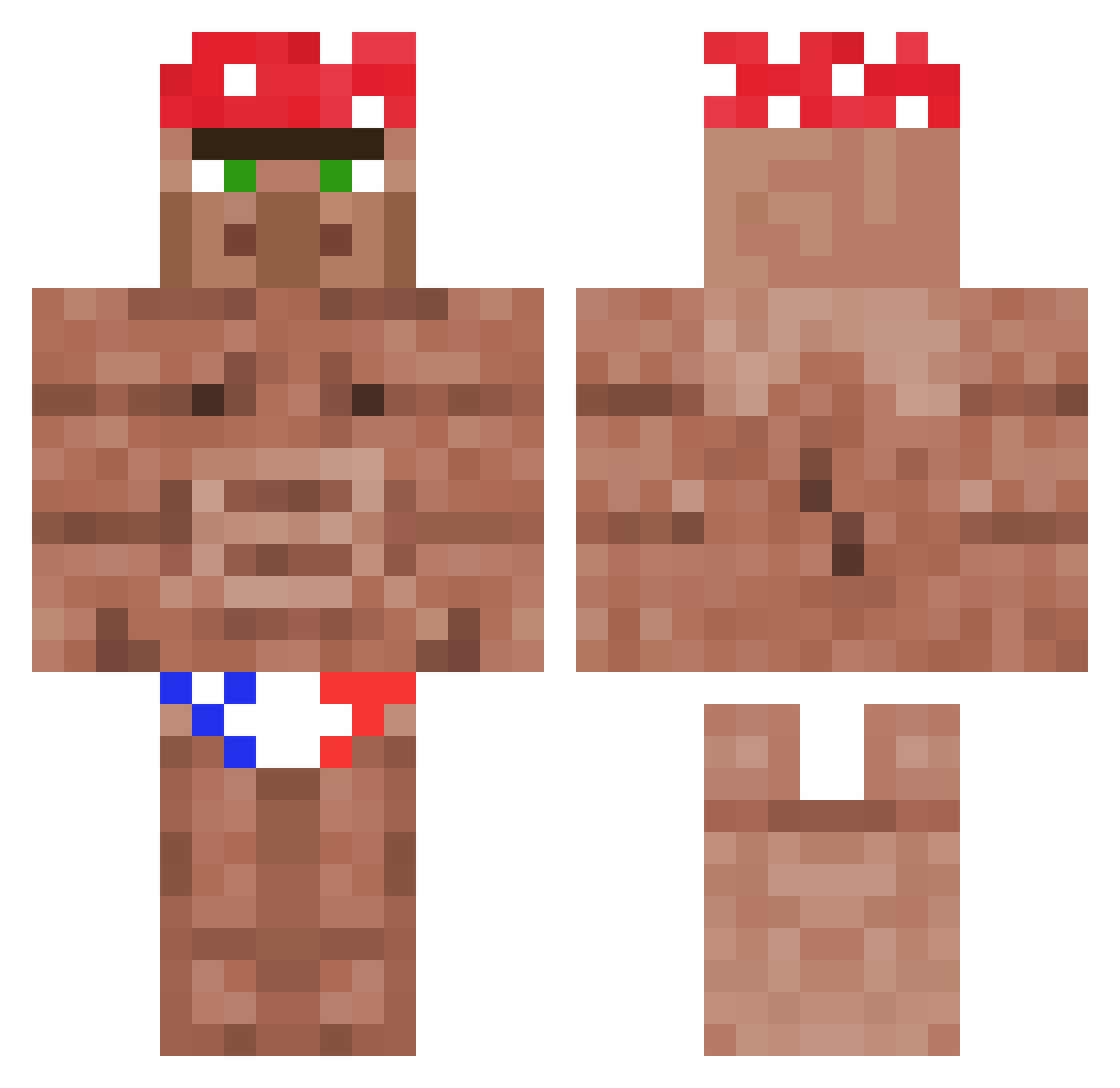
Other players with this skin (1178)
KonyaliBrook was the 93rd player we have seen with this skin, first spotted on 01.08.2026. The same skin was seen on these players. Open a nickname to see their current skin and skin history.
 Terrific_Loser Cakesu__atm WolfX2k500 GreenGiant2493 Quatorian Usizelk taylorjknipe TheStudMuffin08
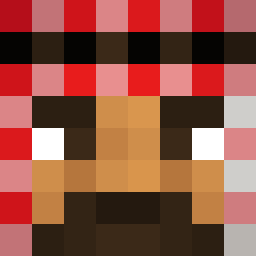 Flup123
 Fuflik52 _mumsfilibabba_ Fire_UK oedison Go0od_Day RoyaleZ21 TBK_noob_dx Hiwastyy changosmarangos Sarunenzas JTKH_ 12Vaze Avas99 Syllabicpuppy LooneyBerry The_Milky_Man_ Izakio LRJax Plutoranium cameronii1 Biggeth_Yeeteth0 Jewinacup Sumanisi C0rrupt3d_24 ARROW_29 gigamob horsetraq mamosonn beeteo Jepic_da_depic 6_Carl_Johnson_9 DancingWulf patataGamerOMG ztrike_ Kruek Riki512 KhunLo Why_Jello bchum1 Its_simo MitchieBBY sonofbeesawrm
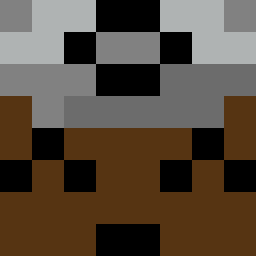 ander_2009 Widaxu mypokemon1 Pandotas ZappaV10 Stryker13799 Reksio2254 raytjietie1 PoteznyZydoSmiec
More Ricardo Milos Minecraft skins
See all 100 Ricardo Milos skins
How to install the KonyaliBrook skin
- Press the Download button above to save the skin as a PNG file.
- Minecraft: Bedrock Edition (PE): open the Dressing Room from the main menu (or tap your character → Edit Character), go to Classic Skins → Owned, press the + (new skin) button, choose the downloaded PNG and pick the Classic (Steve) model. Works on PC and mobile; consoles cannot import custom skins.
- Minecraft: Java Edition: open the Minecraft Launcher, go to the Skins tab, click New Skin, load the PNG, pick the Classic (Steve) model and press Save & Use. You can also upload it at minecraft.net → Profile → Change Skin.
The skin does not show up after import - what should I do?
Restart Minecraft and open the Dressing Room again - imported skins sometimes appear only after a restart. Also make sure you selected the imported skin and picked the Classic (Steve) model.
Which model should I choose, Classic or Slim?
This skin is designed for the Classic (Steve) model. If you pick the wrong model, the arms of the skin will look stretched or squeezed.
Is the skin of KonyaliBrook free to download?
Yes. Press Download, save the PNG file and use it in Minecraft: Bedrock Edition or Java Edition - no payment or registration needed. The skin also works on multiplayer servers and Realms.
More skins
Looking for more? Go back to all Minecraft skins and check the top skins of the week, month and all time, or find any player's skin by nickname.