
Konterstag - Minecraft Skins & Skin History
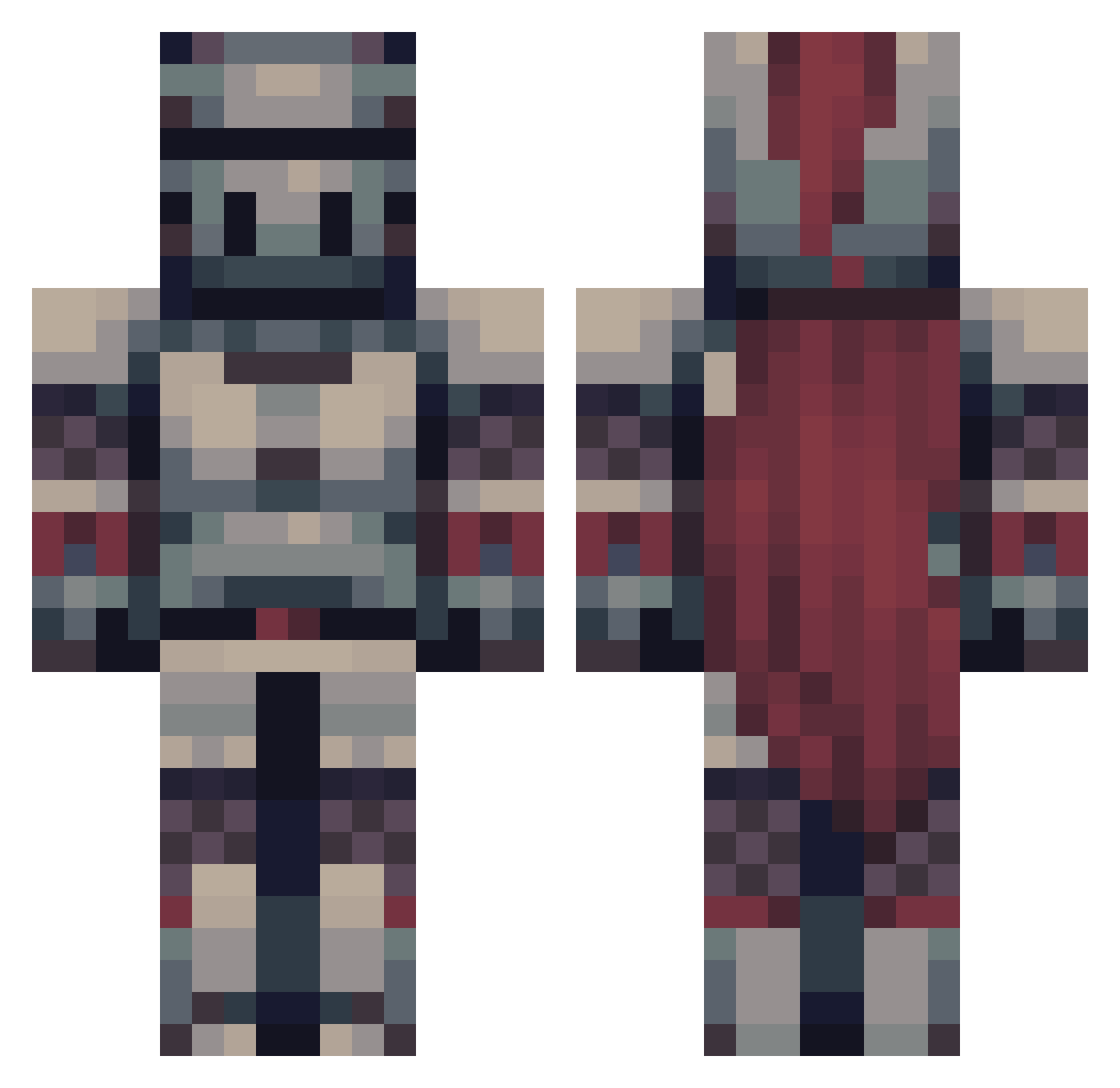
Current Minecraft skin of the player Konterstag, loaded from the official Mojang API. Rotate the 3D model with your mouse or finger, then download the skin as a PNG file and use it in Minecraft: Bedrock Edition or Java Edition for free. When Konterstag changes their skin, this page updates automatically and the old skin stays in the history below.
Other players with this skin (475)
Konterstag was the 375th player we have seen with this skin, first spotted on 13.10.2026. The same skin was seen on these players. Open a nickname to see their current skin and skin history.
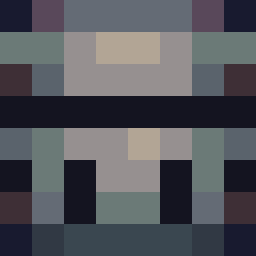 UltimateGeko mecha858 Chels94 As_i_mov viciveda Wearypants fox_th3_pirat3 pierreg009 Ulfsandi Arnomark15 Averygoodboi809 OstaCat EasyGoEasy Etxailarena LoisDaniel Sqigi _TrueLecter_ ExtraViolent BaTTl3B0T bipy4lyfe Kilia11 ForestalFlame76 darkxoan Theducktape SK4ND3RB3RG Rei_is_Angry Knoten_ Creation142 erik8i TGAPTrixie ADAMEz_ vainsour_x StormyBlueCloud raptor318 WESCALED MisiekLkl Xantois Professional_Cat Sharkus99 DoDeyDo0 THELEgEND1h Xyloto _ShadowKnight_1 AidNit Kritfour Nyctoz Monkeyshoes8 Diabolickal Ale2367 Narutoooooooooo CoopTuberCraft Gotro ProspectOfDoom A_User_Named_S5 NotALizard206 lage_02 Sharymoo Penguin_G0d Mxincs Barteltjaap
More Knight Minecraft skins
How to install the Konterstag skin
- Press the Download button above to save the skin as a PNG file.
- Minecraft: Bedrock Edition (PE): open the Dressing Room from the main menu (or tap your character → Edit Character), go to Classic Skins → Owned, press the + (new skin) button, choose the downloaded PNG and pick the Classic (Steve) model. Works on PC and mobile; consoles cannot import custom skins.
- Minecraft: Java Edition: open the Minecraft Launcher, go to the Skins tab, click New Skin, load the PNG, pick the Classic (Steve) model and press Save & Use. You can also upload it at minecraft.net → Profile → Change Skin.
The skin does not show up after import - what should I do?
Restart Minecraft and open the Dressing Room again - imported skins sometimes appear only after a restart. Also make sure you selected the imported skin and picked the Classic (Steve) model.
Which model should I choose, Classic or Slim?
This skin is designed for the Classic (Steve) model. If you pick the wrong model, the arms of the skin will look stretched or squeezed.
Is the skin of Konterstag free to download?
Yes. Press Download, save the PNG file and use it in Minecraft: Bedrock Edition or Java Edition - no payment or registration needed. The skin also works on multiplayer servers and Realms.
More skins
Looking for more? Go back to all Minecraft skins and check the top skins of the week, month and all time, or find any player's skin by nickname.