
KingChaniago - Minecraft Skins & Skin History
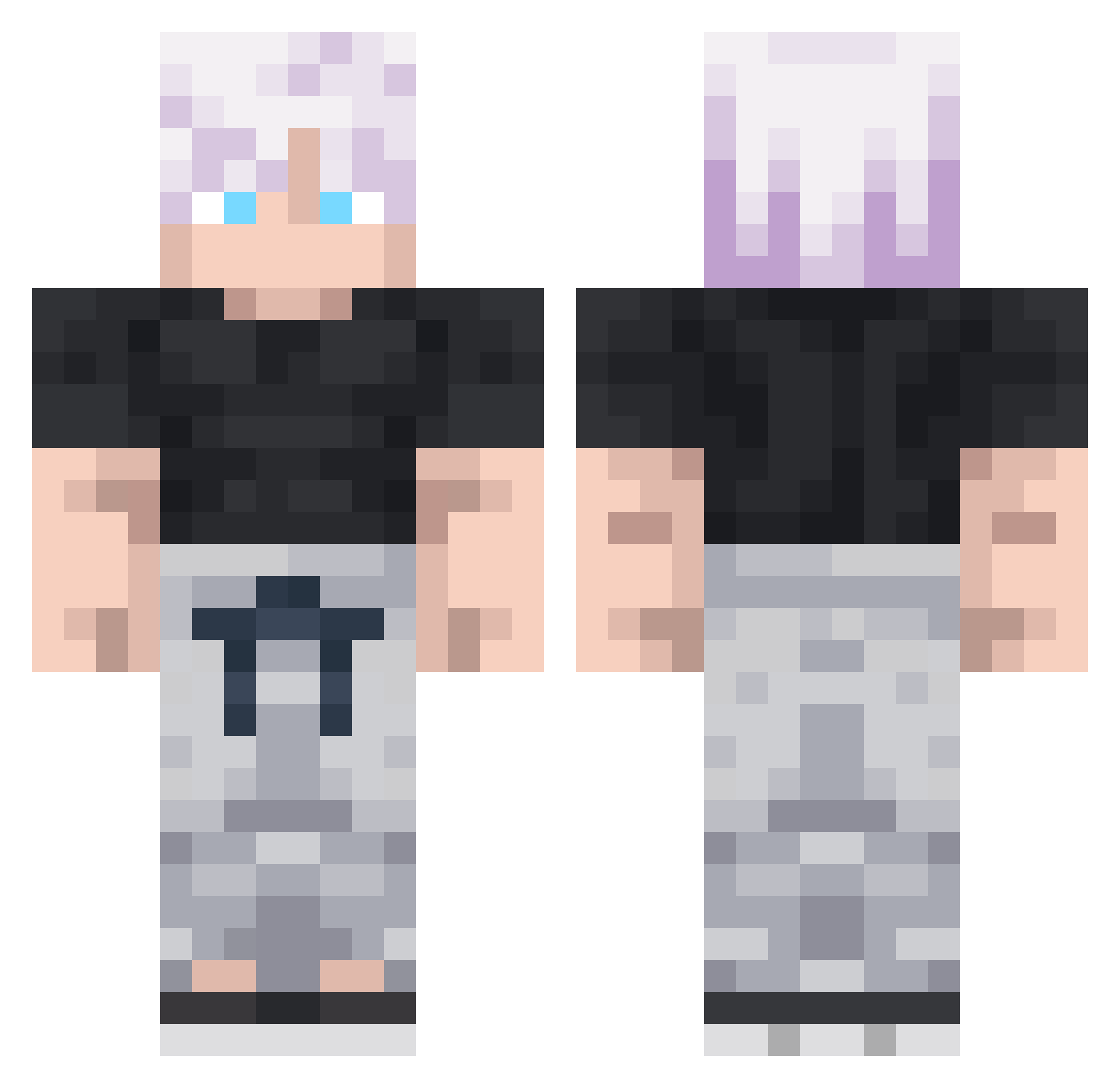
Current Minecraft skin of the player KingChaniago, loaded from the official Mojang API. Rotate the 3D model with your mouse or finger, then download the skin as a PNG file and use it in Minecraft: Bedrock Edition or Java Edition for free. When KingChaniago changes their skin, this page updates automatically and the old skin stays in the history below.
Other players with this skin (336)
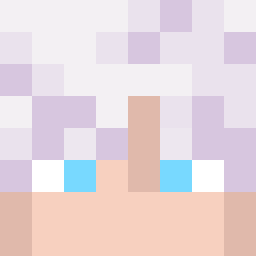
KingChaniago was the 299th player we have seen with this skin, first spotted on 06.11.2026. The same skin was seen on these players. Open a nickname to see their current skin and skin history.
 Topinembroug Ac_Gojes becklin1688 M7ammadkh danielisawake1 NanFr Piti184 BasicAttacks Eren_090818 Sirius1006 Chrisnip2020 SubMarti Agustin1806 VerizonWireless_ RRommeRR B3Y0NDA kimyiwoo Tomyrese Magoru88 LUKASONIC hiddaan PrimeComeback Angeruu TheTheNiago Taborin Bykevin2003 Skufuna23318 DababyAckerman_ NeonGenisus tadeyomayo ariidorosh ADNAKAW 67N3XT67 zvlmo Dr_Priman Noda57 ZenFoster Th3C4rry bejmax Defanoux L3v3nt01 Mat1xonyt janekmatu YINUO1234 Sizas_ maxence8948 cvrnl GojoLover22 Babufrik52 ErktosQ EternalFufu AblazeNight ModalMentor efehuryilmaz Thomou_ raveIclL6zAE LuukeTLG Ecolai dieu_perceval Foxyy3086
More Satoru Gojo Minecraft skins
See all 1484 Satoru Gojo skins
How to install the KingChaniago skin
- Press the Download button above to save the skin as a PNG file.
- Minecraft: Bedrock Edition (PE): open the Dressing Room from the main menu (or tap your character → Edit Character), go to Classic Skins → Owned, press the + (new skin) button, choose the downloaded PNG and pick the Classic (Steve) model. Works on PC and mobile; consoles cannot import custom skins.
- Minecraft: Java Edition: open the Minecraft Launcher, go to the Skins tab, click New Skin, load the PNG, pick the Classic (Steve) model and press Save & Use. You can also upload it at minecraft.net → Profile → Change Skin.
The skin does not show up after import - what should I do?
Restart Minecraft and open the Dressing Room again - imported skins sometimes appear only after a restart. Also make sure you selected the imported skin and picked the Classic (Steve) model.
Which model should I choose, Classic or Slim?
This skin is designed for the Classic (Steve) model. If you pick the wrong model, the arms of the skin will look stretched or squeezed.
Is the skin of KingChaniago free to download?
Yes. Press Download, save the PNG file and use it in Minecraft: Bedrock Edition or Java Edition - no payment or registration needed. The skin also works on multiplayer servers and Realms.
More skins
Looking for more? Go back to all Minecraft skins and check the top skins of the week, month and all time, or find any player's skin by nickname.