
Kelvyn07 - Minecraft Skins & Skin History
Current Minecraft skin of the player Kelvyn07, loaded from the official Mojang API. Rotate the 3D model with your mouse or finger, then download the skin as a PNG file and use it in Minecraft: Bedrock Edition or Java Edition for free. When Kelvyn07 changes their skin, this page updates automatically and the old skin stays in the history below.
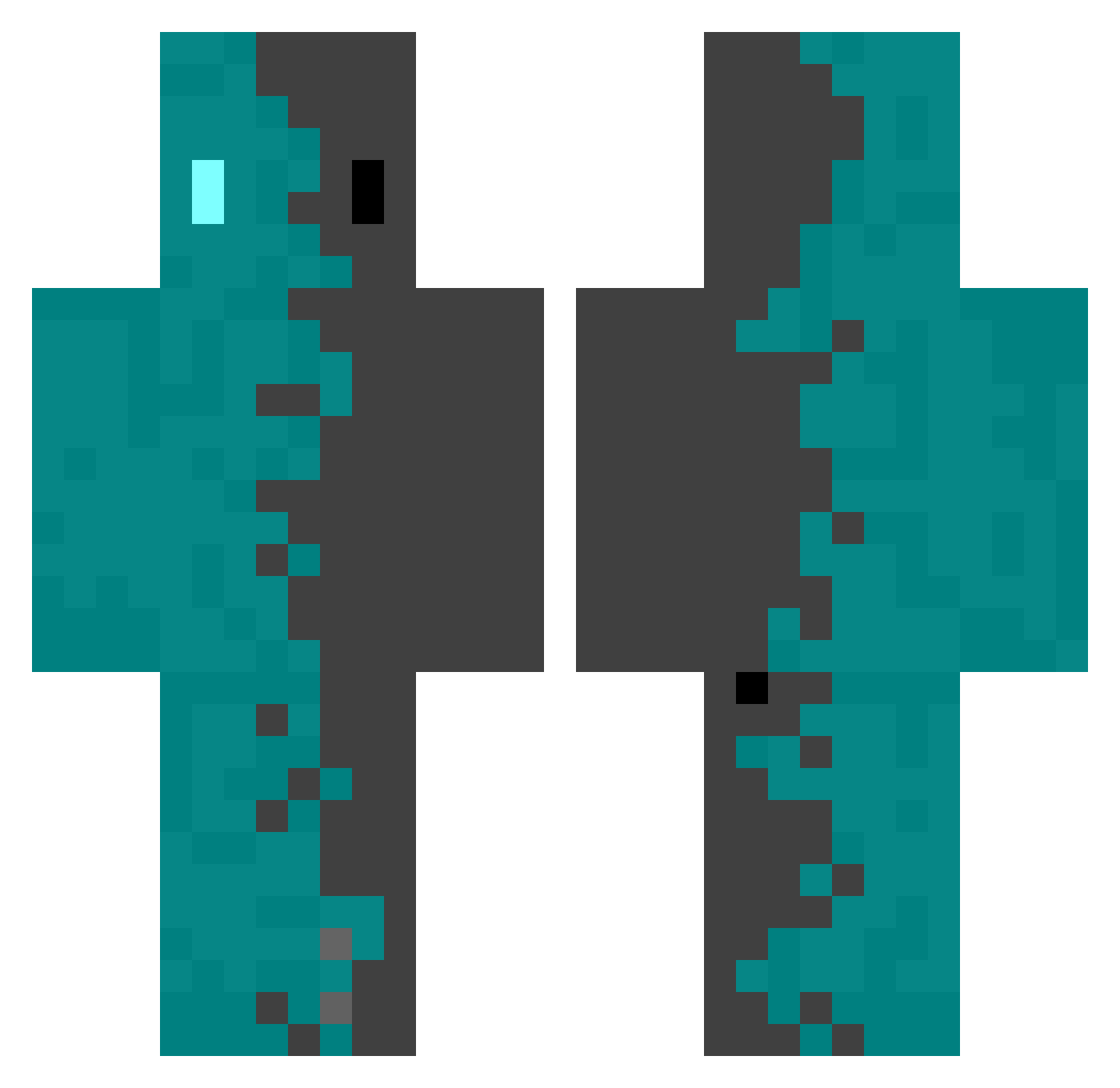
Other players with this skin (552)
Kelvyn07 was the 358th player we have seen with this skin, first spotted on 06.10.2026. The same skin was seen on these players. Open a nickname to see their current skin and skin history.
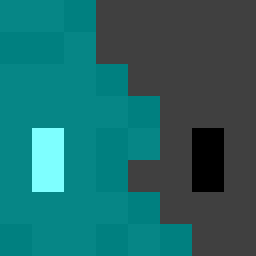 bbQmouse HIROPONG99 schmobelix Iryxen supertawashi48 HectorCraft_ NokiSn Simon_Axis chiinchu56 HANK08134 MastroCiccio Axtds ITCHIluchi Verthalis Zaquipte JunKeteer twlightMM Block_Builder_73 PunchTwo doritoss2012 chavegdl ProNooob65 Buramu Nickolas111 nanna099 CCTV886 fortune_A7 patonsote Raythrin AtlasXe Rish2244 Ike_5 Leomax800 neekoxd IIFrosty129 Sascha1313 vKrypt Ryunardl Buster_craft12 jemface ConriFake tonnamtheerakarn Disconnect4 NNTS147 Lion_Bite Aku65 5am_blue_sky wermzy yuri99006 GummyCantaloupe ASillyGooseBoi hdmiasus mrsebik_ Aizen2016 SergioGC2012 auqagg alexdtc SWIDEX88 Jenga_Jenga Anretor
How to install the Kelvyn07 skin
- Press the Download button above to save the skin as a PNG file.
- Minecraft: Bedrock Edition (PE): open the Dressing Room from the main menu (or tap your character → Edit Character), go to Classic Skins → Owned, press the + (new skin) button, choose the downloaded PNG and pick the Classic (Steve) model. Works on PC and mobile; consoles cannot import custom skins.
- Minecraft: Java Edition: open the Minecraft Launcher, go to the Skins tab, click New Skin, load the PNG, pick the Classic (Steve) model and press Save & Use. You can also upload it at minecraft.net → Profile → Change Skin.
The skin does not show up after import - what should I do?
Restart Minecraft and open the Dressing Room again - imported skins sometimes appear only after a restart. Also make sure you selected the imported skin and picked the Classic (Steve) model.
Which model should I choose, Classic or Slim?
This skin is designed for the Classic (Steve) model. If you pick the wrong model, the arms of the skin will look stretched or squeezed.
Is the skin of Kelvyn07 free to download?
Yes. Press Download, save the PNG file and use it in Minecraft: Bedrock Edition or Java Edition - no payment or registration needed. The skin also works on multiplayer servers and Realms.
More skins
Looking for more? Go back to all Minecraft skins and check the top skins of the week, month and all time, or find any player's skin by nickname.