
KeepOnMining123 - Minecraft Skins & Skin History
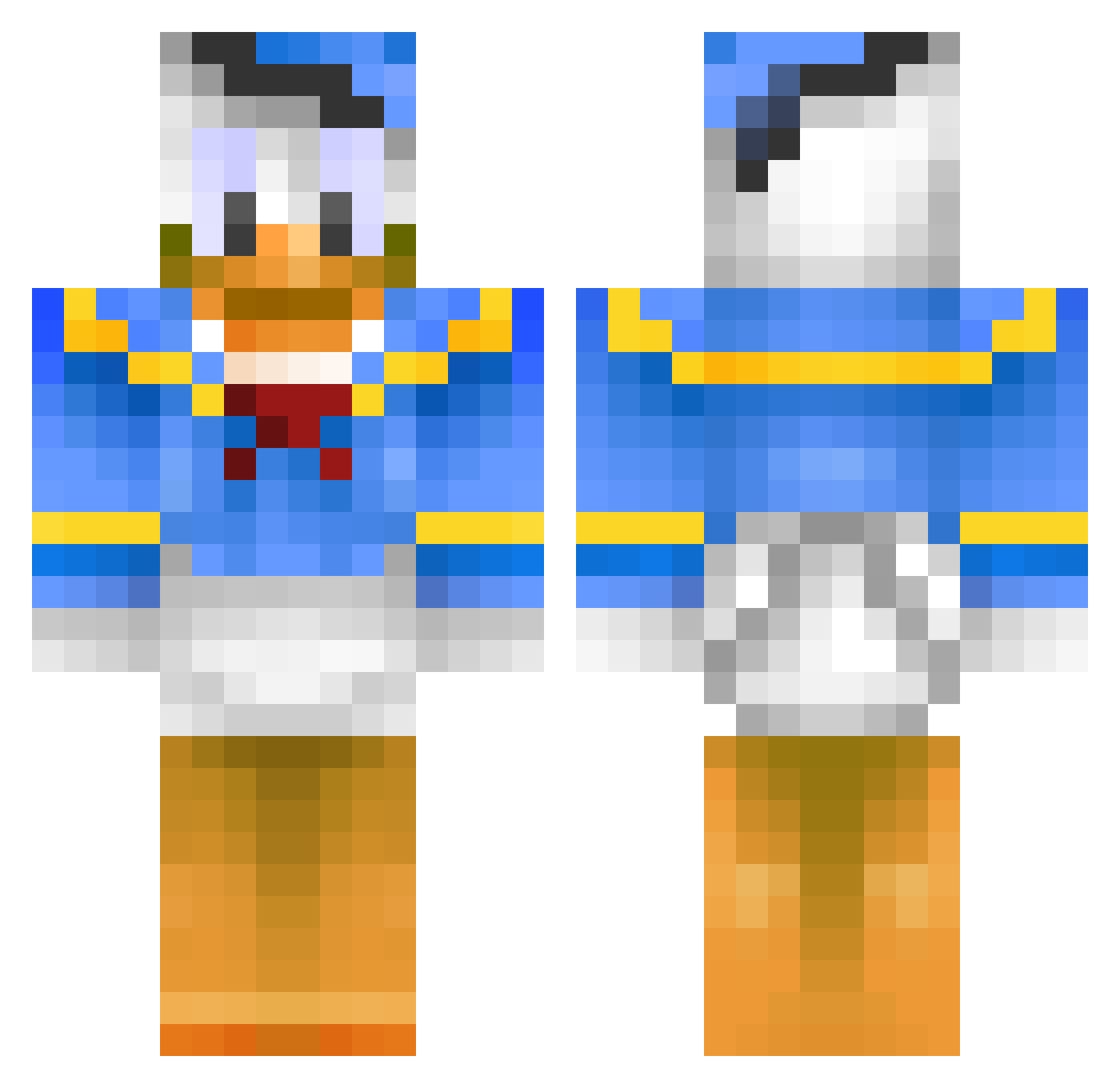
Current Minecraft skin of the player KeepOnMining123, loaded from the official Mojang API. Rotate the 3D model with your mouse or finger, then download the skin as a PNG file and use it in Minecraft: Bedrock Edition or Java Edition for free. When KeepOnMining123 changes their skin, this page updates automatically and the old skin stays in the history below.
Other players with this skin (398)
KeepOnMining123 was the 342nd player we have seen with this skin, first spotted on 19.10.2026. The same skin was seen on these players. Open a nickname to see their current skin and skin history.
 Jeffvader93 jamin_ginger jjthedemonmaster SaucyPickles _BLACK_ALICE_ Hypoksi phantomj91 ZombieWars123 CrafterSamK 19AlphaDog95 yu_sen Mintawno Gannon33 Alegee blizz85 jepp7318 maggehu Chamakbalof Nasa_Spawn Danne989898 cooleo660 MiroTheGamer treefinger ville66 Pilonaizay blackienchole arigorn442 GoDizHD Kevin8901 Force01 alpilein xaxaxoxo Educks witte2000 myTANify Karpanen Dankrupt_ twizz_ theo38360 Puschel_1337 Marginalized AoA_Milkpowder Chelseaeirik Asiantuntija gerrits276 Riimbiie3 sproutiies Di_Te cristiansmom worleyworley Spenconn13 C00LCW ScrambleDuck saar2510 jakker999 Zumbao_9 LollipopBurrito mangonis svenage Sulplicez
More Donald Duck Minecraft skins
How to install the KeepOnMining123 skin
- Press the Download button above to save the skin as a PNG file.
- Minecraft: Bedrock Edition (PE): open the Dressing Room from the main menu (or tap your character → Edit Character), go to Classic Skins → Owned, press the + (new skin) button, choose the downloaded PNG and pick the Classic (Steve) model. Works on PC and mobile; consoles cannot import custom skins.
- Minecraft: Java Edition: open the Minecraft Launcher, go to the Skins tab, click New Skin, load the PNG, pick the Classic (Steve) model and press Save & Use. You can also upload it at minecraft.net → Profile → Change Skin.
The skin does not show up after import - what should I do?
Restart Minecraft and open the Dressing Room again - imported skins sometimes appear only after a restart. Also make sure you selected the imported skin and picked the Classic (Steve) model.
Which model should I choose, Classic or Slim?
This skin is designed for the Classic (Steve) model. If you pick the wrong model, the arms of the skin will look stretched or squeezed.
Is the skin of KeepOnMining123 free to download?
Yes. Press Download, save the PNG file and use it in Minecraft: Bedrock Edition or Java Edition - no payment or registration needed. The skin also works on multiplayer servers and Realms.
More skins
Looking for more? Go back to all Minecraft skins and check the top skins of the week, month and all time, or find any player's skin by nickname.