
KcmmLuke - Minecraft Skins & Skin History
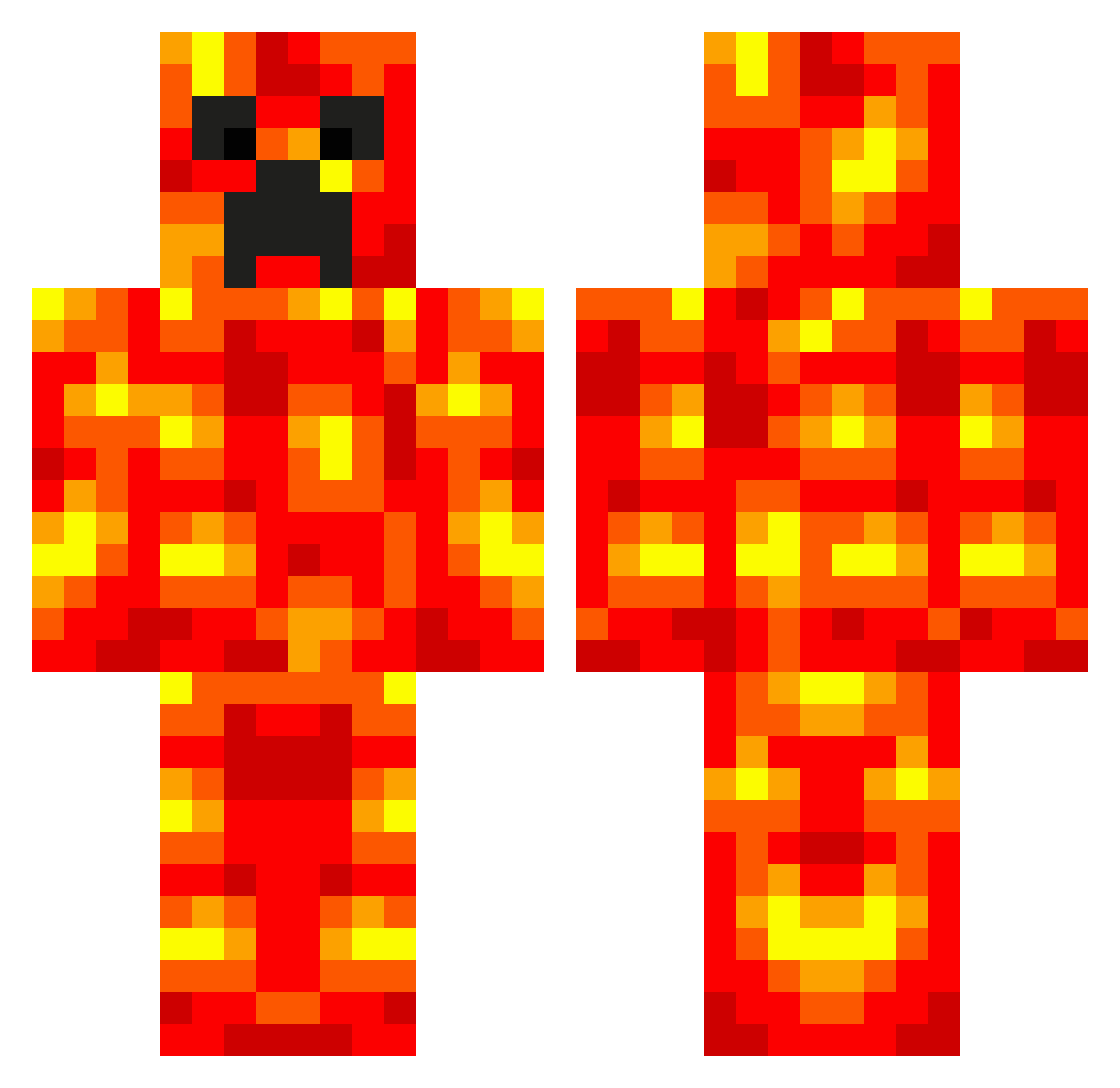
Current Minecraft skin of the player KcmmLuke, loaded from the official Mojang API. Rotate the 3D model with your mouse or finger, then download the skin as a PNG file and use it in Minecraft: Bedrock Edition or Java Edition for free. When KcmmLuke changes their skin, this page updates automatically and the old skin stays in the history below.
Other players with this skin (538)
KcmmLuke was the 386th player we have seen with this skin, first spotted on 01.10.2026. The same skin was seen on these players. Open a nickname to see their current skin and skin history.
 Funny_Gamer1 AndryK1 SammyQuincy PHefner1 bigfoot15007 InflatableDuck MuggY BAERGEL SwirlingTempest DanSenior64 LavaLinus LukeWashbrook Capricano14 derpychicken284 Hobo0124 mvtt 3_q95nh_ link180 Hornmany KONRADCODFAN benekusu MasterGarryn HAZZER567 3Cena Digby1 RensValk angela9870 RemsboysTV Kamikaize37 EndoGirl13 Steelers912 Smelf99 Tr3y3 hupu8756 DESTRUCTION___Z jwatkins88 CraftMasterLarry pro_pvp Chicobento2004 mooernator jledmo Fresin oLpikuS van201 Bramo8477 rdonahue jennoyelo PackerFan8 stevew123 SilverShado Private_Owen pietrozullo destertdingo RedskinsTryHard macedia beefsupreme71 Pimmo96 Wecaed _____N_____ DanBurt12343
More Magma Minecraft skins
How to install the KcmmLuke skin
- Press the Download button above to save the skin as a PNG file.
- Minecraft: Bedrock Edition (PE): open the Dressing Room from the main menu (or tap your character → Edit Character), go to Classic Skins → Owned, press the + (new skin) button, choose the downloaded PNG and pick the Classic (Steve) model. Works on PC and mobile; consoles cannot import custom skins.
- Minecraft: Java Edition: open the Minecraft Launcher, go to the Skins tab, click New Skin, load the PNG, pick the Classic (Steve) model and press Save & Use. You can also upload it at minecraft.net → Profile → Change Skin.
The skin does not show up after import - what should I do?
Restart Minecraft and open the Dressing Room again - imported skins sometimes appear only after a restart. Also make sure you selected the imported skin and picked the Classic (Steve) model.
Which model should I choose, Classic or Slim?
This skin is designed for the Classic (Steve) model. If you pick the wrong model, the arms of the skin will look stretched or squeezed.
Is the skin of KcmmLuke free to download?
Yes. Press Download, save the PNG file and use it in Minecraft: Bedrock Edition or Java Edition - no payment or registration needed. The skin also works on multiplayer servers and Realms.
More skins
Looking for more? Go back to all Minecraft skins and check the top skins of the week, month and all time, or find any player's skin by nickname.