
Kart0f3l3k - Minecraft Skins & Skin History
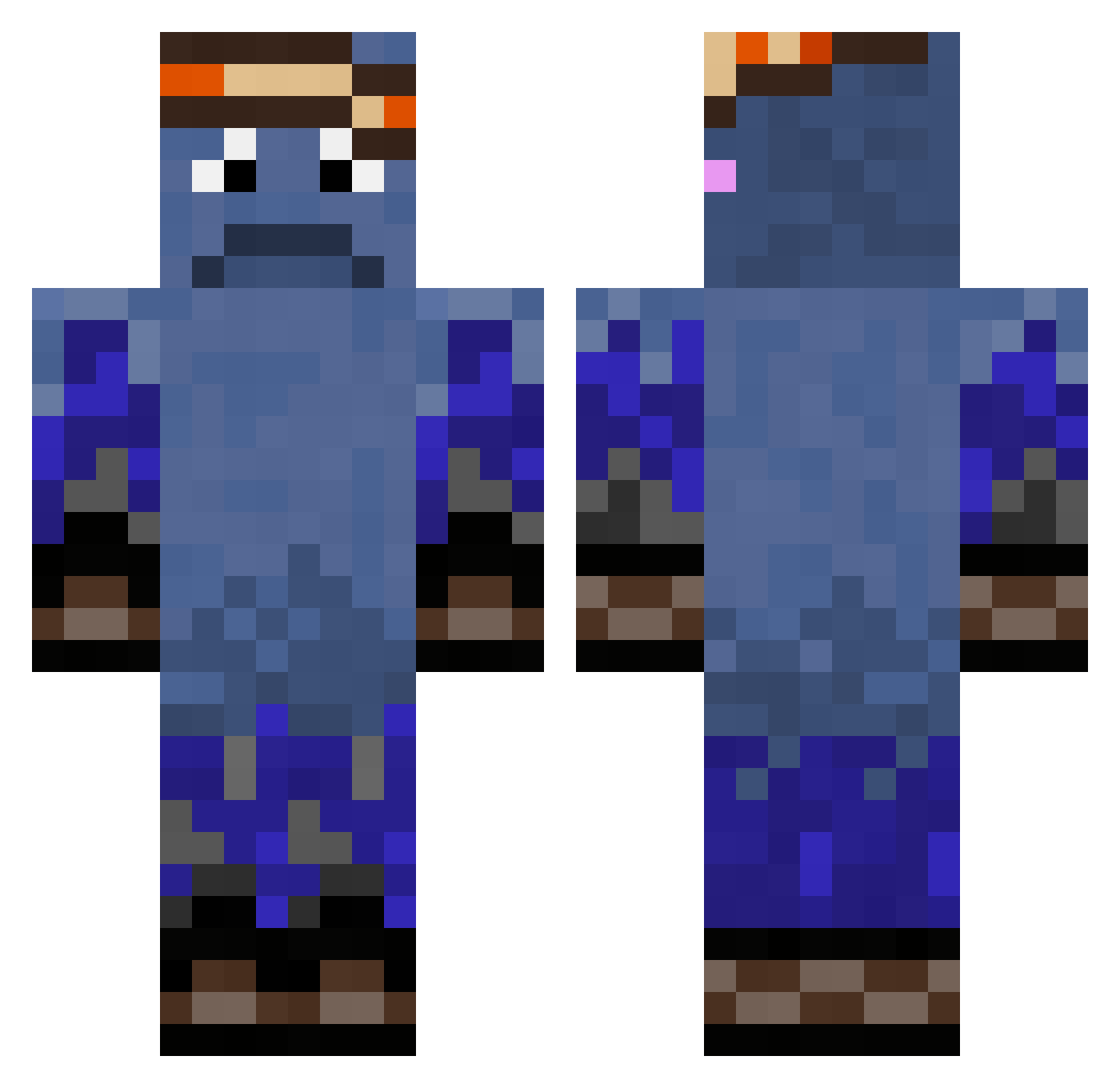
Current Minecraft skin of the player Kart0f3l3k, loaded from the official Mojang API. Rotate the 3D model with your mouse or finger, then download the skin as a PNG file and use it in Minecraft: Bedrock Edition or Java Edition for free. When Kart0f3l3k changes their skin, this page updates automatically and the old skin stays in the history below.
Other players with this skin (339)
Kart0f3l3k was the 149th player we have seen with this skin, first spotted on 09.09.2026. The same skin was seen on these players. Open a nickname to see their current skin and skin history.
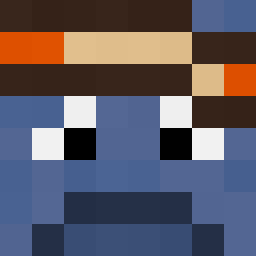 Edgarianer09 SorenG2028 yesmaehuadoor DFGSwift Dohus1211 DangerNolan11 ComandoDG Smitty004 Iggy307 l1onnn ZippyLime eddepro360 acyrex RICKI965 jinny_boi Pepeupvp THETOPHATGUY12 CardArc Liam040711 realflo002 zDRK1 Heyvihy JAY8804 pikzito Synixxxx dingur Wagner22 Junpens amrjon P4tti09 DeziHasCrabs Cyprianalex Nik2201 RickDripps king_wallace_ imzeek Gringots4 Stefan206 bananaking987645 chongchong456 droedsa AbelSimms2010 joaozuca theson21 1Bob__ DevClassicc zypto1x dysonpro5678 reece8188 Zquid_Squid miaa1994 lucineitor Edouble0 KWgaming16 prakaliukas PandaAwesome123 NaRcii lokidar7 Dijar3x Semenchiq
How to install the Kart0f3l3k skin
- Press the Download button above to save the skin as a PNG file.
- Minecraft: Bedrock Edition (PE): open the Dressing Room from the main menu (or tap your character → Edit Character), go to Classic Skins → Owned, press the + (new skin) button, choose the downloaded PNG and pick the Classic (Steve) model. Works on PC and mobile; consoles cannot import custom skins.
- Minecraft: Java Edition: open the Minecraft Launcher, go to the Skins tab, click New Skin, load the PNG, pick the Classic (Steve) model and press Save & Use. You can also upload it at minecraft.net → Profile → Change Skin.
The skin does not show up after import - what should I do?
Restart Minecraft and open the Dressing Room again - imported skins sometimes appear only after a restart. Also make sure you selected the imported skin and picked the Classic (Steve) model.
Which model should I choose, Classic or Slim?
This skin is designed for the Classic (Steve) model. If you pick the wrong model, the arms of the skin will look stretched or squeezed.
Is the skin of Kart0f3l3k free to download?
Yes. Press Download, save the PNG file and use it in Minecraft: Bedrock Edition or Java Edition - no payment or registration needed. The skin also works on multiplayer servers and Realms.
More skins
Looking for more? Go back to all Minecraft skins and check the top skins of the week, month and all time, or find any player's skin by nickname.