
Kakopopo - Minecraft Skins & Skin History
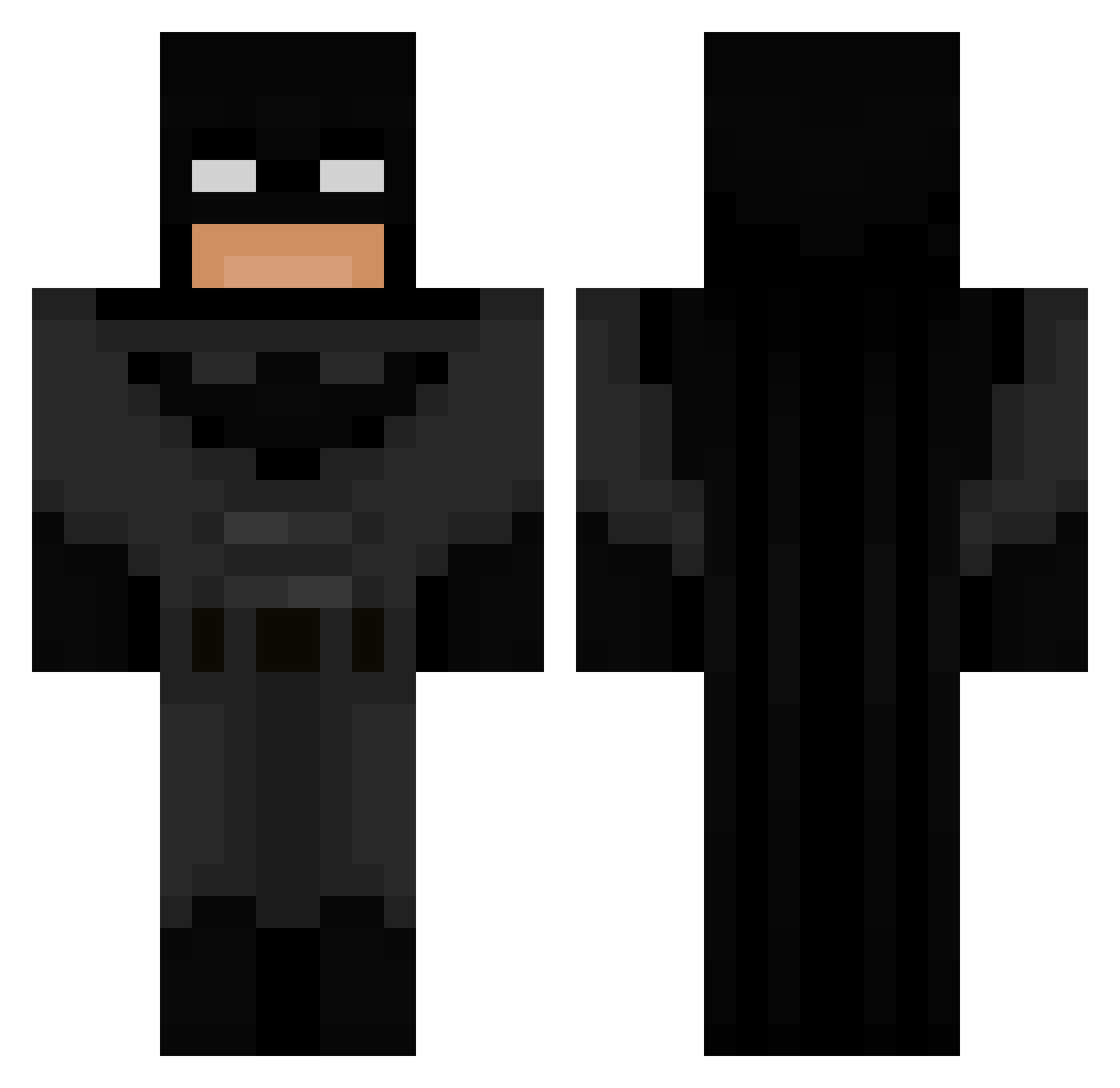
Current Minecraft skin of the player Kakopopo, loaded from the official Mojang API. Rotate the 3D model with your mouse or finger, then download the skin as a PNG file and use it in Minecraft: Bedrock Edition or Java Edition for free. When Kakopopo changes their skin, this page updates automatically and the old skin stays in the history below.
Other players with this skin (849)
Kakopopo was the 817th player we have seen with this skin, first spotted on 16.11.2026. The same skin was seen on these players. Open a nickname to see their current skin and skin history.
 breddo_ VanshPoonia doopster14 Samme0305 YoImAsh gracaa mmmyrk Gnutter OdS4 DripDropLost Carlo5edu Monke7656 Samael19_ ETZEL40 TobyT_29 Bruhhhmatt Mariaa55 Grizzly_1243 xxTima127xx Riikouuu PierinhoTuTerror Nitrocls thejustg4mer emeraldillumi Ratoille cirxc matralock SnipeEli AlexAlex03 Mayo_monkee jamboyni muvuquinha HogCranker121 clixifv FeIH_Fxdxrg WallyMano Expressoh17 SacredWatermelon zOxybear ommmar08 ImSoFadedRn Mantose Timing100 Abass217 tomino01 T0m_buss Ashley_Avenue101 dziubar Miko_Laj122 cry63by Tommygamer5587 LeviSchnell Joselin111 MaTi631 Kooles320 DealsWithDevils Killerkoala5327 menieny BrodyCam M4K1NON
More Batman Minecraft skins
How to install the Kakopopo skin
- Press the Download button above to save the skin as a PNG file.
- Minecraft: Bedrock Edition (PE): open the Dressing Room from the main menu (or tap your character → Edit Character), go to Classic Skins → Owned, press the + (new skin) button, choose the downloaded PNG and pick the Classic (Steve) model. Works on PC and mobile; consoles cannot import custom skins.
- Minecraft: Java Edition: open the Minecraft Launcher, go to the Skins tab, click New Skin, load the PNG, pick the Classic (Steve) model and press Save & Use. You can also upload it at minecraft.net → Profile → Change Skin.
The skin does not show up after import - what should I do?
Restart Minecraft and open the Dressing Room again - imported skins sometimes appear only after a restart. Also make sure you selected the imported skin and picked the Classic (Steve) model.
Which model should I choose, Classic or Slim?
This skin is designed for the Classic (Steve) model. If you pick the wrong model, the arms of the skin will look stretched or squeezed.
Is the skin of Kakopopo free to download?
Yes. Press Download, save the PNG file and use it in Minecraft: Bedrock Edition or Java Edition - no payment or registration needed. The skin also works on multiplayer servers and Realms.
More skins
Looking for more? Go back to all Minecraft skins and check the top skins of the week, month and all time, or find any player's skin by nickname.