
Current Minecraft skin of the player Kaczucha_ZLS, loaded from the official Mojang API. Rotate the 3D model with your mouse or finger, then download the skin as a PNG file and use it in Minecraft: Bedrock Edition or Java Edition for free. When Kaczucha_ZLS changes their skin, this page updates automatically and the old skin stays in the history below.
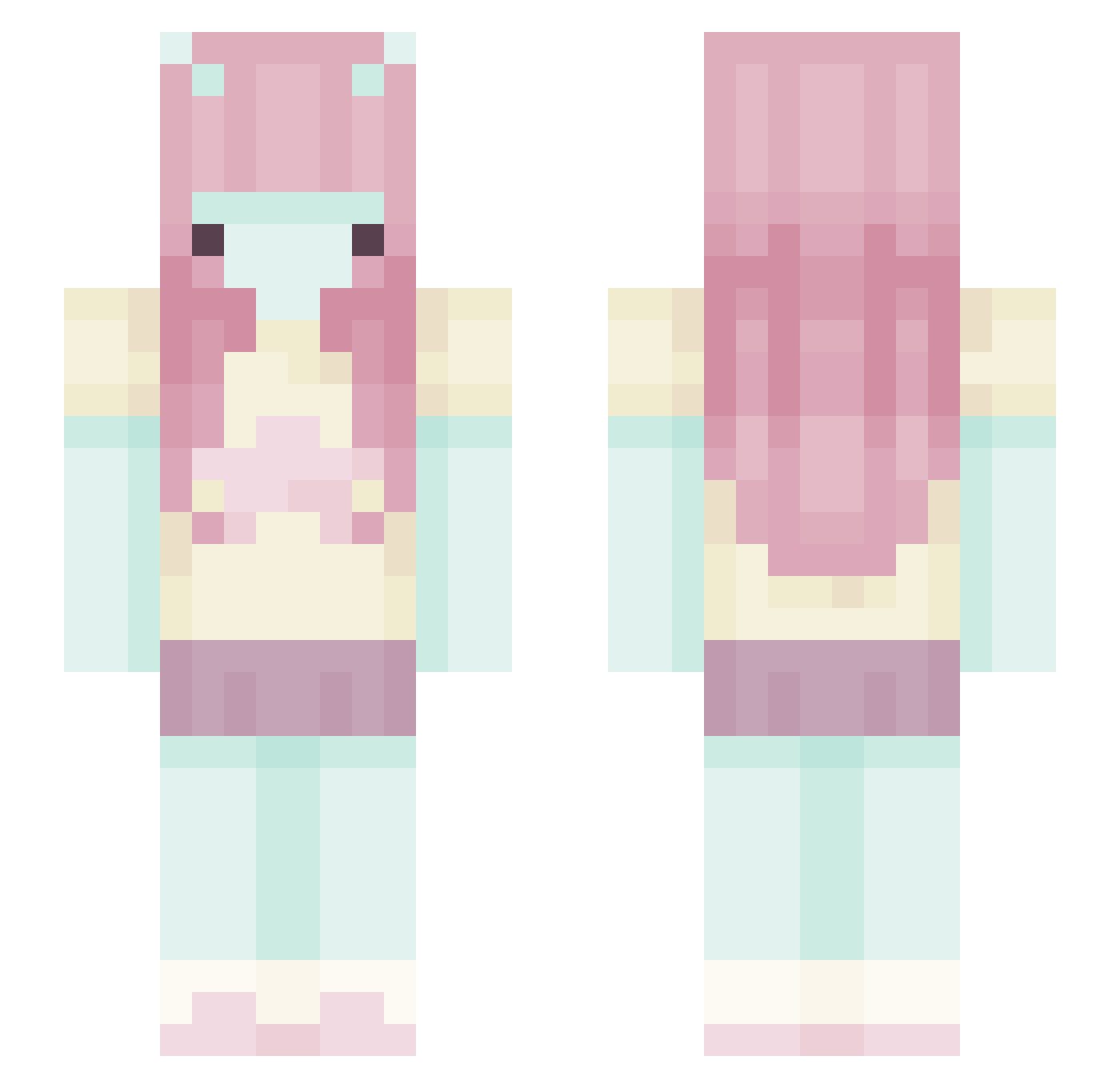
Other players with this skin (375)
Kaczucha_ZLS was the 144th player we have seen with this skin, first spotted on 31.08.2026. The same skin was seen on these players. Open a nickname to see their current skin and skin history.
 K3m_z God_Rosol catalinaaq_ cIemrw valiecatt smittenkitten0_o momsbeg Luckkk666 hojpoj2didy
 Fiamita003 lovel3i Monte307 blorpish Magicalfluff Moonclire princesss_Jesus 777Draco777 z___q cryptiidgirl ZefHobbit Devxilla lovelynatie zirows iheartbingus Aelika_ Itsjustmelanie2 HalmobEberent lovesurge wonyuuku paulsnorris leitedecoco klynnell
 NAM3N0TF0UND chloee51 maryhelen
 Jagoda007 s23q Hoursglasses bugzies GG9rg wojtekz101010 PurrfectMimi Zol0yla TCAYUNE alexhumble
 studio_61 fartbooger1002 brennkenn UmbroYT _ann1kapurr LullabyJester
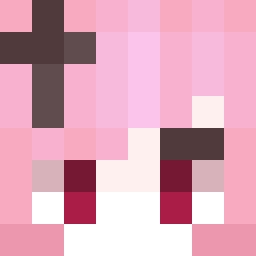 Albi19 Naahfy heynixo_ Sentient_Sage skyshalo_ sleepybun64 Silphi3 ttsukiiii JusteMax22
More Zero Two Minecraft skins
How to install the Kaczucha_ZLS skin
- Press the Download button above to save the skin as a PNG file.
- Minecraft: Bedrock Edition (PE): open the Dressing Room from the main menu (or tap your character → Edit Character), go to Classic Skins → Owned, press the + (new skin) button, choose the downloaded PNG and pick the Slim (Alex) model. Works on PC and mobile; consoles cannot import custom skins.
- Minecraft: Java Edition: open the Minecraft Launcher, go to the Skins tab, click New Skin, load the PNG, pick the Slim (Alex) model and press Save & Use. You can also upload it at minecraft.net → Profile → Change Skin.
The skin does not show up after import - what should I do?
Restart Minecraft and open the Dressing Room again - imported skins sometimes appear only after a restart. Also make sure you selected the imported skin and picked the Slim (Alex) model.
Which model should I choose, Classic or Slim?
This skin is designed for the Slim (Alex) model. If you pick the wrong model, the arms of the skin will look stretched or squeezed.
Is the skin of Kaczucha_ZLS free to download?
Yes. Press Download, save the PNG file and use it in Minecraft: Bedrock Edition or Java Edition - no payment or registration needed. The skin also works on multiplayer servers and Realms.
More skins
Looking for more? Go back to all Minecraft skins and check the top skins of the week, month and all time, or find any player's skin by nickname.