
KVNGJB - Minecraft Skins & Skin History
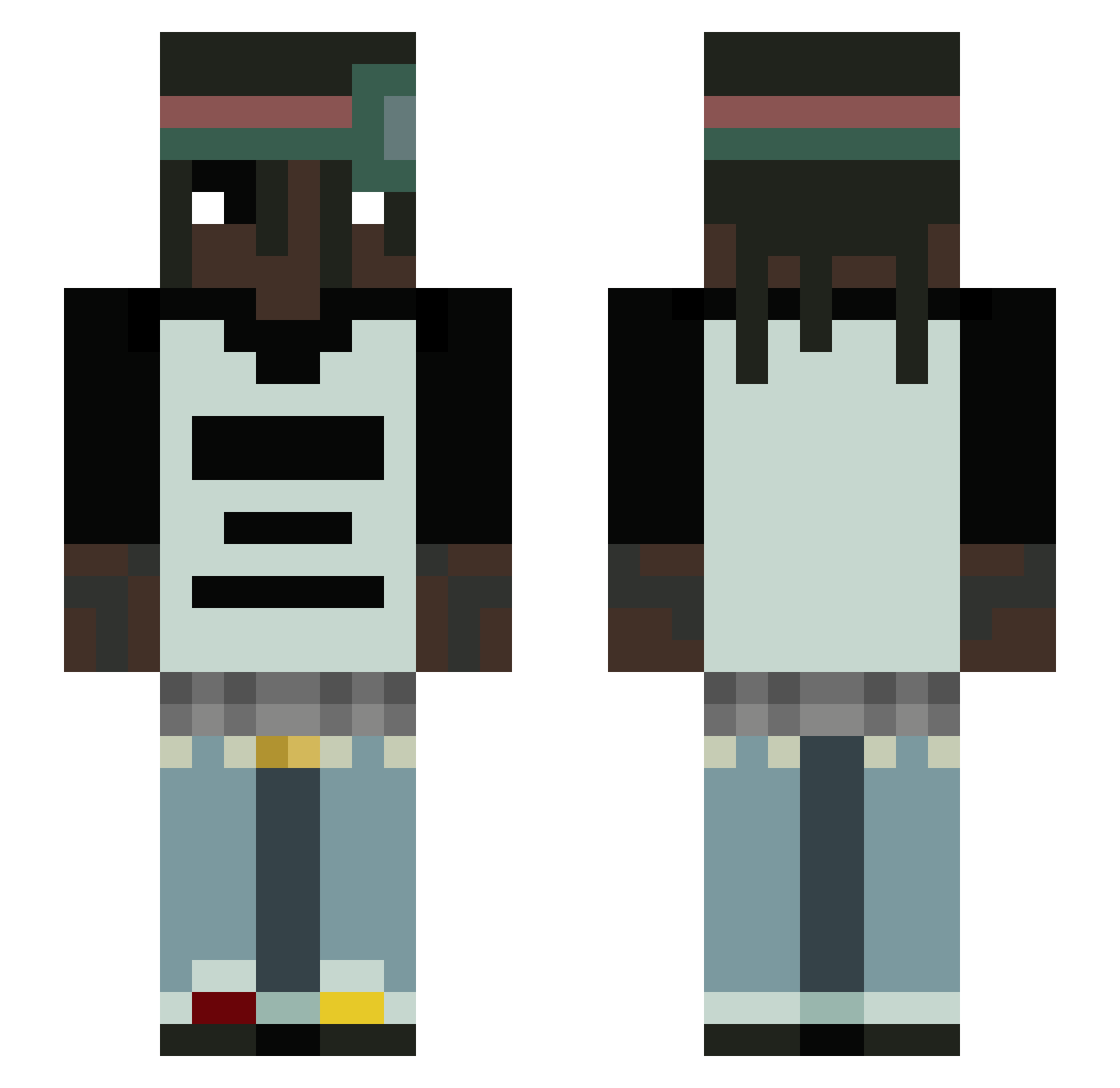
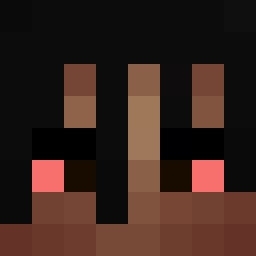
Current Minecraft skin of the player KVNGJB, loaded from the official Mojang API. Rotate the 3D model with your mouse or finger, then download the skin as a PNG file and use it in Minecraft: Bedrock Edition or Java Edition for free. When KVNGJB changes their skin, this page updates automatically and the old skin stays in the history below.
Other players with this skin (68)
KVNGJB was the 12th player we have seen with this skin, first spotted on 12.08.2026. The same skin was seen on these players. Open a nickname to see their current skin and skin history.
 LiamdePiam1 pedr0_097 p4mz LuL0_kpo casaaaaaaaaaaaal JORDANROG25 ociu CrackFisch666 Ni925nja xdqz Monztar_
 FuZe66 Lupze
 _Aua Johhan42io OContorno korsonrami
 Wieprzyk4455 Shrokzy mlodyseyl zaats A71ZA
 Jordan_Carter58 neelo0 MRarab10 ASEN20 wil08 _Olex12 Phlyerx ethnicboy d0nkeyk0ng_____ 00Reyyy thatoneguy6996 Imponujacy_ adik_789 scarti69 JazZzeroOo Lendr555 Kafaa falc0n54 Luka_ss Misiuu77 Barto_zzs 28culture fkpark c4noo KUB7SS_ bellpepper0 DFndcm_sntn sseelbzz goonmaxxer3500 saladmoose miguelinnn_ Calcitic JOELYAAAAAAAAAAA Geggzy TawnyGlobe7410 oFrosstyy 1sluzy Pardaf
More Dreadlocks Minecraft skins
How to install the KVNGJB skin
- Press the Download button above to save the skin as a PNG file.
- Minecraft: Bedrock Edition (PE): open the Dressing Room from the main menu (or tap your character → Edit Character), go to Classic Skins → Owned, press the + (new skin) button, choose the downloaded PNG and pick the Slim (Alex) model. Works on PC and mobile; consoles cannot import custom skins.
- Minecraft: Java Edition: open the Minecraft Launcher, go to the Skins tab, click New Skin, load the PNG, pick the Slim (Alex) model and press Save & Use. You can also upload it at minecraft.net → Profile → Change Skin.
The skin does not show up after import - what should I do?
Restart Minecraft and open the Dressing Room again - imported skins sometimes appear only after a restart. Also make sure you selected the imported skin and picked the Slim (Alex) model.
Which model should I choose, Classic or Slim?
This skin is designed for the Slim (Alex) model. If you pick the wrong model, the arms of the skin will look stretched or squeezed.
Is the skin of KVNGJB free to download?
Yes. Press Download, save the PNG file and use it in Minecraft: Bedrock Edition or Java Edition - no payment or registration needed. The skin also works on multiplayer servers and Realms.
More skins
Looking for more? Go back to all Minecraft skins and check the top skins of the week, month and all time, or find any player's skin by nickname.