
Jxss180 - Minecraft Skins & Skin History
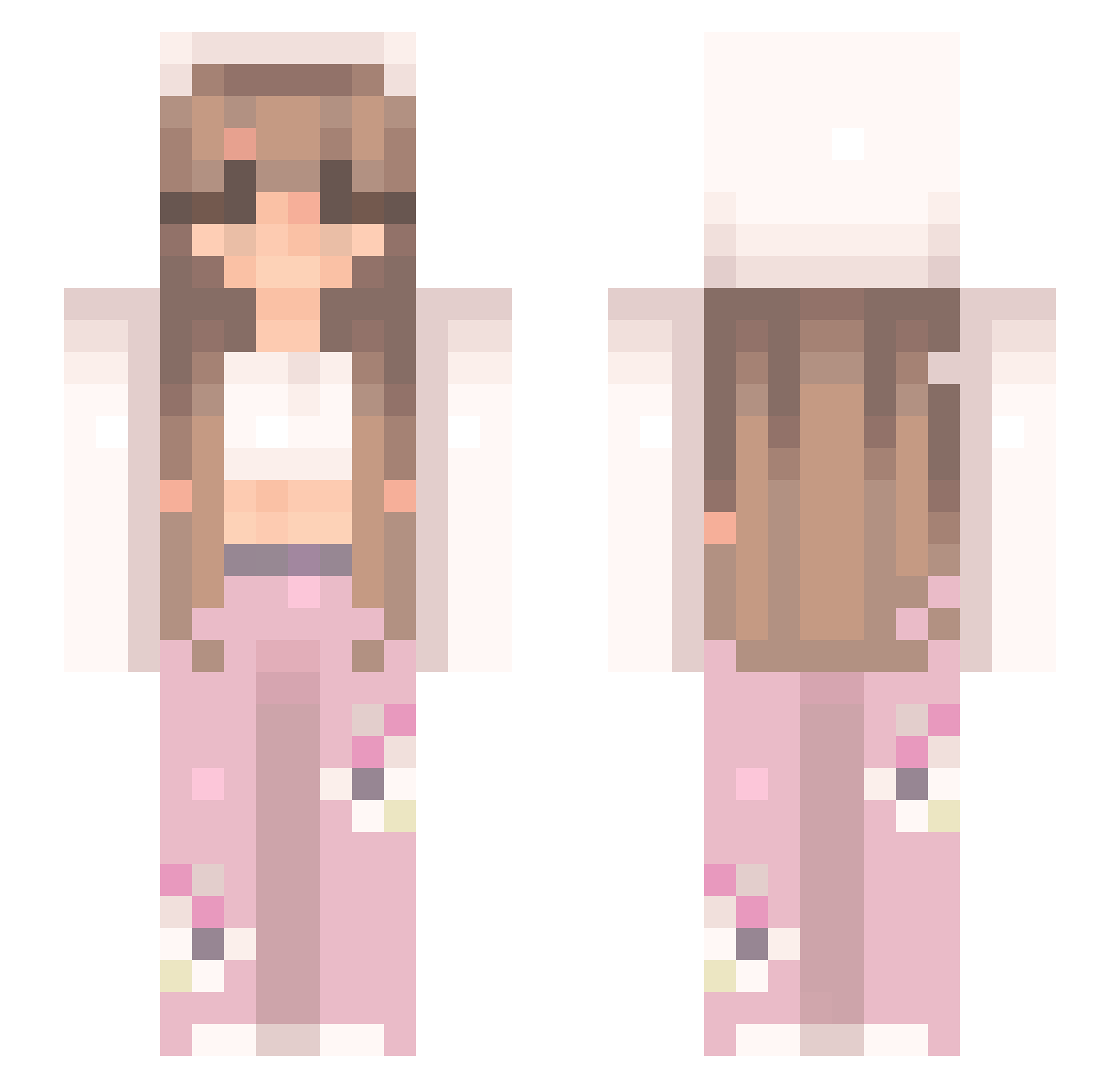
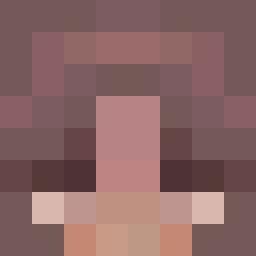
Current Minecraft skin of the player Jxss180, loaded from the official Mojang API. Rotate the 3D model with your mouse or finger, then download the skin as a PNG file and use it in Minecraft: Bedrock Edition or Java Edition for free. When Jxss180 changes their skin, this page updates automatically and the old skin stays in the history below.
Other players with this skin (544)
Jxss180 was the 106th player we have seen with this skin, first spotted on 19.08.2026. The same skin was seen on these players. Open a nickname to see their current skin and skin history.
 squashiii_ demixx7 Pekicaa 8ify tamtambam _D0TY BumzWrld paigerenee322 M3LOH L4u_24 wanished PrettyGyal1 ossakipgb excIaiminq Anca1324 Natalia056723 Ironic_Innit_ FaleneBean NarianaTrue
 Princess_Zozo27 caitluvsu86 Haruka_28 kaimasterblaster aneidert succ_a_bus ExCxE Darthcyber NATALIA7694 cozywithmar star9112 Paola1307 Styles06411 EvenTheNonnie Valery2147 julieta_croqueta LilaThePony L4NAAA gabriella0806 Ariplen FEDE84 TheRealRose05 sofia_isla ilovechildren Nea10101 Noteseton Diva55 Virgi54 Sagittie_lulu katja01 NataCraftyQueen olciax14 24kgigiixx Feivel025
 kickflipsupreme kitarexx InfernoTempest satxi MeliMartel
 kochammojababcie xxriven
More Flowers Minecraft skins
How to install the Jxss180 skin
- Press the Download button above to save the skin as a PNG file.
- Minecraft: Bedrock Edition (PE): open the Dressing Room from the main menu (or tap your character → Edit Character), go to Classic Skins → Owned, press the + (new skin) button, choose the downloaded PNG and pick the Slim (Alex) model. Works on PC and mobile; consoles cannot import custom skins.
- Minecraft: Java Edition: open the Minecraft Launcher, go to the Skins tab, click New Skin, load the PNG, pick the Slim (Alex) model and press Save & Use. You can also upload it at minecraft.net → Profile → Change Skin.
The skin does not show up after import - what should I do?
Restart Minecraft and open the Dressing Room again - imported skins sometimes appear only after a restart. Also make sure you selected the imported skin and picked the Slim (Alex) model.
Which model should I choose, Classic or Slim?
This skin is designed for the Slim (Alex) model. If you pick the wrong model, the arms of the skin will look stretched or squeezed.
Is the skin of Jxss180 free to download?
Yes. Press Download, save the PNG file and use it in Minecraft: Bedrock Edition or Java Edition - no payment or registration needed. The skin also works on multiplayer servers and Realms.
More skins
Looking for more? Go back to all Minecraft skins and check the top skins of the week, month and all time, or find any player's skin by nickname.