
JxspxrIsHigh - Minecraft Skins & Skin History
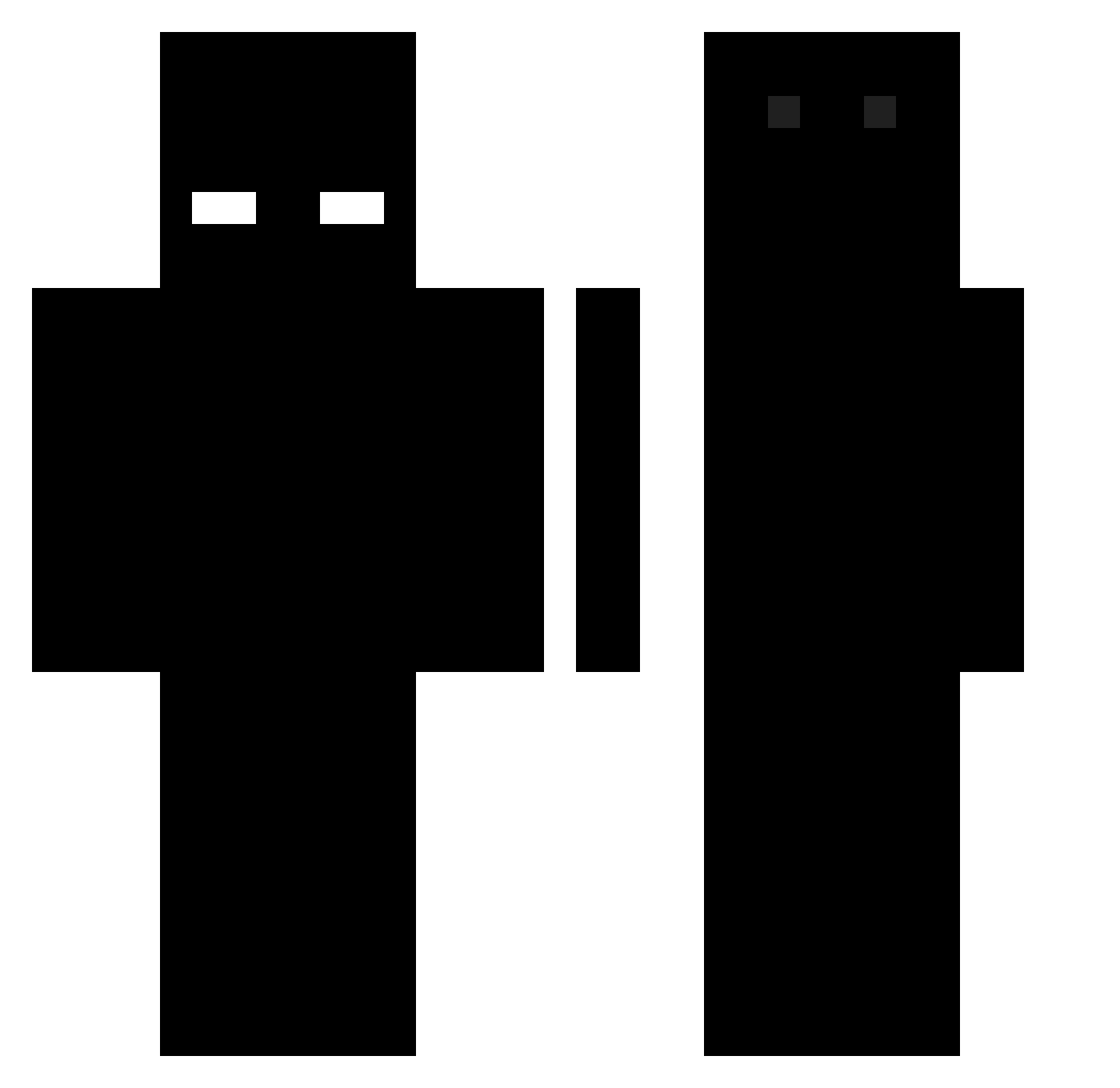
Current Minecraft skin of the player JxspxrIsHigh, loaded from the official Mojang API. Rotate the 3D model with your mouse or finger, then download the skin as a PNG file and use it in Minecraft: Bedrock Edition or Java Edition for free. When JxspxrIsHigh changes their skin, this page updates automatically and the old skin stays in the history below.
Other players with this skin (496)
JxspxrIsHigh was the 208th player we have seen with this skin, first spotted on 09.09.2026. The same skin was seen on these players. Open a nickname to see their current skin and skin history.
 Jn_Drk FlamesBlood1 Potato_Salad6969 Armsnevi luwuna_ Koomu _Genommen Leqitfinn_5 youmu1118 Anonymouslylsss Andreiivanoff99 only_jad Guested audtood0 8ww8 1Athus1 _reagent_ MaXgSD YazooX cjcr2000 Smascher_LP Twitch_vRxxspy __strich__ BORICKYT hiraimomo_ qhwart LTcoco Joniba rodrilamaquina Watking25 Bodzio37 Billymoss7 3990x texmex2b Ukn_Droplet Disciplinaire pipimastra JuaoxEZ Esek4ntee t_kach DarkCrusader FemboyMopi Jxs01 Sleepy_Slothh anmatspee Agronized1 1Flores5 Kojin__ DinoRodi SpiderPanda04 Pinted retide Marctxx Shvrk_76 Tibanta flAMENGUISTAAA NonExistent001 djawnstlr0915 Borek231 gabey2
How to install the JxspxrIsHigh skin
- Press the Download button above to save the skin as a PNG file.
- Minecraft: Bedrock Edition (PE): open the Dressing Room from the main menu (or tap your character → Edit Character), go to Classic Skins → Owned, press the + (new skin) button, choose the downloaded PNG and pick the Classic (Steve) model. Works on PC and mobile; consoles cannot import custom skins.
- Minecraft: Java Edition: open the Minecraft Launcher, go to the Skins tab, click New Skin, load the PNG, pick the Classic (Steve) model and press Save & Use. You can also upload it at minecraft.net → Profile → Change Skin.
The skin does not show up after import - what should I do?
Restart Minecraft and open the Dressing Room again - imported skins sometimes appear only after a restart. Also make sure you selected the imported skin and picked the Classic (Steve) model.
Which model should I choose, Classic or Slim?
This skin is designed for the Classic (Steve) model. If you pick the wrong model, the arms of the skin will look stretched or squeezed.
Is the skin of JxspxrIsHigh free to download?
Yes. Press Download, save the PNG file and use it in Minecraft: Bedrock Edition or Java Edition - no payment or registration needed. The skin also works on multiplayer servers and Realms.
More skins
Looking for more? Go back to all Minecraft skins and check the top skins of the week, month and all time, or find any player's skin by nickname.