
Juancanavi - Minecraft Skins & Skin History
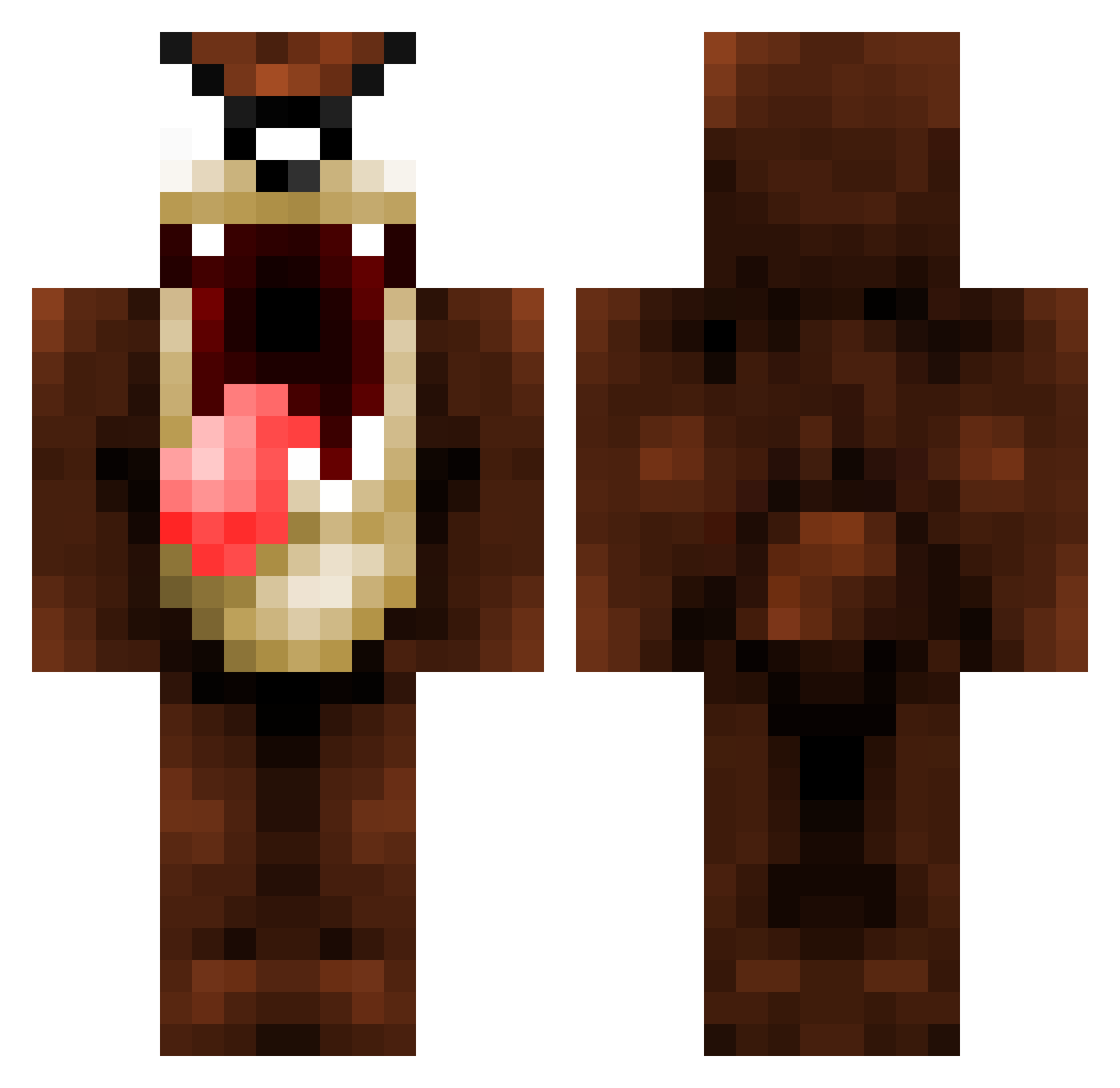
Current Minecraft skin of the player Juancanavi, loaded from the official Mojang API. Rotate the 3D model with your mouse or finger, then download the skin as a PNG file and use it in Minecraft: Bedrock Edition or Java Edition for free. When Juancanavi changes their skin, this page updates automatically and the old skin stays in the history below.
Other players with this skin (105)
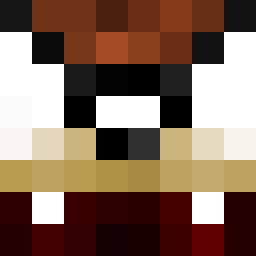
Juancanavi was the 91st player we have seen with this skin, first spotted on 04.11.2026. The same skin was seen on these players. Open a nickname to see their current skin and skin history.
 JungleB01 PatchWS IkBenDenBink Tazou_ Cprox159 FeG0o daddycrowther vahloo Fred1965 Mrsomeone920 Splicious _Julia___ peti43 darks1gn Camarogpb NorthIsUp Crazyare TheDevilish1 crafterbro99 JUKER14 Pchoppes 4_Play PotaOdd DiyosVZ Philosoph99 LagosMan4 gms77tb Derpy_Beluga imTuHi Paulithor buggsie265 RawTo0ast MikemanUH DifanceR __Toby__ itschrisangel mitz008 natasha2002001 fatgorilla78 Timmek1 phsycadelicsnake mariussordal 2iDrA2 Strelioff343 Totterybinkie27 marc118 NatiDJM20 beastamonium JusKiddin Infinity_ffs toxickid JasminHernandez XxvalgasxX Frankie_buzz GrOsBiLL45 anthonykgross Swoop3y staxcod BIG_DAWG77 livesaysl
More Taz Minecraft skins
How to install the Juancanavi skin
- Press the Download button above to save the skin as a PNG file.
- Minecraft: Bedrock Edition (PE): open the Dressing Room from the main menu (or tap your character → Edit Character), go to Classic Skins → Owned, press the + (new skin) button, choose the downloaded PNG and pick the Classic (Steve) model. Works on PC and mobile; consoles cannot import custom skins.
- Minecraft: Java Edition: open the Minecraft Launcher, go to the Skins tab, click New Skin, load the PNG, pick the Classic (Steve) model and press Save & Use. You can also upload it at minecraft.net → Profile → Change Skin.
The skin does not show up after import - what should I do?
Restart Minecraft and open the Dressing Room again - imported skins sometimes appear only after a restart. Also make sure you selected the imported skin and picked the Classic (Steve) model.
Which model should I choose, Classic or Slim?
This skin is designed for the Classic (Steve) model. If you pick the wrong model, the arms of the skin will look stretched or squeezed.
Is the skin of Juancanavi free to download?
Yes. Press Download, save the PNG file and use it in Minecraft: Bedrock Edition or Java Edition - no payment or registration needed. The skin also works on multiplayer servers and Realms.
More skins
Looking for more? Go back to all Minecraft skins and check the top skins of the week, month and all time, or find any player's skin by nickname.