
Joshb9864 - Minecraft Skins & Skin History
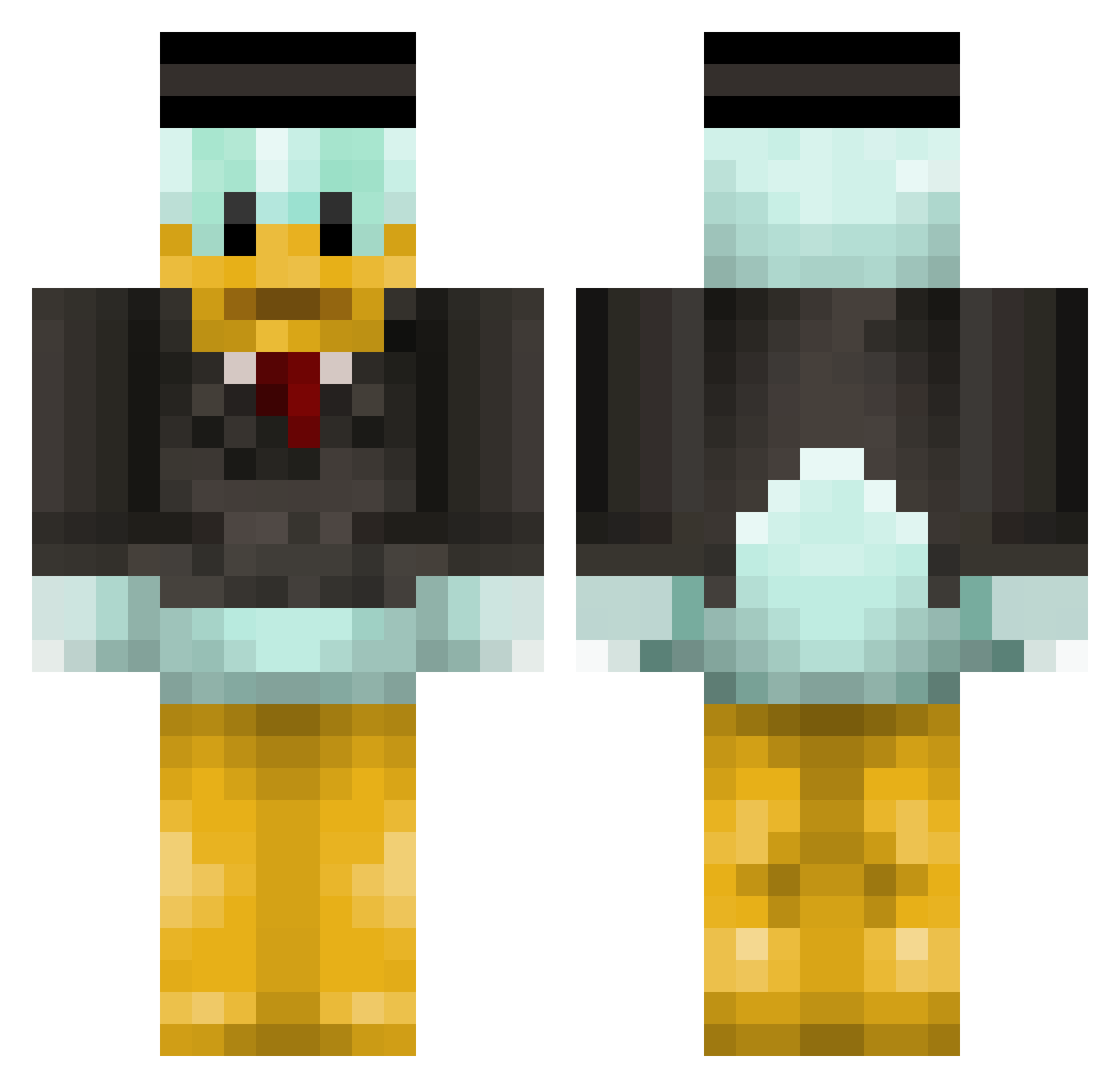
Current Minecraft skin of the player Joshb9864, loaded from the official Mojang API. Rotate the 3D model with your mouse or finger, then download the skin as a PNG file and use it in Minecraft: Bedrock Edition or Java Edition for free. When Joshb9864 changes their skin, this page updates automatically and the old skin stays in the history below.
Other players with this skin (138)
Joshb9864 was the 66th player we have seen with this skin, first spotted on 22.09.2026. The same skin was seen on these players. Open a nickname to see their current skin and skin history.
 D_yong _ZombieHD_ Sch1ckler AromaBilbo anyjoyhol BlockKing020 joha007 Mage_tutu 4NICK8X Hermann_GoringHD titux19 Mekanum Wiebe_2004 DuckAnarchy Alapa SouzaPhone SaintSeveri Caesar420 vBarkx LHN Franel sercanboy slava_lol221 Jeno_s Mitc_hell7 Turbo_Mio123 DBrad04 Krienos03 FunkyChickDance jellepel Mistercrate yea_ok theRealUSB MrSwagBalls959 goofyalt dianerik2005 HacksForFun KyunnChan Brei_ Canary_Meaty GaryGordon Ticain CraveJon ETDN tjilo AngelOfHell_ PotionFX Qlews rudals1125 mikedawson Patrickpro03 3J3 FreakFrex jobiesaus56 Slim_J1m Sergeagle emilk12 Tahayasinkutlu Oneeeds Tarpviete
More Scrooge Mcduck Minecraft skins
See all 35 Scrooge Mcduck skins
How to install the Joshb9864 skin
- Press the Download button above to save the skin as a PNG file.
- Minecraft: Bedrock Edition (PE): open the Dressing Room from the main menu (or tap your character → Edit Character), go to Classic Skins → Owned, press the + (new skin) button, choose the downloaded PNG and pick the Classic (Steve) model. Works on PC and mobile; consoles cannot import custom skins.
- Minecraft: Java Edition: open the Minecraft Launcher, go to the Skins tab, click New Skin, load the PNG, pick the Classic (Steve) model and press Save & Use. You can also upload it at minecraft.net → Profile → Change Skin.
The skin does not show up after import - what should I do?
Restart Minecraft and open the Dressing Room again - imported skins sometimes appear only after a restart. Also make sure you selected the imported skin and picked the Classic (Steve) model.
Which model should I choose, Classic or Slim?
This skin is designed for the Classic (Steve) model. If you pick the wrong model, the arms of the skin will look stretched or squeezed.
Is the skin of Joshb9864 free to download?
Yes. Press Download, save the PNG file and use it in Minecraft: Bedrock Edition or Java Edition - no payment or registration needed. The skin also works on multiplayer servers and Realms.
More skins
Looking for more? Go back to all Minecraft skins and check the top skins of the week, month and all time, or find any player's skin by nickname.