
 Slayzouille saaamuraj Vin4eZ Patoski457 KingTramp22 ImBlueeee StyxxYungbone Robo_joch PzeROsXD MosbyGHG SoniIi_ HotCatic Maccedo_ vmestomozgaarbuz MaIaka01 xoooz Speicher br3ckyyboyy zesto12345 Sspaget_exe Katranis2010 FredasPinsas Goldxdevil Tinteon Rompepiernas22 Skuxiii HaarigeZwiebel04 Teymen08 cothow HardToGetMe Knedliik01 polystank Zalamy bibabu66 patrunjel269 Spot666 wagewan SESO69 sippxntea69 houou37 kartohina777 P1guuu MrQuack2 thestinkypopo LusionTastic idahn06 koryonpc Lt_Duck OnlyJATT box38 waffelsauce xRage_ patata237 andru012 Rubyroma PringleMcGibbons fhhghdry WomboDuck ateista34 CrissZollo
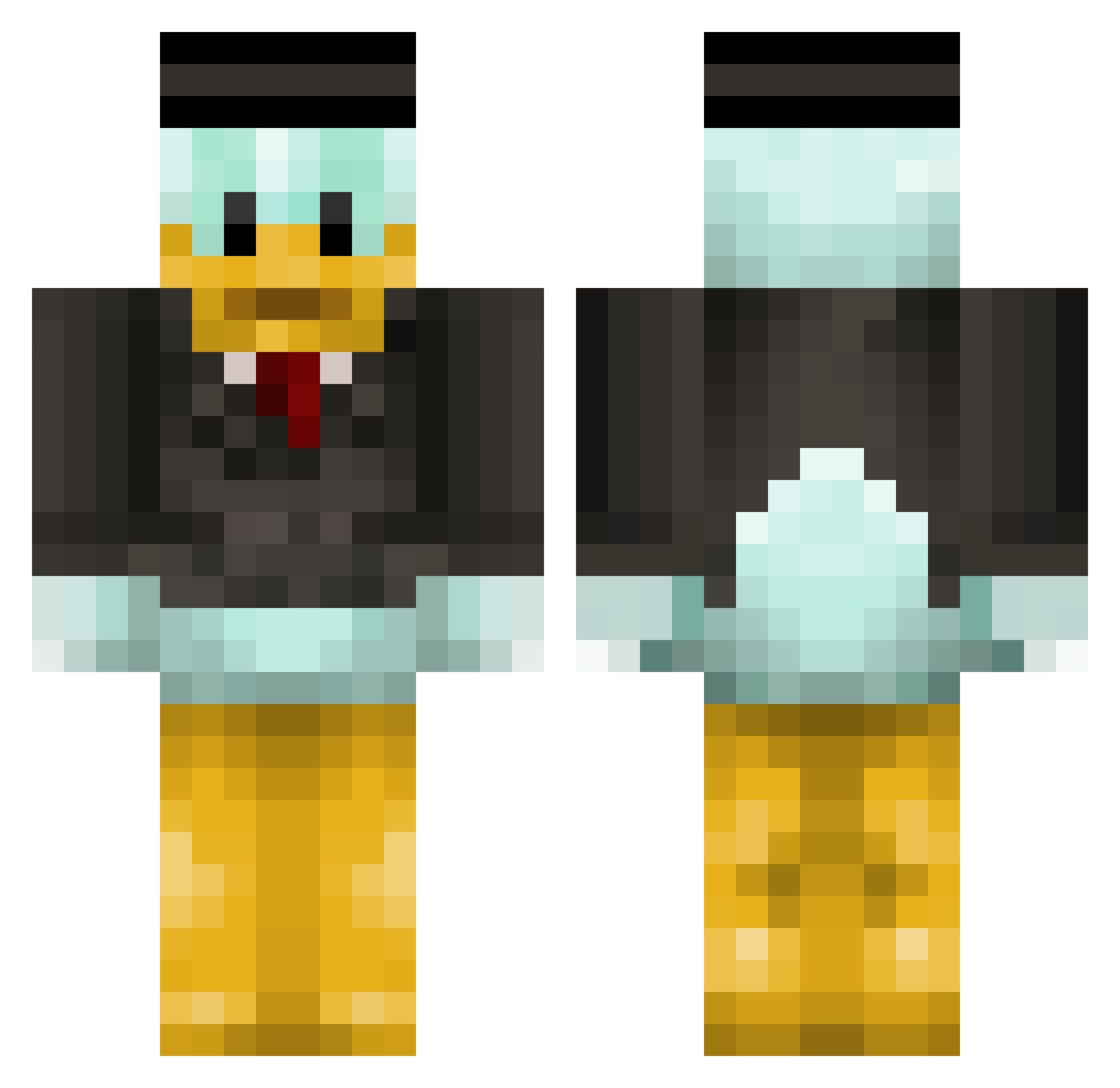
Minecraft skin of Aitor336. Rotate the 3D model with your mouse or finger to view the skin from every angle, then download it as a PNG file and use it in Minecraft: Bedrock Edition or Java Edition for free. Rate the skin with stars to help other players find the best skins in our collection.
How to install the Aitor336 skin
- Press the Download button above to save the skin as a PNG file.
- Minecraft: Bedrock Edition (PE): open the Dressing Room from the main menu (or tap your character → Edit Character), go to Classic Skins → Owned, press the + (new skin) button, choose the downloaded PNG and pick the Classic (Steve) model. Works on PC and mobile; consoles cannot import custom skins.
- Minecraft: Java Edition: open the Minecraft Launcher, go to the Skins tab, click New Skin, load the PNG, pick the Classic (Steve) model and press Save & Use. You can also upload it at minecraft.net → Profile → Change Skin.
The skin does not show up after import - what should I do?
Restart Minecraft and open the Dressing Room again - imported skins sometimes appear only after a restart. Also make sure you selected the imported skin and picked the Classic (Steve) model.
Which model should I choose, Classic or Slim?
This skin is designed for the Classic (Steve) model. If you pick the wrong model, the arms of the skin will look stretched or squeezed.
Is this skin free to use?
Yes. Press Download, save the PNG file and use it in Minecraft: Bedrock Edition or Java Edition - no payment or registration needed. The skin also works on multiplayer servers and Realms.
More Scrooge Mcduck Minecraft skins
See all 27 Scrooge Mcduck skins
More skins
Looking for more? Go back to all Minecraft skins and check the top skins of the week, month and all time, or find any player's skin by nickname.