
DiscoverShark - Minecraft Skins & Skin History
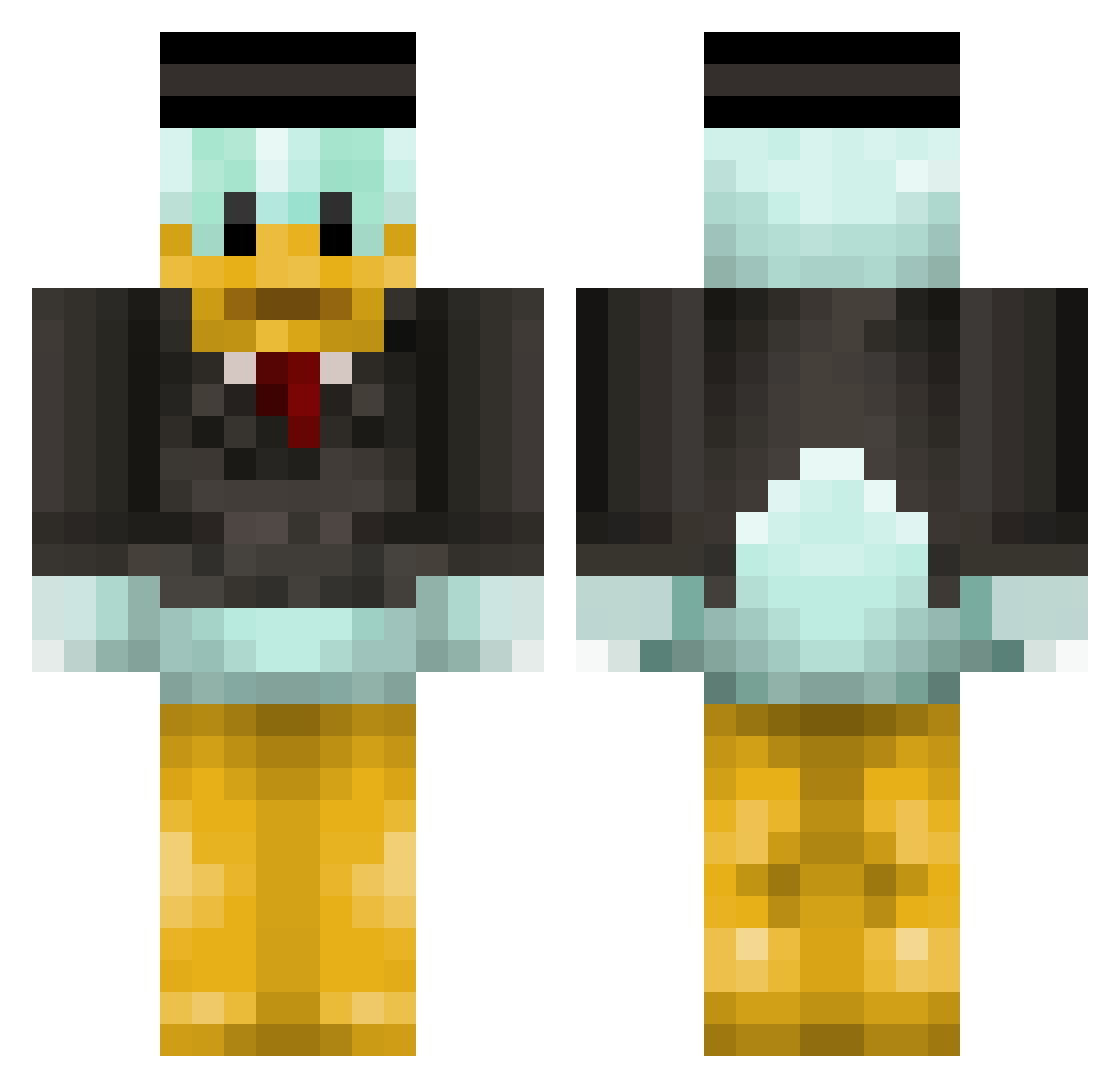
Current Minecraft skin of the player DiscoverShark, loaded from the official Mojang API. Rotate the 3D model with your mouse or finger, then download the skin as a PNG file and use it in Minecraft: Bedrock Edition or Java Edition for free. When DiscoverShark changes their skin, this page updates automatically and the old skin stays in the history below.
Other players with this skin (390)
DiscoverShark was the 345th player we have seen with this skin, first spotted on 28.10.2026. The same skin was seen on these players. Open a nickname to see their current skin and skin history.
 AhmetBilgi YourStanico Antonixous patricio20100 milenbobo Mr_Time21 Stepalex Filip201028 Donould ap0kkkk MrDonald32 Cap2line meltedbee PowerBill0412 2468_1 Unluckyx_boy FrippyFrog bax7765 Pollo_loco51 GOQQI Blub145 LuukWeber074 Kukapotus Hyra7 ItsPaskyy guuuusssss marci010101 AlexHnPro Bobab1124 IceBrick007 Norbi200229 almendra1 Vanjajo TerrenceCool Hyuuuuuuuuun Kaizerle_ 1ducked Darlock2a jorbinha MortySmith22 bruhmumu TheTofuBlock OLIVIA_OBSERVER DaikiRamen MomsFavStepdad 31BlockNinjaIII imMentx MCBerraJR ZippingMist tazdiable kallegamer TYTAGENT Slayzouille saaamuraj pazi1988 jcg_808 Vin4eZ Patoski457 KingTramp22 Pandabruden
More Scrooge Mcduck Minecraft skins
See all 36 Scrooge Mcduck skins
How to install the DiscoverShark skin
- Press the Download button above to save the skin as a PNG file.
- Minecraft: Bedrock Edition (PE): open the Dressing Room from the main menu (or tap your character → Edit Character), go to Classic Skins → Owned, press the + (new skin) button, choose the downloaded PNG and pick the Classic (Steve) model. Works on PC and mobile; consoles cannot import custom skins.
- Minecraft: Java Edition: open the Minecraft Launcher, go to the Skins tab, click New Skin, load the PNG, pick the Classic (Steve) model and press Save & Use. You can also upload it at minecraft.net → Profile → Change Skin.
The skin does not show up after import - what should I do?
Restart Minecraft and open the Dressing Room again - imported skins sometimes appear only after a restart. Also make sure you selected the imported skin and picked the Classic (Steve) model.
Which model should I choose, Classic or Slim?
This skin is designed for the Classic (Steve) model. If you pick the wrong model, the arms of the skin will look stretched or squeezed.
Is the skin of DiscoverShark free to download?
Yes. Press Download, save the PNG file and use it in Minecraft: Bedrock Edition or Java Edition - no payment or registration needed. The skin also works on multiplayer servers and Realms.
More skins
Looking for more? Go back to all Minecraft skins and check the top skins of the week, month and all time, or find any player's skin by nickname.