
JoodanNBR - Minecraft Skins & Skin History
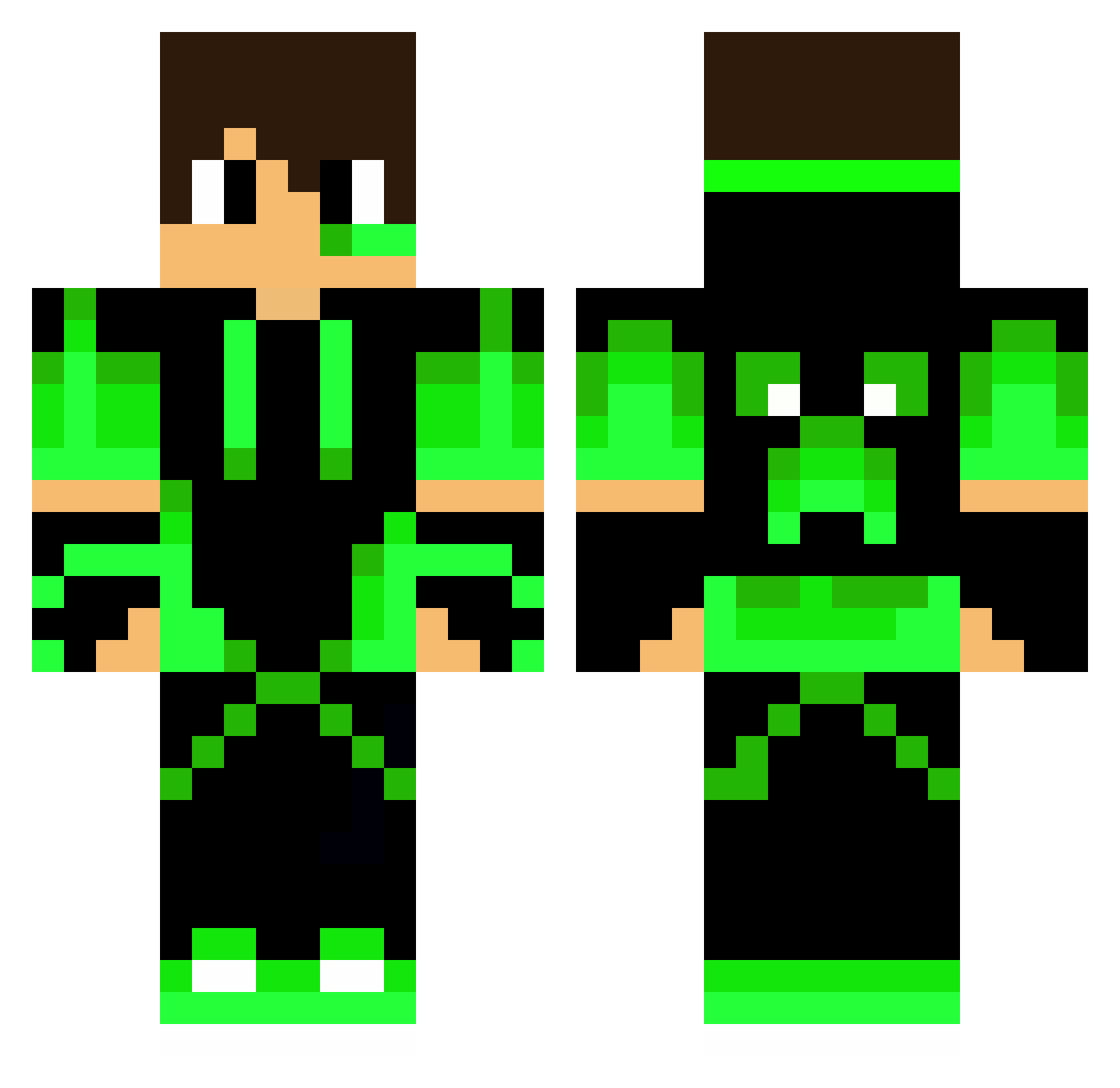
Current Minecraft skin of the player JoodanNBR, loaded from the official Mojang API. Rotate the 3D model with your mouse or finger, then download the skin as a PNG file and use it in Minecraft: Bedrock Edition or Java Edition for free. When JoodanNBR changes their skin, this page updates automatically and the old skin stays in the history below.
Other players with this skin (265)
JoodanNBR was the 94th player we have seen with this skin, first spotted on 01.09.2026. The same skin was seen on these players. Open a nickname to see their current skin and skin history.
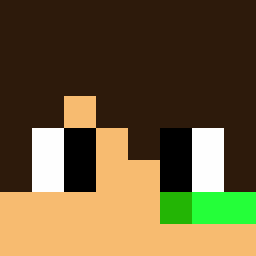 Laberlaber Shaoran14 HaydenBS Udjd DungDG Jorick299 Crata Nikitou54 Inknight4422 HenkellBW 50suke Chipsik_Tv SuperPaxMan1 boini1818 nepy15 Neon558 BabyPanda2023 Bartthebird Kaiszul Vinizica01 VitsiMiekka03 Idoashi Lukas02023 Dimitrineo Hyronnimo Tengo05 GamersStv45 Vector229 Gegito Guizin_Da_Farofa Tytan_GamesYt Sage_TBGaming Michei_123 Ikarugaben smajdalf008 Xepper BossBoy0 TCEFS4NE pr3iceyOpposabl yas7 poppo25 Creeperboy2256 dejaking33 MrMarvster ManoGalan
 eruthi11 jocamoraes7 jeyhu Joschi1909 itay4ka JorgePumi bjosta1234 wardravager Augu_entreprise Astro72K The100Builder GAYA2020 GIGANTE2910 vitiableshoe48 Greeno501
More Neon Green Minecraft skins
How to install the JoodanNBR skin
- Press the Download button above to save the skin as a PNG file.
- Minecraft: Bedrock Edition (PE): open the Dressing Room from the main menu (or tap your character → Edit Character), go to Classic Skins → Owned, press the + (new skin) button, choose the downloaded PNG and pick the Classic (Steve) model. Works on PC and mobile; consoles cannot import custom skins.
- Minecraft: Java Edition: open the Minecraft Launcher, go to the Skins tab, click New Skin, load the PNG, pick the Classic (Steve) model and press Save & Use. You can also upload it at minecraft.net → Profile → Change Skin.
The skin does not show up after import - what should I do?
Restart Minecraft and open the Dressing Room again - imported skins sometimes appear only after a restart. Also make sure you selected the imported skin and picked the Classic (Steve) model.
Which model should I choose, Classic or Slim?
This skin is designed for the Classic (Steve) model. If you pick the wrong model, the arms of the skin will look stretched or squeezed.
Is the skin of JoodanNBR free to download?
Yes. Press Download, save the PNG file and use it in Minecraft: Bedrock Edition or Java Edition - no payment or registration needed. The skin also works on multiplayer servers and Realms.
More skins
Looking for more? Go back to all Minecraft skins and check the top skins of the week, month and all time, or find any player's skin by nickname.