
Jeredinho - Minecraft Skins & Skin History
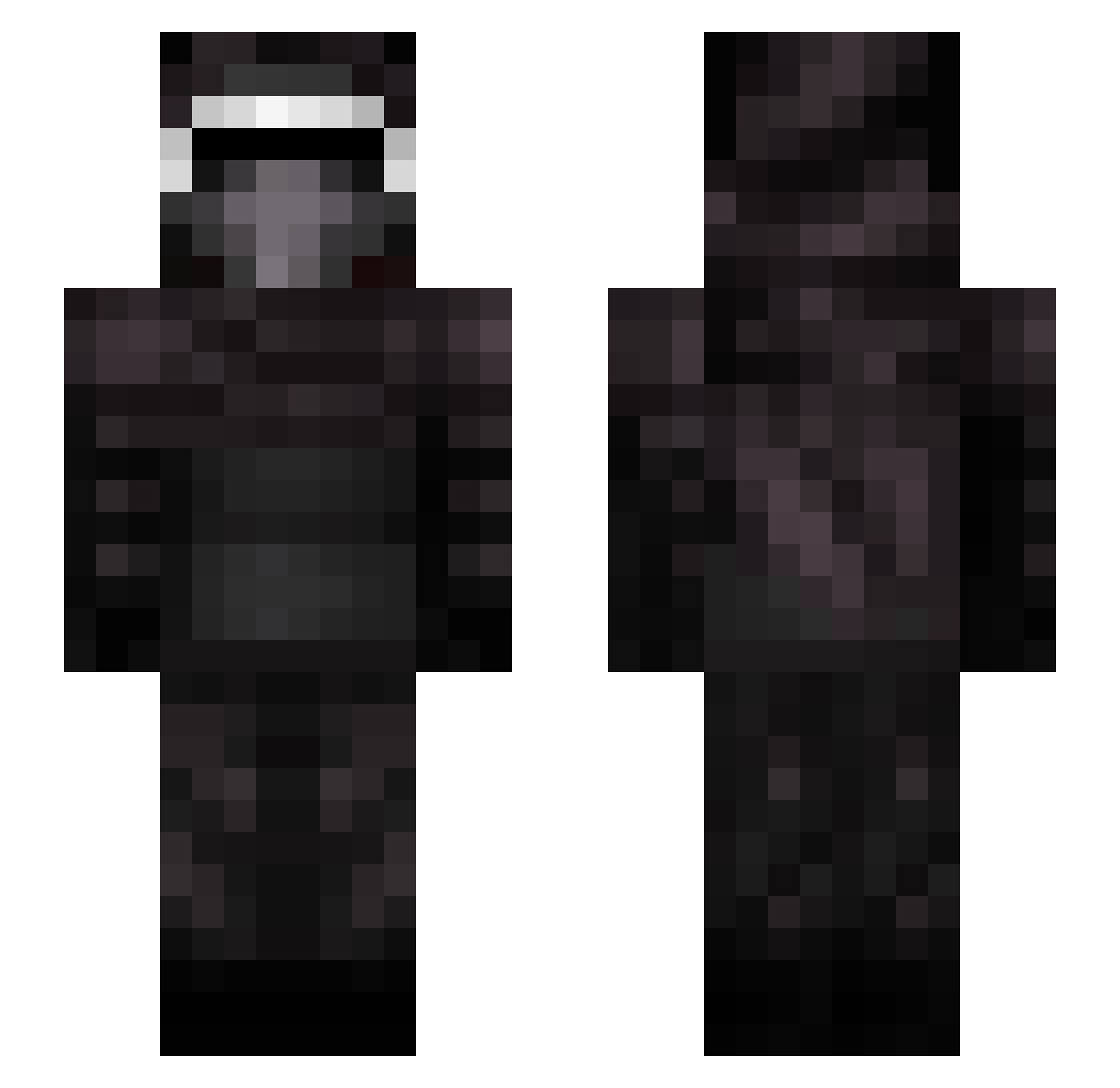
Current Minecraft skin of the player Jeredinho, loaded from the official Mojang API. Rotate the 3D model with your mouse or finger, then download the skin as a PNG file and use it in Minecraft: Bedrock Edition or Java Edition for free. When Jeredinho changes their skin, this page updates automatically and the old skin stays in the history below.
Other players with this skin (96)
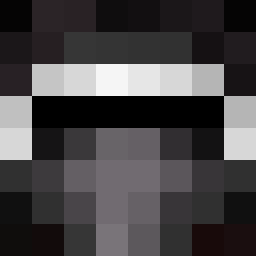
Jeredinho was the 41st player we have seen with this skin, first spotted on 16.09.2026. The same skin was seen on these players. Open a nickname to see their current skin and skin history.
 ITVRiderTH99 ChoppinUpBaccas Federxz DarthPeper RensRage arowpe KingBruce23 DarthBrownie Fantat0 Jasieniek2018 vip305 REVIAGUI Zer0RenX misa_pito VenclikS Tr1ll_Relevant TOALEXT Aleeg Deadsky426 TetsuSolo paige_storer arnau4gamer ninja_sowa Royce10 manny24s JadeiteSorcerer Sleezay FamousGarlic spectralmatthew aaronwilldavis Hello_0629 xxxx_1127 JOMIOSRATE Mazdisimo TropicalStormz2 drkCrix _kvasir mvreusel FandySolo0618 anakinstrade Schredinski MostLlama G3ck082 Bugaj060 KodaBigVoice Blockky77 Kwasty MrKroeze john_murphy_6 nnapup xiaoxiao1X slenderfish50 Klyorenmark15 heeyB mojipao andre3107 galaxytorn Skullers93 DraemBoy666 TheOnlyDaddyT
More Kylo Ren Minecraft skins
How to install the Jeredinho skin
- Press the Download button above to save the skin as a PNG file.
- Minecraft: Bedrock Edition (PE): open the Dressing Room from the main menu (or tap your character → Edit Character), go to Classic Skins → Owned, press the + (new skin) button, choose the downloaded PNG and pick the Slim (Alex) model. Works on PC and mobile; consoles cannot import custom skins.
- Minecraft: Java Edition: open the Minecraft Launcher, go to the Skins tab, click New Skin, load the PNG, pick the Slim (Alex) model and press Save & Use. You can also upload it at minecraft.net → Profile → Change Skin.
The skin does not show up after import - what should I do?
Restart Minecraft and open the Dressing Room again - imported skins sometimes appear only after a restart. Also make sure you selected the imported skin and picked the Slim (Alex) model.
Which model should I choose, Classic or Slim?
This skin is designed for the Slim (Alex) model. If you pick the wrong model, the arms of the skin will look stretched or squeezed.
Is the skin of Jeredinho free to download?
Yes. Press Download, save the PNG file and use it in Minecraft: Bedrock Edition or Java Edition - no payment or registration needed. The skin also works on multiplayer servers and Realms.
More skins
Looking for more? Go back to all Minecraft skins and check the top skins of the week, month and all time, or find any player's skin by nickname.