
Jadzyah - Minecraft Skins & Skin History
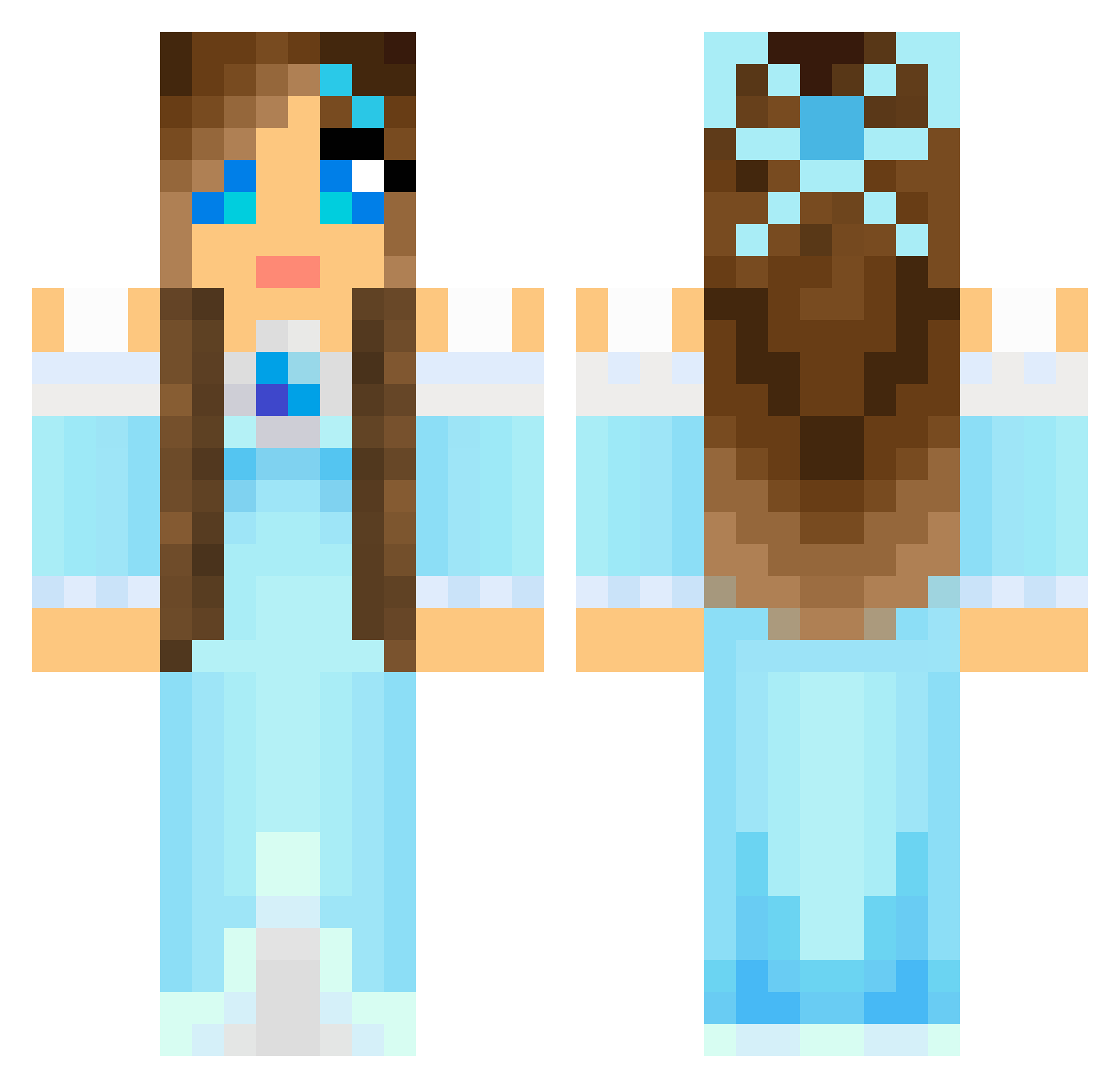
Current Minecraft skin of the player Jadzyah, loaded from the official Mojang API. Rotate the 3D model with your mouse or finger, then download the skin as a PNG file and use it in Minecraft: Bedrock Edition or Java Edition for free. When Jadzyah changes their skin, this page updates automatically and the old skin stays in the history below.
Other players with this skin (804)
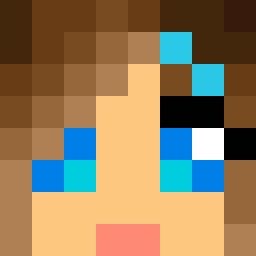
Jadzyah was the 28th player we have seen with this skin, first spotted on 27.07.2026. The same skin was seen on these players. Open a nickname to see their current skin and skin history.
 Tabby_Puppet KateDavis ChaosMelodie Arabelle_Amara Vivi_ane Savvana AandAWILL Compassionate727 PrincessAngelus horsegurl333 SagaPrincess WARHAG saccharinebitter ecwokc archerqueen101 pinkygal sammiesaucedo glittervinge AmyC1504 mastershan TKCen jomosmojo McNezer Raely9 Lyrra98 Minisofia123 habinowski252525 Perfecktmistake talyorfox EmilyHarvey Le_brownies Cuteface89 LynnWyn Bailee825 puprup keepthefaythe PrimaB Victoria_JC SassyBird Got2LoveU liia1 Nefrita KillerAlmond92 nany1750 jojorich xoxoshorteexoxo Lil_spin88 Silevria LinaElementic starstable01 GrammaJo Yuki_chan0 Ithilgara HMILL899 Camille21345 kalib231 Lollypopgirl1224 Ewila MoxieMinecraft Secomdalcom
More Princess Minecraft skins
How to install the Jadzyah skin
- Press the Download button above to save the skin as a PNG file.
- Minecraft: Bedrock Edition (PE): open the Dressing Room from the main menu (or tap your character → Edit Character), go to Classic Skins → Owned, press the + (new skin) button, choose the downloaded PNG and pick the Classic (Steve) model. Works on PC and mobile; consoles cannot import custom skins.
- Minecraft: Java Edition: open the Minecraft Launcher, go to the Skins tab, click New Skin, load the PNG, pick the Classic (Steve) model and press Save & Use. You can also upload it at minecraft.net → Profile → Change Skin.
The skin does not show up after import - what should I do?
Restart Minecraft and open the Dressing Room again - imported skins sometimes appear only after a restart. Also make sure you selected the imported skin and picked the Classic (Steve) model.
Which model should I choose, Classic or Slim?
This skin is designed for the Classic (Steve) model. If you pick the wrong model, the arms of the skin will look stretched or squeezed.
Is the skin of Jadzyah free to download?
Yes. Press Download, save the PNG file and use it in Minecraft: Bedrock Edition or Java Edition - no payment or registration needed. The skin also works on multiplayer servers and Realms.
More skins
Looking for more? Go back to all Minecraft skins and check the top skins of the week, month and all time, or find any player's skin by nickname.