
JaMaHTG - Minecraft Skins & Skin History
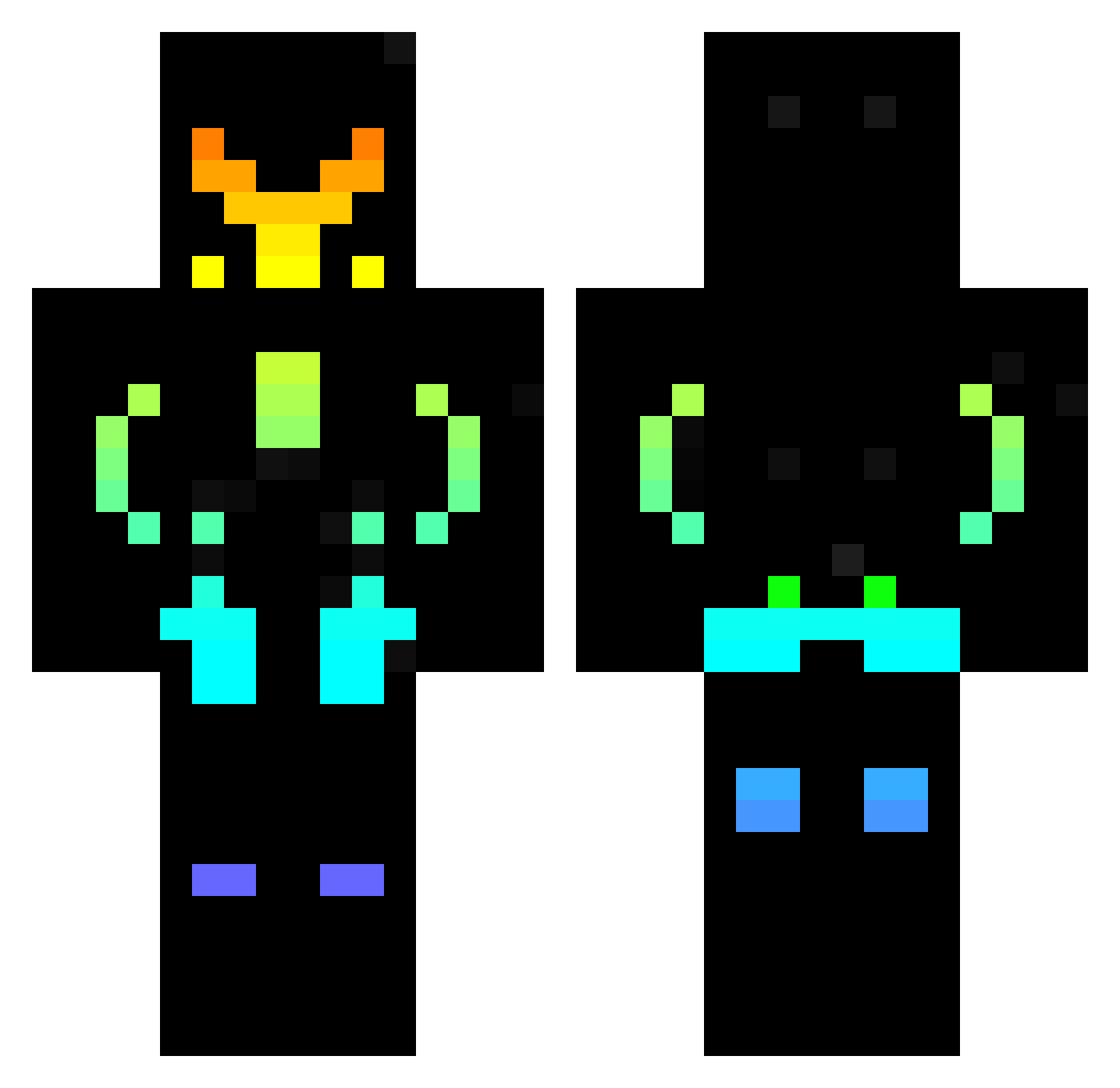
Current Minecraft skin of the player JaMaHTG, loaded from the official Mojang API. Rotate the 3D model with your mouse or finger, then download the skin as a PNG file and use it in Minecraft: Bedrock Edition or Java Edition for free. When JaMaHTG changes their skin, this page updates automatically and the old skin stays in the history below.
Other players with this skin (540)
JaMaHTG was the 470th player we have seen with this skin, first spotted on 08.11.2026. The same skin was seen on these players. Open a nickname to see their current skin and skin history.
 Glamrockfred Azothar10 ShadowHD1234 Dantes01 Angelrg97 Ch0nKy_Boi_2o04 Manou31 _Dark_Vader v_Remi_v PavG_ DZX31 DragonbornWarl SoWiSketch guevaracommu Zopolis4 AlejoyPity1 Bartlefou Dromposeu AljnDr0x SaYLeb lowo1209 AstralShape TccWolf SpamKing003 ChevalAnanas444 torrintnt LETS_GO_Yugioh magicmex Fart_Bones07 AranjorEmir geronimour scugnizz NHNam Game_Moster Lichamax MrTzuo SMX_pro _opolek7821 Amateurx TheKingHaze EverettHotFire JFFK Paul312007 tarakospa100 blockbooster003 PILIF123 Kittyminer45 YipiKaiYeh Kronosz86 Aus7 WrongEda Lucas_frvd LuizBeline bastien_10 AxelTxr mr_cinderella Xendoy BoredPheonix juanramon59 Stepan302p
More Cyberpunk Soldier Minecraft skins
See all 1501 Cyberpunk Soldier skins
How to install the JaMaHTG skin
- Press the Download button above to save the skin as a PNG file.
- Minecraft: Bedrock Edition (PE): open the Dressing Room from the main menu (or tap your character → Edit Character), go to Classic Skins → Owned, press the + (new skin) button, choose the downloaded PNG and pick the Classic (Steve) model. Works on PC and mobile; consoles cannot import custom skins.
- Minecraft: Java Edition: open the Minecraft Launcher, go to the Skins tab, click New Skin, load the PNG, pick the Classic (Steve) model and press Save & Use. You can also upload it at minecraft.net → Profile → Change Skin.
The skin does not show up after import - what should I do?
Restart Minecraft and open the Dressing Room again - imported skins sometimes appear only after a restart. Also make sure you selected the imported skin and picked the Classic (Steve) model.
Which model should I choose, Classic or Slim?
This skin is designed for the Classic (Steve) model. If you pick the wrong model, the arms of the skin will look stretched or squeezed.
Is the skin of JaMaHTG free to download?
Yes. Press Download, save the PNG file and use it in Minecraft: Bedrock Edition or Java Edition - no payment or registration needed. The skin also works on multiplayer servers and Realms.
More skins
Looking for more? Go back to all Minecraft skins and check the top skins of the week, month and all time, or find any player's skin by nickname.