
 ecstaticcc grskoll KaeptnPi Guga421 Brako09 silverapple5387 HOT_POTATO__ Leoprens OmniKrono BartuBaskan savetytle40 Tenwaii AriZonaEnjoyer baloo16 MadScoobyDoo brandeke TTVdragon5 Mair8 Martin_x_man_77 Jonavlz yooneey StealthDevil jeomEN Polaco__ Not_Racc00n Specter24 msnake02 DuduCM xuanfenglaotai C0BST3R24 Kelmonn kikanbaeza Alets69 Zaylorrd Drxwskyy NiceShotBeta Litcher69 Burdou Kiaraaa27 M3mzy01 darioov9 Igaa0 ohsolman MinininjaMC DarkfruitPorter KY0DY tomatoto_owo callme_pablo0228 goosh666 B_Rush6 aalex26 KrreXerrS Athena1311 _xXExaliburXx_ Ghehe_hehe JoNgM2 mistbloom Sapa_Shake _irfan_ ultimatemihi
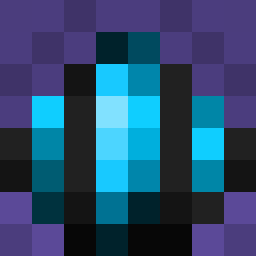
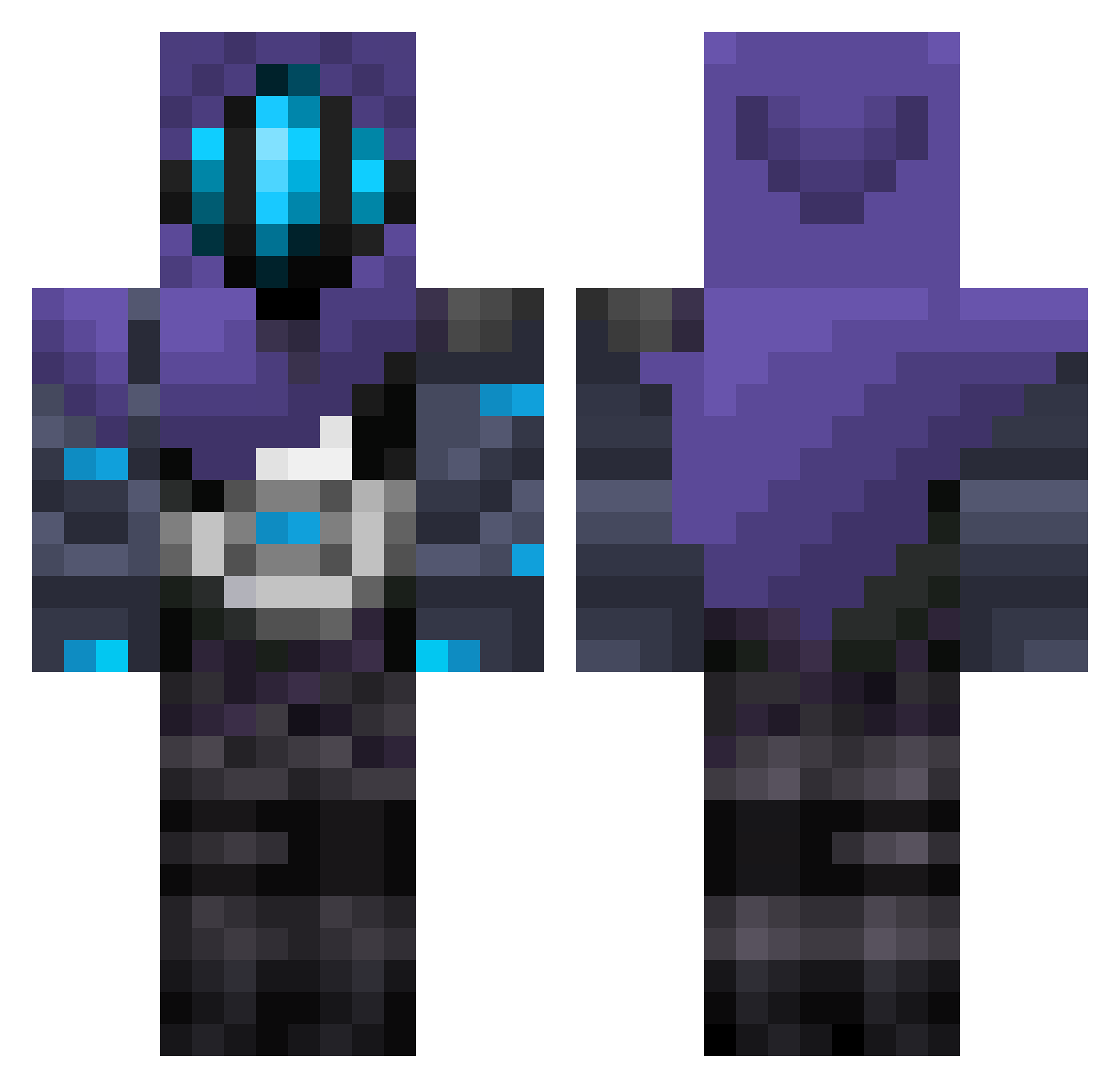
Minecraft skin of Unworthy69. Rotate the 3D model with your mouse or finger to view the skin from every angle, then download it as a PNG file and use it in Minecraft: Bedrock Edition or Java Edition for free. Rate the skin with stars to help other players find the best skins in our collection.
How to install the Unworthy69 skin
- Press the Download button above to save the skin as a PNG file.
- Minecraft: Bedrock Edition (PE): open the Dressing Room from the main menu (or tap your character → Edit Character), go to Classic Skins → Owned, press the + (new skin) button, choose the downloaded PNG and pick the Classic (Steve) model. Works on PC and mobile; consoles cannot import custom skins.
- Minecraft: Java Edition: open the Minecraft Launcher, go to the Skins tab, click New Skin, load the PNG, pick the Classic (Steve) model and press Save & Use. You can also upload it at minecraft.net → Profile → Change Skin.
The skin does not show up after import - what should I do?
Restart Minecraft and open the Dressing Room again - imported skins sometimes appear only after a restart. Also make sure you selected the imported skin and picked the Classic (Steve) model.
Which model should I choose, Classic or Slim?
This skin is designed for the Classic (Steve) model. If you pick the wrong model, the arms of the skin will look stretched or squeezed.
Is this skin free to use?
Yes. Press Download, save the PNG file and use it in Minecraft: Bedrock Edition or Java Edition - no payment or registration needed. The skin also works on multiplayer servers and Realms.
More Omen Minecraft skins
More skins
Looking for more? Go back to all Minecraft skins and check the top skins of the week, month and all time, or find any player's skin by nickname.