
JUHWAN0718 - Minecraft Skins & Skin History
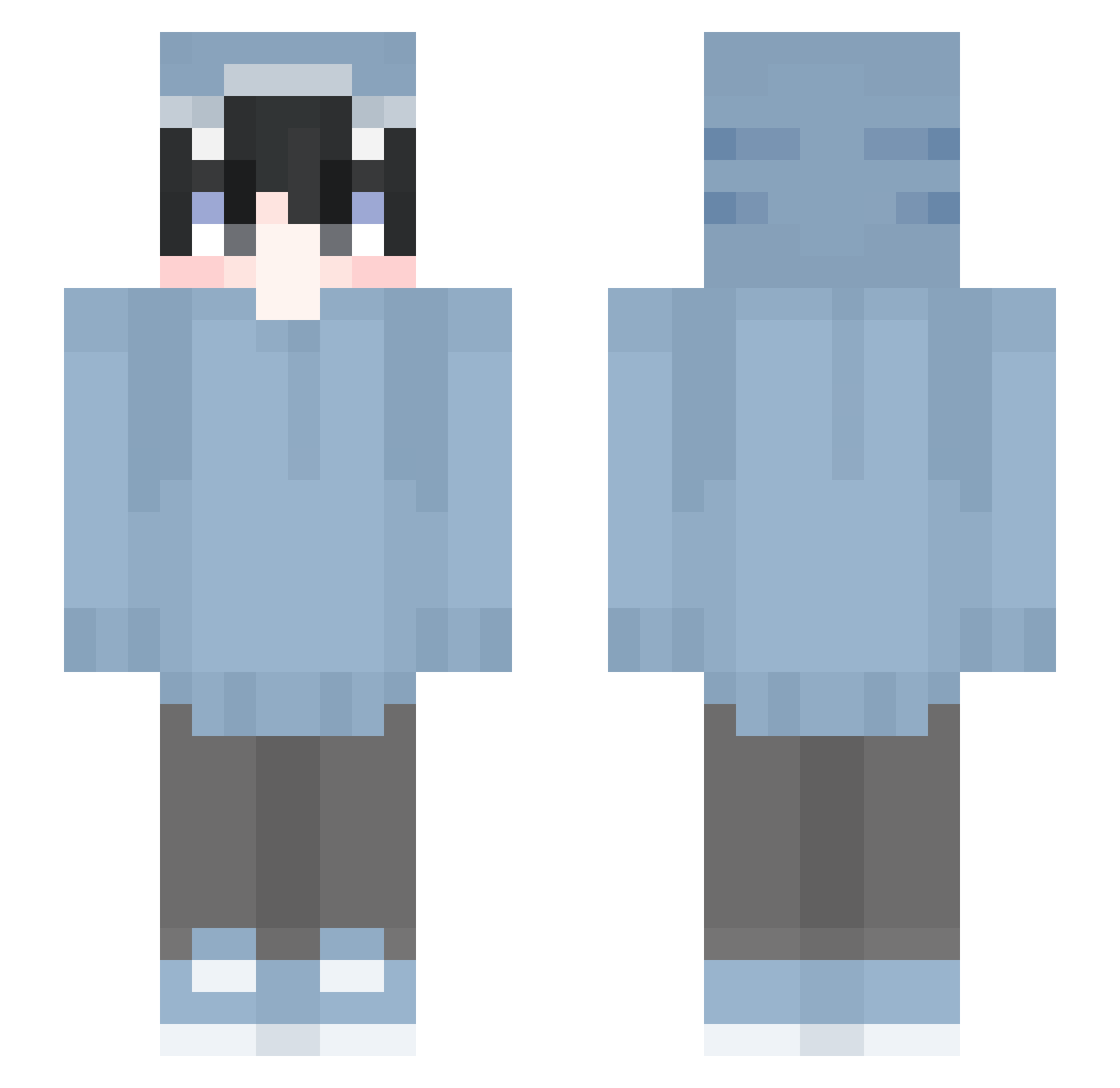
Current Minecraft skin of the player JUHWAN0718, loaded from the official Mojang API. Rotate the 3D model with your mouse or finger, then download the skin as a PNG file and use it in Minecraft: Bedrock Edition or Java Edition for free. When JUHWAN0718 changes their skin, this page updates automatically and the old skin stays in the history below.
Other players with this skin (642)
JUHWAN0718 was the 171st player we have seen with this skin, first spotted on 27.08.2026. The same skin was seen on these players. Open a nickname to see their current skin and skin history.
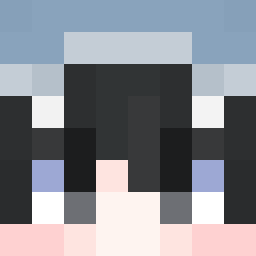 Weibing1025owo yoyoyo9726 BTN02 Reon358 Lipinhu kinoko155 VProBuddy FelixVRYT Chividipai HaskyL LMAF0 iswlry hibiki731 tangyuan0512 SandroLeBg viviaann Pemier LOspookyST ThrilledFiber80 starlighttxx banshee1201 DrcMarl Amy_Belkhatir 29Th_March Z3ro_Creativity KarmaMika77 chivet0oo LoganoZ kashicasi mikoshib Nian1210 minatora00 xLuzaNN_ fqrced LeonGustavsson Niskikarzel Lewbiit ratan2009 Tattsun330 HunterOwO liuqi6 BetaXs Roi_Luis_Vip Cxllme_SunKung magurosusa 2011_Marie Odeum LamuAR_t Sharklify_ XXX__RED__XXX luvvjvn
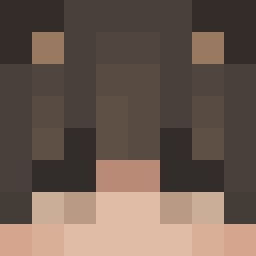 Krytexs bodhisatta369 MouuOuO lewistonkiss chunhe1220 SoshimaTV MILAT_XD Itz_Ali66 rossastelle
More Shark Onesie Minecraft skins
See all 191 Shark Onesie skins
How to install the JUHWAN0718 skin
- Press the Download button above to save the skin as a PNG file.
- Minecraft: Bedrock Edition (PE): open the Dressing Room from the main menu (or tap your character → Edit Character), go to Classic Skins → Owned, press the + (new skin) button, choose the downloaded PNG and pick the Slim (Alex) model. Works on PC and mobile; consoles cannot import custom skins.
- Minecraft: Java Edition: open the Minecraft Launcher, go to the Skins tab, click New Skin, load the PNG, pick the Slim (Alex) model and press Save & Use. You can also upload it at minecraft.net → Profile → Change Skin.
The skin does not show up after import - what should I do?
Restart Minecraft and open the Dressing Room again - imported skins sometimes appear only after a restart. Also make sure you selected the imported skin and picked the Slim (Alex) model.
Which model should I choose, Classic or Slim?
This skin is designed for the Slim (Alex) model. If you pick the wrong model, the arms of the skin will look stretched or squeezed.
Is the skin of JUHWAN0718 free to download?
Yes. Press Download, save the PNG file and use it in Minecraft: Bedrock Edition or Java Edition - no payment or registration needed. The skin also works on multiplayer servers and Realms.
More skins
Looking for more? Go back to all Minecraft skins and check the top skins of the week, month and all time, or find any player's skin by nickname.