
JSONDev - Minecraft Skins & Skin History
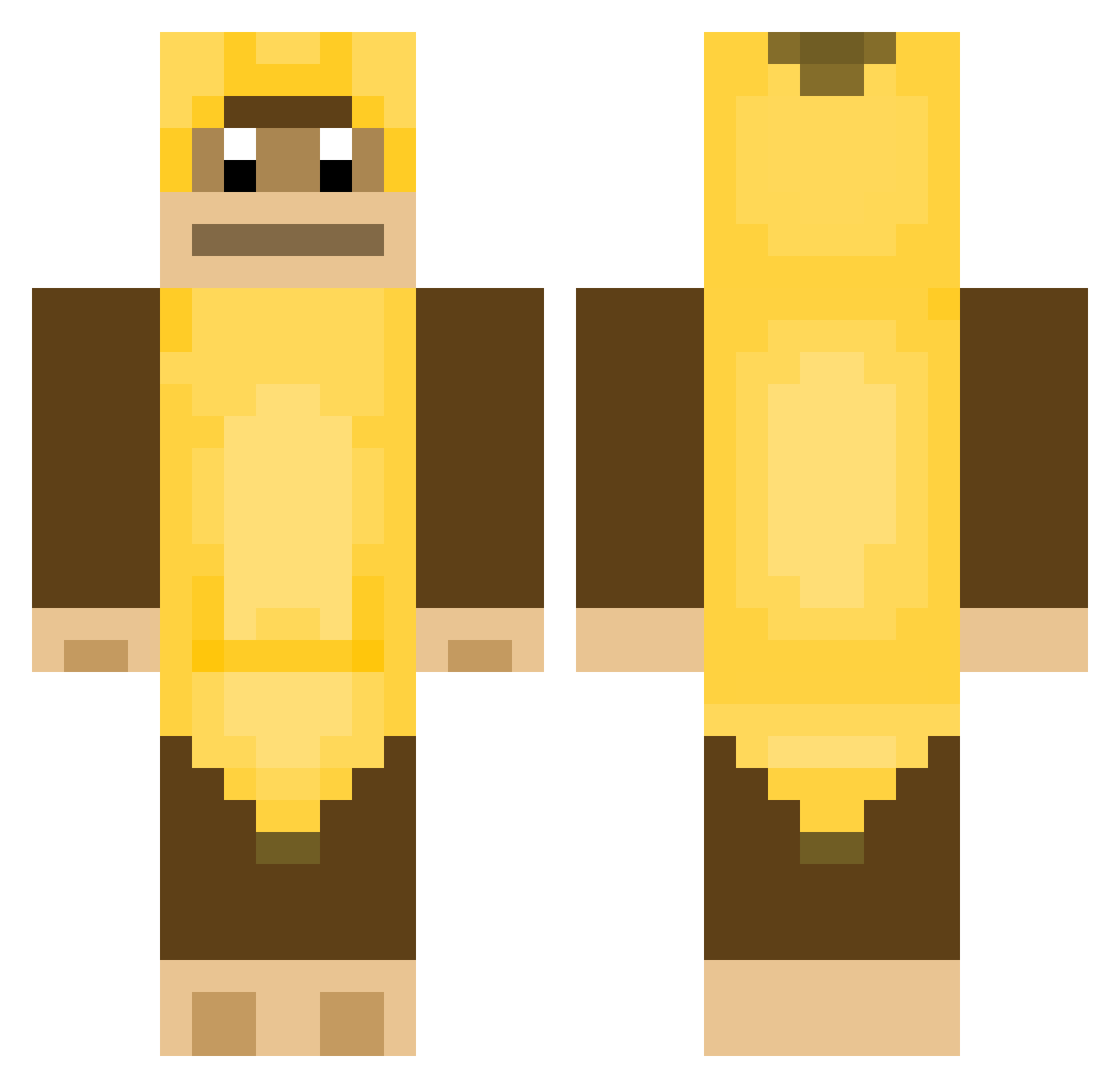
Current Minecraft skin of the player JSONDev, loaded from the official Mojang API. Rotate the 3D model with your mouse or finger, then download the skin as a PNG file and use it in Minecraft: Bedrock Edition or Java Edition for free. When JSONDev changes their skin, this page updates automatically and the old skin stays in the history below.
Other players with this skin (377)
JSONDev was the 78th player we have seen with this skin, first spotted on 18.08.2026. The same skin was seen on these players. Open a nickname to see their current skin and skin history.
 bakdoong contactishot eckman0711 nhupora CHOHAKY iAzukia I_dont_rizz DivingMonkey bigeeoi12 Kanelbulen7 boometer15 vlad1296 yeti0821 GucciTuck123 JKisaBOSS123 Coleslaw1788 TikTokBanana my03 madsthegamer2001 hesman2 Choodog JordoBordo69 KaanAS77 MusongFuse TransformerMax hinnkiiii MisterToo firehog99 ezera_ ChizuruIchinose Nzm3 BANANAMAN_01 CMC2 Adussi Homaney zeebes junkis22 insalata_aisberg kebabknecht YachtClxb autistic_alex xAllan_ TwitchersEkitten FeverPhoenix 1opP0 BigFryta Jordav3887 mo_I loto981 MANUP_1 SirCitrus3 Rainpwn hitboxtimyyy heaath brzesiu custo12 Banana_bro StreunerGebiss alexisamazin1 jayyycuuub
More Animal Minecraft skins
How to install the JSONDev skin
- Press the Download button above to save the skin as a PNG file.
- Minecraft: Bedrock Edition (PE): open the Dressing Room from the main menu (or tap your character → Edit Character), go to Classic Skins → Owned, press the + (new skin) button, choose the downloaded PNG and pick the Classic (Steve) model. Works on PC and mobile; consoles cannot import custom skins.
- Minecraft: Java Edition: open the Minecraft Launcher, go to the Skins tab, click New Skin, load the PNG, pick the Classic (Steve) model and press Save & Use. You can also upload it at minecraft.net → Profile → Change Skin.
The skin does not show up after import - what should I do?
Restart Minecraft and open the Dressing Room again - imported skins sometimes appear only after a restart. Also make sure you selected the imported skin and picked the Classic (Steve) model.
Which model should I choose, Classic or Slim?
This skin is designed for the Classic (Steve) model. If you pick the wrong model, the arms of the skin will look stretched or squeezed.
Is the skin of JSONDev free to download?
Yes. Press Download, save the PNG file and use it in Minecraft: Bedrock Edition or Java Edition - no payment or registration needed. The skin also works on multiplayer servers and Realms.
More skins
Looking for more? Go back to all Minecraft skins and check the top skins of the week, month and all time, or find any player's skin by nickname.