
JOWISAN - Minecraft Skins & Skin History
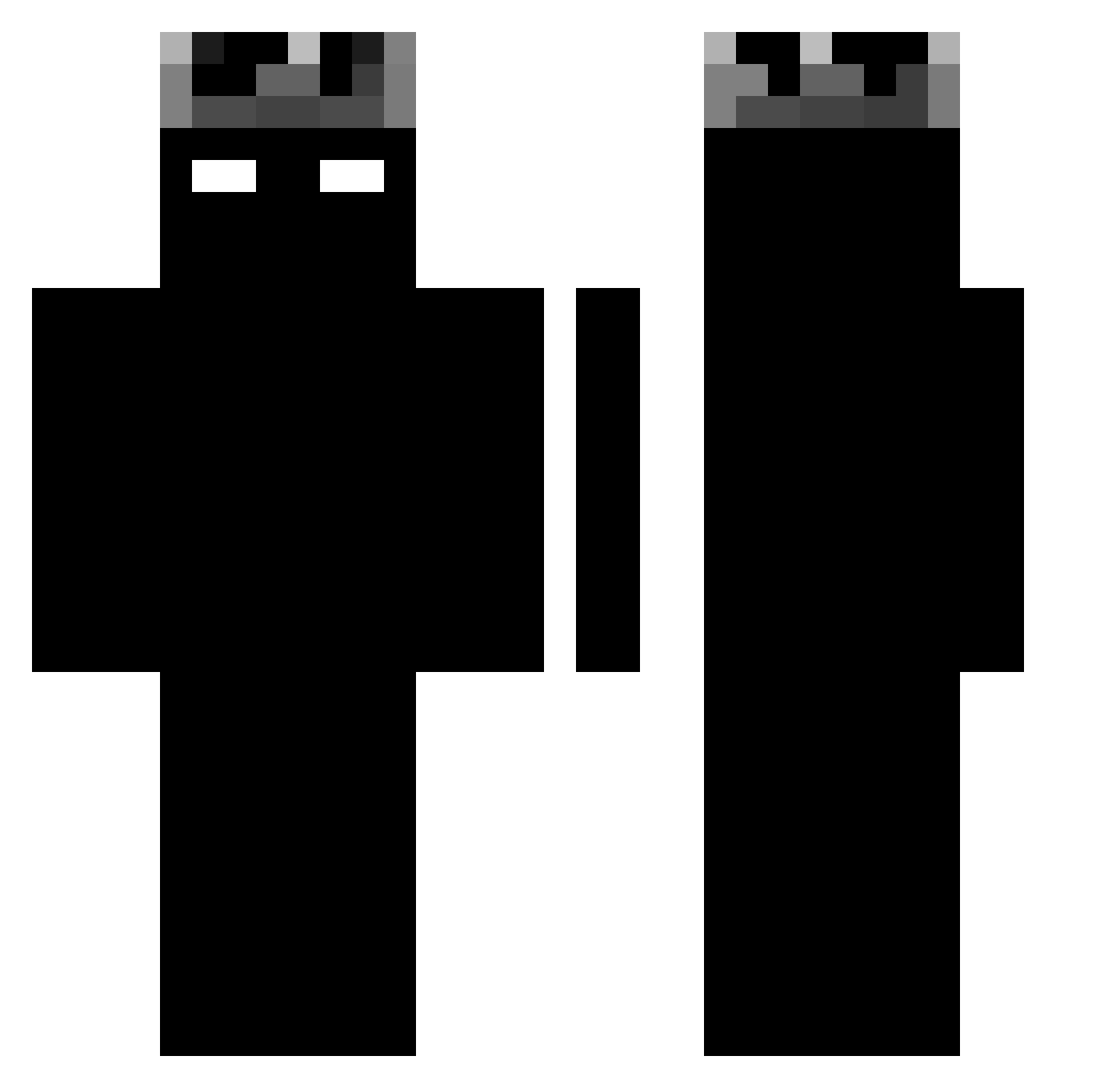
Current Minecraft skin of the player JOWISAN, loaded from the official Mojang API. Rotate the 3D model with your mouse or finger, then download the skin as a PNG file and use it in Minecraft: Bedrock Edition or Java Edition for free. When JOWISAN changes their skin, this page updates automatically and the old skin stays in the history below.
Other players with this skin (1188)
JOWISAN was the 1092nd player we have seen with this skin, first spotted on 28.10.2026. The same skin was seen on these players. Open a nickname to see their current skin and skin history.
 Death524 mogalts_b5vl0 Lori60 geocs NovWoved JV101012 anonymeMC DepartureSong KNI21 blejzi_6 jegan_me K1SSMYCAT Zulu270113 TRMateoooK1 RAPTOR_0_ stealthyilgrande Noah_306 filipzemekk BLroke Sa1ex2601 matheo1402 Hassanv7a Kirill15 FlynRB BoredSoberr Dm_1808 flyingmortin Iamsgg plutohasrizz mMatjisek 1duch shaheer133 OwnedByMatty Crw__ Nogueira001 cepillin12 air_mants robertgidasztick HUGER_100 spicynuthead360 Jose_090 SternSnow444951 Legion1892 SMilan18 AAlumur LeGeg Memayngonlamdo domixn1 bradleexd Infernogamees qwxwp batirr xxalejandriaxx Tomcaa95 siberzin BXW037 Eier_chan pressurecooker14 Yamiii61 Ekam07
More Shadow Minecraft skins
How to install the JOWISAN skin
- Press the Download button above to save the skin as a PNG file.
- Minecraft: Bedrock Edition (PE): open the Dressing Room from the main menu (or tap your character → Edit Character), go to Classic Skins → Owned, press the + (new skin) button, choose the downloaded PNG and pick the Classic (Steve) model. Works on PC and mobile; consoles cannot import custom skins.
- Minecraft: Java Edition: open the Minecraft Launcher, go to the Skins tab, click New Skin, load the PNG, pick the Classic (Steve) model and press Save & Use. You can also upload it at minecraft.net → Profile → Change Skin.
The skin does not show up after import - what should I do?
Restart Minecraft and open the Dressing Room again - imported skins sometimes appear only after a restart. Also make sure you selected the imported skin and picked the Classic (Steve) model.
Which model should I choose, Classic or Slim?
This skin is designed for the Classic (Steve) model. If you pick the wrong model, the arms of the skin will look stretched or squeezed.
Is the skin of JOWISAN free to download?
Yes. Press Download, save the PNG file and use it in Minecraft: Bedrock Edition or Java Edition - no payment or registration needed. The skin also works on multiplayer servers and Realms.
More skins
Looking for more? Go back to all Minecraft skins and check the top skins of the week, month and all time, or find any player's skin by nickname.